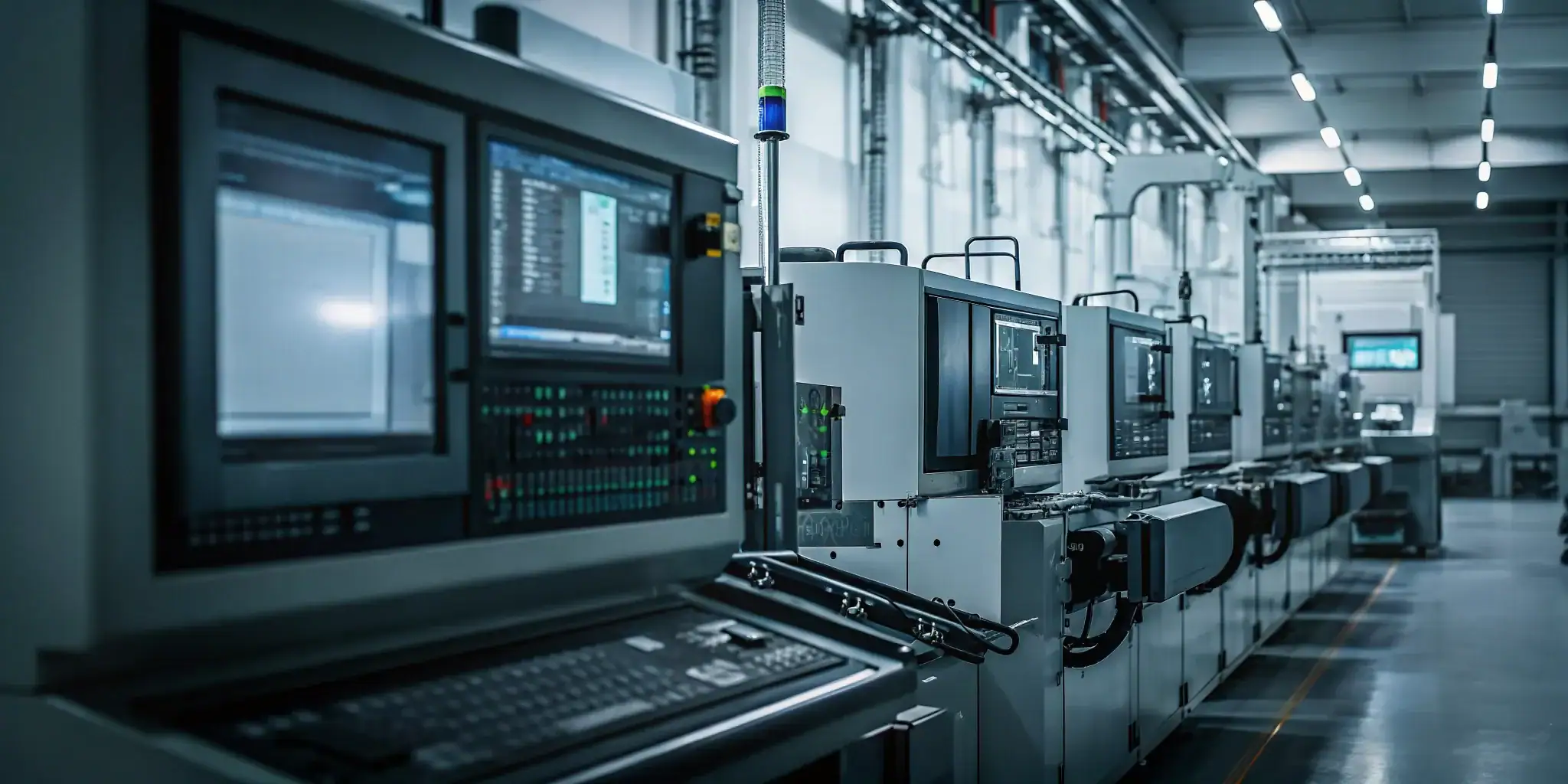
Late orders rarely start at shipping; they start where hidden capacity constraints go unnoticed. A credible ship date needs a schedule grounded in shop floor reality.
To improve on-time delivery manufacturing teams should schedule jobs against visible, finite capacity instead of assumed machine availability. Start with a live view of each work center and use finite scheduling to confirm that promised dates fit current constraints. Add real-time machine monitoring so planners can compare theoretical capacity with actual OEE data, downtime, and available machine hours. Track queues and loads by work center to identify bottlenecks before delays become critical and force another round of expediting. This gives plant managers and production schedulers a practical control loop: see capacity, create realistic schedules, detect drift early, and adjust priorities while time remains.
The practical question is not whether to track OTD, but how to keep every promise tied to executable work. Next, we cover How to improve on-time delivery manufacturing with visibility, so you can expose constraints before they become missed dates on the floor. Here’s how.
How to improve on-time delivery manufacturing with visibility
Why static schedules break down
To improve on-time delivery manufacturing teams need a schedule that reflects the shop floor as it changes. An ERP due date is useful for planning, but it does not show whether a machine is down. It may also miss whether a setup ran long or a prior job used the remaining capacity.
Manual spreadsheets create a similar problem. They can show the plan, yet they depend on people to gather updates and revise each row. By the time the file is current, a bottleneck may already affect the next operation. Research also points to gaps in coordination and raw material shortages as causes of production bottlenecks. The published review of manufacturing constraints shows why a schedule must account for more than planned dates.
Actual capacity instead of assumptions
Theoretical capacity assumes the available hours on a work center are usable. Actual capacity reflects the work the shop can complete now. Machine status, labor, tooling, setup time, and the queue ahead of each operation can change that answer.
Finite scheduling brings those limits into the daily plan. Teams can use visual production scheduling to see overloaded work centers and test changes before moving a job. This helps planners avoid solving one late order by making several other orders late.
The same view gives sales and operations a shared basis for delivery promises. A date is more useful when the schedule shows where the job fits and what could block it. When a rush order arrives, planners can assess its effect before releasing it to the floor.
From firefighting to production control
Visibility changes the daily question. Instead of asking which order is already late, supervisors can ask which constraint threatens the next promised date. They can focus on the work center, material, or setup that needs action first.
- Track each job against its routing and current operation.
- Compare planned hours with the capacity available on the floor.
- Flag overloaded work centers before queues grow.
- Review the effect of schedule changes before committing to them.
This is the practical path from late-delivery firefighting to constraint-aware control. It also gives a tactical next step after measuring the on-time delivery rate. The KPI shows the outcome; live shop floor visibility helps teams manage the causes.
Start with true capacity visibility
A schedule may show open hours while the shop floor tells a different story. Planned capacity assumes that machines, people, and work centers will be ready when needed. Actual capacity changes throughout the day. Downtime, setups, labor gaps, and queues can all reduce the time available for the next job.
That gap matters when the goal is to improve on-time delivery in manufacturing. A promised date based on planned hours may already be at risk before the order enters production. Plant managers need a current view of capacity before they commit to a due date or move a rush order ahead.
Planned hours versus usable hours
Start by separating calendar time from usable production time. A work center may appear open for a full shift, yet a setup or unplanned stop can consume part of that window. A missing operator can limit another operation. Work waiting upstream can leave a machine idle even when the schedule looks full.
Real-time machine monitoring helps teams compare theoretical capacity with actual shop floor capacity. It also provides the data needed to assess overall equipment effectiveness (OEE). This makes hidden losses visible before they become missed dates.
Capacity checks before schedule changes
A plant manager should check current load before promising a date, reprioritizing work, or expediting an order. Moving one urgent job may delay several jobs already in the queue. The effect can also spread across later operations when parts follow different routings.
This is where finite scheduling adds value. It tests work against real constraints instead of relying on rough assumptions. Teams using manufacturing scheduling software can review the load by machine and work center before they change the sequence.
A shared view of bottlenecks
Capacity visibility also gives production, sales, and customer service a common view of risk. Each team can see which work center is constrained, what is waiting, and which due dates may need attention. That shared view supports faster decisions without turning every late job into a fire drill.
The issue is wider than a single machine. Research on production chain disruptions identified raw-material shortages and poor stakeholder coordination among key bottlenecks. The findings support a practical point: delays often compound when teams lack a clear view of available resources and queued work. The published research on production bottlenecks also highlights the need to map shortages and coordinate available resources.
Use that visibility as the starting point for each schedule review. Check real capacity, locate the constraint, and then test the effect of any change. A realistic promise is more useful than an optimistic date that creates more expediting later.
Use finite scheduling before the due date is at risk
A due date should not be the first sign that the schedule is overloaded. Small-to-medium manufacturers and job shops need a clear view of what each machine can absorb. This is harder in high-mix work, where each job may follow a different route through the shop.
Capacity that reflects the shop floor
Infinite or static planning can place work on a calendar without testing whether each machine has enough open time. That may look orderly on paper. It can still hide a queue at a key work center. Finite scheduling takes a stricter view: load work against actual machine capacity and constraints.
For example, a planner may have several jobs ready for one machining center. The ERP due dates do not show which sequence fits the available hours. A finite schedule exposes the overload. It also helps the planner split work, adjust the sequence, or review the promise date.
The aim is not to make a perfect forecast. It is to see conflicts while there is still time to act. Research on production bottlenecks points to the need to map shortages and coordinate available resources. That supports a practical lesson: capacity planning works better when constraints are visible.
Scenario testing before promises change
A visual schedule helps supervisors test the next move before they change the live plan. With visual production scheduling, a planner can drag and drop jobs to assess capacity as orders change. The screen should make the tradeoff plain: which work center gains load, which job moves, and which due date loses room.
This matters when a rush order enters the queue, a machine loses time, or a job runs longer than expected. Test the change first. Then decide whether to resequence jobs, move work to another qualified machine, adjust staffing, or speak with the customer. Earlier action protects more options.
A daily scheduling discipline
Finite scheduling works best as a routine, not a rescue tool. Review work-center load before the daily production meeting. Look for overloaded machines, thin schedule buffers, and jobs with little room for delay. A planner should also compare the current queue with new orders before accepting a due date.
- Use actual capacity, not an assumed open calendar.
- Check the routing for each job before moving it.
- Test rush work in the visual schedule before committing.
- Flag the first constraint early, while the team still has choices.
For shops moving beyond whiteboards or basic ERP modules, manufacturing scheduling software can make this review easier to repeat. The value is simple: the team sees when the schedule cannot absorb more work. That gives operations time to respond before a customer due date is already at risk.
How can machine monitoring improve on-time delivery?
Machine monitoring helps a manufacturer plan from live shop floor facts instead of yesterday’s assumptions. It shows whether equipment is running, idle, down, or waiting for work. That matters because the schedule should reflect what a machine can finish today, not its rated capacity on paper.
Actual uptime and cycle progress
With real-time machine monitoring, supervisors can see actual uptime and cycle progress while work is still moving. They do not need to wait for an end-of-shift report. A late start, long cycle, or unplanned stop becomes a prompt to check the next schedule decision.
Consider a job shop with a rush order moving through turning, milling, and inspection. If the mill stops mid-run, the planner can see the issue before downstream work piles up. The team can move another suitable job forward, check an alternate machine, or reset the promise date with current information.
OEE as schedule context
Overall equipment effectiveness (OEE) adds useful context, but it is not a schedule by itself. It helps planners compare expected capacity with actual shop floor capacity. A machine may appear open on the schedule while repeated stops reduce the time available for the next operation.
The practical question is simple: can this resource still finish its queued work before the due date? In a discrete manufacturing plant, live data can flag a press that keeps losing time between cycles. The planner can then protect an urgent order before one delay spreads through its routing.
Constraint data for faster decisions
Monitoring becomes more useful when it feeds job shop manufacturing software and a finite schedule. Planners can review machine status, queued work, routing needs, and current constraints in one workflow. They can focus first on the resource that limits flow.
This approach also supports better handoffs. Research on production bottlenecks notes that the arrangement of production stakeholders can disrupt production chains. Live constraint data gives scheduling, production, and customer-facing teams a shared view of the risk.
For example, if a grinder goes down near the end of a job, the supervisor can review the remaining route at once. The team may shift work, adjust priorities, or alert the customer before the missed date becomes a surprise.
Find bottlenecks early enough to protect the promise date
A late order often starts with a small issue that stays hidden for too long. A machine stops, material is short, or a priority job consumes capacity planned for another order. The key is to see the risk while there is still time to act. Research on production chains also points to material shortages and poor coordination among production stakeholders as sources of bottlenecks. The study shows why teams need clear constraint mapping before delays spread.
Warning signs worth watching
Look for jobs that wait too long between operations, machines with growing queues, and work centers that stay loaded after nearby resources clear. Compare planned output with actual output during the shift. This turns a schedule into an early warning tool instead of a record of yesterday’s problems.
Do not watch each signal in isolation. A machine stop may look minor until the schedule shows several due-date jobs waiting for that resource. Material availability, outside services, labor skills, tooling, quality holds, and setup time can also affect the next operation. Useful real-time machine monitoring helps supervisors compare actual shop floor capacity with the capacity assumed by the plan.
Job shop examples
In a job shop, one urgent order may cross several shared work centers. A delay at inspection, heat treatment, or a skilled-machine pairing can disrupt jobs with different routings. That makes queue position as important as machine status. Teams using job shop manufacturing software can review the routing, see the downstream effect, and choose the least harmful response.
- Move a compatible operation to an open machine when the routing allows it.
- Change the sequence when a due-date job is trapped behind work with more schedule room.
- Add a shift, use another qualified operator, or split a batch when the constraint needs more capacity.
- Flag customer risk early when no shop floor change can protect the promised date.
Discrete manufacturing examples
In discrete manufacturing, the same logic applies across repeat operations and assembly steps. A growing queue at machining may leave assembly short of parts later. A missing component may block one order while other work can still move. Real-time visibility lets the team adjust the plan before the bottleneck reaches final assembly.
The best response is not always to expedite the loudest order. First, find the resource that limits flow. Then test which schedule change protects the most promise dates with the least disruption. That is how manufacturers improve on-time delivery. Detect the constraint early, act on current capacity, and communicate the remaining risk before the due date is missed.
Compare reactive and proactive delivery workflows
Most late deliveries are not caused by one bad decision. They come from a workflow that shows problems too late. A reactive workflow waits for an expeditor, a customer call, or a missed operation. A proactive workflow uses schedule, machine, and capacity signals before the promise date is in danger.
| Delivery workflow | Reactive approach | Proactive approach |
|---|---|---|
| Capacity planning | Assumes standard hours are available until a problem appears. | Checks actual machine load, queues, setup time, and constraints before promising dates. |
| Scheduling | Uses a spreadsheet or ERP date list that may not show work-center overload. | Uses finite scheduling to test work against real capacity and routing limits. |
| Machine status | Reviews downtime after the shift or after the job is already late. | Uses live machine data to see lost time while the schedule can still change. |
| Bottleneck response | Expedites the loudest job and moves work without seeing the full effect. | Finds the limiting resource, tests options, and protects the most promise dates. |
| Customer communication | Explains the delay after the due date has slipped. | Flags risk early, gives a better update, and sets a realistic recovery plan. |
Why the proactive workflow wins
The proactive workflow is not just faster. It is more honest. It shows what the shop can run, where the next constraint sits, and which promise dates need attention. That gives the team a fair chance to solve the real problem.
For plant managers, the main shift is from status reporting to decision support. A report tells you what happened. A visible, constraint-aware schedule helps you decide what should happen next. That is the difference between explaining missed dates and preventing more of them.
Where JobPack fits
JobPack is designed for small-to-medium manufacturers that need more shop floor control than a basic ERP module can provide. Its role is not to replace the ERP. It bridges ERP planning with the shop floor data needed for daily execution, including scheduling, monitoring, and analytics.
That matters when you need to improve on-time delivery manufacturing performance without adding more manual tracking. The system should help planners see capacity, watch machine status, and act before the schedule runs out of room.
What steps should manufacturers take first?
Improving on-time delivery works best as a staged process. Do not start by buying more capacity or demanding a perfect schedule. Start by making the current delivery problem visible, then connect the signals that help the team act earlier.
- Define the on-time delivery rule. Decide whether an order counts as on time by ship date, customer receipt date, full quantity, or partial shipment. Use one rule across sales, planning, production, and customer service.
- Review late-reason patterns. Group missed dates by cause, such as machine downtime, material shortage, outside processing, quality hold, setup overrun, labor constraint, or bad promise date. This shows which problems deserve the first fix.
- Connect schedule and machine data. A planner needs to know whether a work center is actually available. Link schedule decisions to live production signals where possible, not only to end-of-day updates.
- Build a finite schedule. Load work against real machine capacity, routing steps, and known constraints. Then test rush orders or priority changes before committing to a new promise date.
- Set alerts for bottlenecks. Watch growing queues, overloaded machines, idle downstream work centers, and jobs with little remaining schedule buffer. These alerts should appear early enough for action.
- Review delivery performance weekly. Compare the schedule plan with actual output. Keep the review focused on cause, response, and prevention, not blame.
A practical first month
In the first month, choose one product family, work center, or value stream. Map the active orders, the shared machines, and the most common late-reason codes. Then compare planned capacity with actual machine time each day.
This narrow start keeps the project useful. A job shop might begin with its busiest machining center. A discrete manufacturer might start with the operation that feeds assembly. In both cases, the aim is to find the constraint before it affects the due date.
What to avoid
Do not turn the project into a reporting exercise. More charts will not help if no one changes the schedule. Each review should end with a decision: resequence work, add capacity, move a qualified operation, communicate risk, or adjust the promise date.
Also avoid treating on-time delivery as only a shipping metric. Shipping sees the miss at the end. Production scheduling, capacity planning, and machine monitoring create the earlier signals that can prevent the miss.
Frequently asked questions
How do you improve on-time delivery in manufacturing?
Improve on-time delivery manufacturing performance by making capacity visible, using finite scheduling, tracking machine status in real time, and finding bottlenecks before due dates slip. Start with the work centers that cause the most late orders.
What are common reasons for late delivery in manufacturing?
Common reasons include unrealistic promise dates, machine downtime, material shortages, long setups, overloaded work centers. Labor constraints, quality holds, and poor visibility between the ERP plan and shop floor execution.
How does real-time visibility improve on-time delivery?
Real-time visibility shows whether production is matching the schedule. When supervisors see lost machine time, growing queues, or bottlenecks early, they can resequence work, add capacity, or alert customers before the due date is missed.
Why is finite scheduling important for job shops?
Finite scheduling is important because job shops often run high-mix work across shared machines. It helps planners test jobs against actual capacity, routing steps, and constraints instead of assuming every work center is always available.
What KPI should manufacturers use for on-time delivery?
Use a clear on-time delivery rate based on the customer’s promise date and a consistent rule for full or partial shipment. Track late reasons with the KPI so the team can fix root causes, not just report misses.
Ready to improve on-time delivery manufacturing performance?
If your team is still chasing late jobs with spreadsheets, whiteboards, and disconnected ERP dates, JobPack can help you see capacity sooner and make better schedule decisions. JobPack combines visual production scheduling, machine monitoring, and shop floor analytics for small-to-medium manufacturers that need practical control without enterprise MES complexity.
Request a JobPack demo to see how better scheduling visibility and machine data can support more reliable delivery promises.