For a small or mid-sized manufacturer, the hardest part of improving operations is often not collecting more data. It is connecting what the machines, jobs, schedules, and operators are already telling you.
A digital twin in manufacturing is a connected digital representation of physical production assets and processes, kept current with relevant operational data. It can combine machine signals, operator activity, ERP orders, routings, production results, and scheduling information. That combined view shows what is happening now and helps teams evaluate decisions before making them on the shop floor.
You do not need to model every detail of a factory on day one. A practical approach starts with a focused use case, such as understanding machine status, comparing planned and actual work, or testing capacity changes. From there, connected production scheduling, machine monitoring, shop-floor data collection, and analytics can create a stronger foundation for more informed decisions. The first step is defining what a manufacturing digital twin includes and what it does not.
What is a digital twin in manufacturing?
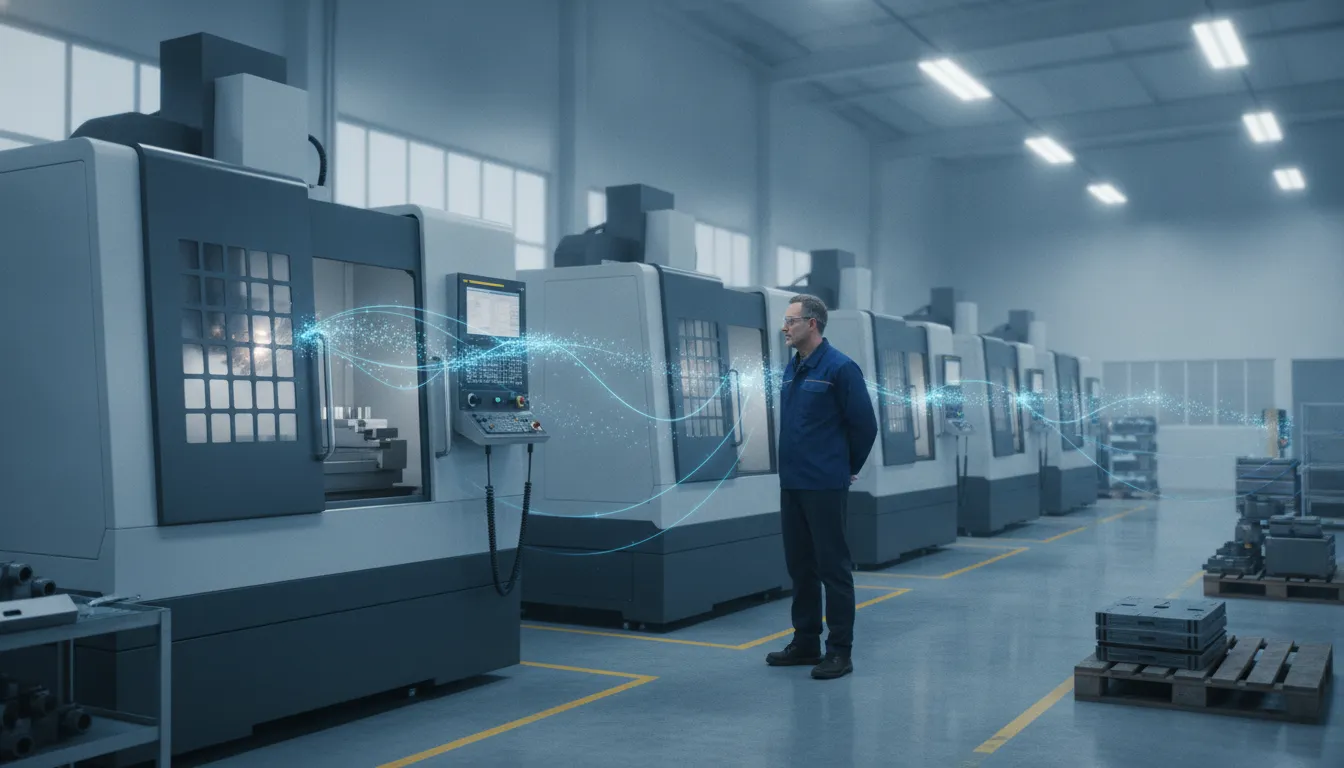
A digital twin in manufacturing is a connected digital representation of a physical asset, process, production cell, or factory. It combines a model of how the operation is supposed to work with current data about what is actually happening. That connection helps a manufacturer understand present conditions, test decisions, and improve operations without relying only on delayed reports or assumptions.
The three parts of a manufacturing digital twin
A useful twin has three related parts. The first is the physical twin: the real machine, production cell, work order, or operating environment. In a discrete manufacturing plant, that might include a CNC machine, its tooling, the jobs routed to it, operator activity, and the surrounding process.
The second is the virtual twin, a digital representation of that physical operation. It can describe equipment, process steps, capacity, status, dependencies, and expected performance. The model does not have to represent an entire enterprise on day one. Digital-twin implementations can apply at the machine, cell, shop-floor, or enterprise level, allowing scope to grow as the data foundation improves. Research on manufacturing digital twins describes this progression from individual assets to interconnected manufacturing environments.
The third part is the data connection between the physical and virtual sides. A twin is updated through synchronized data exchange, such as machine signals, sensor readings, production records, process logs, and operator input. The resulting information can support live awareness, analysis, and, in more advanced implementations, influence how the physical operation is managed. The academic definition of a manufacturing digital twin emphasizes the physical asset, the continuously updated virtual representation, and the connections between them.
Digital model, digital shadow, and digital twin
These terms are related, but they are not interchangeable. A digital model is a representation that may be created from design assumptions or historical information. It does not necessarily receive live data from the physical operation. A digital shadow receives data from the physical operation, creating a one-way view of current conditions. For example, a dashboard showing that a machine is running, idle, or in alarm may be a valuable operational view without being a full twin.
A digital twin adds a stronger connection. Its physical and virtual entities exchange data and influence each other in both directions, a distinction documented in research on digital twin terminology. In practice, that could mean using current machine and scheduling data to evaluate a capacity change, then using an approved decision or control instruction to affect the operation. The degree of automation depends on the systems, safeguards, and use case.
What this means for a discrete manufacturer
A manufacturer does not need to claim a complete factory twin to begin building the underlying data foundation. Connected real-time machine monitoring, shop-floor records, ERP information, scheduling data, and analytics can create a more reliable view of production. JobPack can provide these enabling capabilities, but those capabilities should not be confused with a claim that JobPack alone is a complete bidirectional digital twin. The practical starting point is a clearly defined asset or workflow, trustworthy data, and a model that helps the team make a better production decision.
How does a manufacturing digital twin use production data?
A manufacturing digital twin becomes useful when it connects the data that describes what a plant is supposed to do with the data that shows what is happening now. That can include customer orders and routings from an ERP, work instructions and execution records from an MES. Schedule and capacity information, machine states, operator entries, quality results, and historical process logs.
At the equipment level, PLCs, sensors, and IoT devices can provide signals about speed, temperature, alarms, cycle status, and other operating conditions. Research from McKinsey describes asset twins as real-time representations informed by PLC, sensor, and IoT data, with applications such as maintenance and production optimization. That data connection is more valuable when it is tied to a specific machine, job, part, operation, and time period.
From raw signals to live production context
A machine signal by itself says little about the business impact of a stoppage. Combined with the schedule, it can show which job is affected, whether another resource is available, and whether a delivery commitment is at risk. Operator activity codes, downtime reasons, quality checks, and production counts add context that automated signals may not capture. Sensor data and historical process logs can support monitoring, prediction, and optimization when they are organized into a usable operational model, as described in research on digital-twin methods. The underlying research also shows why a twin may span an individual machine, a cell, a shop floor, or a broader enterprise.
For a discrete manufacturer, this might mean comparing planned cycle time with actual performance. Seeing work in progress across operations, or linking a quality issue to the machine, material, program, or process conditions involved. The result is a shared view for schedulers, supervisors, and plant leaders rather than separate spreadsheets and disconnected screens. Tools for real-time machine monitoring and shop-floor data collection can provide important building blocks for that view.
Using connected data to test decisions
Once the data is current and associated with the right resources, a digital twin can help teams evaluate decisions before changing the live schedule or process. Factory-twin architectures can combine asset data with MES, ERP, and HMI feeds to support dynamic production scheduling and what-if analysis. McKinsey’s factory-twin overview describes this connection between factory data, scheduling, and scenarios.
In practice, a scheduler might test the effect of a machine being unavailable, a rush order entering the queue, or capacity shifting to another resource. A plant manager might compare planned output with actual throughput and investigate recurring downtime. Production scheduling and analytics systems can help make those questions visible, but they do not automatically create a complete twin without a clear model and reliable connections.
Data quality and latency set the limits. Missing downtime reasons, inconsistent part or operation names, stale schedules, and duplicate records can produce misleading conclusions. For fast-changing equipment conditions, the research notes that even 100 to 200 milliseconds of network delay can affect predictive interventions, making edge preprocessing important in some applications. Reliable data flow, appropriate timing, and ongoing validation matter as much as the visualization.
Digital twin vs machine monitoring vs MES
These terms overlap, but they describe different layers of manufacturing information. Machine monitoring tells you what equipment is doing now. An MES coordinates execution across jobs, people, machines, materials, and records. A digital twin in manufacturing adds a connected representation or model of the physical operation, using synchronized data to understand current conditions and evaluate decisions or scenarios.
The distinctions matter because collecting machine signals alone does not create a full digital twin. Monitoring can be an important building block, especially when reliable status and downtime data are connected to scheduling, quality, maintenance, and business systems. A broader twin requires an explicit model of the relevant asset, process, cell, or factory, plus the data relationships needed to keep that representation useful. Depending on the design, it may also support feedback or control between the physical and virtual environments. Research on digital-twin architecture distinguishes this bidirectional exchange from a digital model or digital shadow.
| Capability | Digital twin | Machine monitoring | MES |
|---|---|---|---|
| Purpose | Represent a physical asset or operation to understand, simulate, optimize, or potentially influence it. | Provide visibility into equipment status, events, utilization, and downtime. | Coordinate and record production execution across work, resources, operators, and processes. |
| Data scope | Can combine asset, process, production, ERP, MES, HMI, sensor, and historical data, depending on scope. | Primarily machine signals, states, alarms, activity, and operator-entered events. | Production orders, routings, work instructions, labor, materials, quality, and execution records. |
| Feedback and control | May support synchronized feedback, simulation, or control when the implementation is designed for it. | Usually reports conditions and events; it does not automatically control the process. | Directs or documents execution through workflows, instructions, transactions, and status updates. |
| Typical outputs | Scenarios, forecasts, optimization insights, maintenance decisions, and factory-level planning views. | Live dashboards, downtime reports, OEE measures, alerts, and utilization trends. | Dispatch lists, production status, traceability records, quality records, and execution history. |
For example, JobPack can provide real-time machine monitoring, shop-floor data collection, analytics, and production scheduling software. Those capabilities can help establish the operational data foundation for a digital-twin strategy. Scheduling also supports what-if planning, while monitoring supplies actual machine conditions for comparison with the plan. Whether that foundation becomes a complete twin depends on the manufacturer’s scope, data connections, modeling requirements, and need for feedback or simulation. The right starting point is the operational decision you need to improve, not the label applied to the technology.
What are the benefits for discrete manufacturers?
For a small or mid-sized discrete manufacturer, the value of a digital twin in manufacturing is not the label or the sophistication of the model. It is the ability to connect information about jobs, machines, people, and processes so decisions are based on the operation as it is actually running.
See the operation clearly
A connected view can bring production schedules, machine states, operator activity, downtime, and process history into the same decision context. That helps a plant manager distinguish a late job caused by a capacity conflict from one caused by an unexpected machine problem. It also gives schedulers and production leaders a shared view instead of separate spreadsheets, whiteboards, and informal updates.
The scope can stay practical. Digital twins can be built at the machine, cell, shop-floor, or enterprise level. A manufacturer can begin with one bottleneck or production cell and expand as its data and use cases mature. Research on manufacturing digital twins describes this progression across multiple integration levels.
Test decisions before disrupting production
When ERP, equipment, and execution data are connected, a digital twin can support scenario planning. A scheduler might compare the effect of moving a job, adding overtime, changing a resource assignment, or responding to a machine constraint before changing the live plan. Factory-twin applications are associated with dynamic scheduling and what-if analysis when data from assets, MES, ERP, and operator interfaces is available. McKinsey’s overview of factory digital twins describes this planning use case.
For manufacturers building this foundation, production scheduling software can help expose finite capacity, conflicts, workload, and the likely effects of schedule changes.
Improve maintenance and throughput decisions
Continuous equipment data can make maintenance decisions more informed by showing health indicators, operating conditions, and recurring events. Digital-twin research connects continuous monitoring with predictive maintenance, but the quality of the result depends on timely, reliable data and a useful operating model. It should not be treated as an automatic promise of fewer failures.
Likewise, visibility into running, idle, alarm, productive, and non-productive states can help teams investigate lost capacity and prioritize improvement work. JobPack’s real-time machine monitoring provides a practical data layer for that work, while manufacturing data analytics helps teams examine patterns across jobs and equipment.
Strengthen traceability and teamwork
A connected data trail can link an order or job to its routing, schedule, machine activity, operator input, and actual results. That supports clearer handoffs between scheduling, production, maintenance, quality, and management. It also makes it easier to investigate what happened when an order misses plan or a process needs review. NIST’s digital-twin work highlights data flow, traceability, and lifecycle integration across systems as important implementation concerns.
The practical benefit is better decision support, not a guarantee of a particular ROI figure. Manufacturers should define the operational question first, then connect the data needed to answer it.
How to build a digital twin in manufacturing step by step
A practical digital twin project starts with a focused operating problem, not a demand to model the entire factory at once. For a small or mid-sized plant, the first version may connect one production cell, a scheduling process, and a defined set of machine or operator signals. The goal is to create a dependable flow of information that supports better decisions, then expand the model as the data and use case mature.
- Define one use case and the decision it should improve. Choose a measurable problem, such as missed delivery dates, bottleneck visibility, unplanned downtime, or frequent schedule changes. Identify who will use the output and what action it should support. This keeps the project grounded in operations rather than technology for its own sake. NIST research on digital twins emphasizes implementation, testing, and reference methods, which supports treating the first deployment as a testable operational system rather than an all-at-once transformation. See the NIST digital twin implementation work.
- Map the data needed to answer that question. Document the relevant ERP orders and routings, scheduled work, machine states, operator activity, quality records, and maintenance history. Note where each field originates, how often it changes, and who owns its accuracy. This data map is part of the digital thread: NIST describes digital-twin implementation in terms of data flow, traceability, and lifecycle integration across systems. Start with the minimum useful data set, and record gaps instead of filling them with assumptions.
- Connect the shop floor in stages. Mixed equipment and legacy controls are normal. Use available machine connections, existing ERP interfaces, operator input, or shop-floor data collection to bring actual events into the operating picture. Digital-twin implementations may use cloud-native architectures to consolidate heterogeneous legacy data, so an older machine does not automatically disqualify it from the plan. Where machine signals are available, begin with stable states and events before adding more complex sensor streams.
- Establish scheduling and analytics around the shared data. Connect actual production status to capacity, priorities, and planned completion dates. A visual production scheduling software workflow can help teams compare the current plan with changing shop-floor conditions. Analytics should make those differences visible and support a specific decision, such as resequencing work or investigating recurring downtime. Keep the model understandable to schedulers and supervisors who must act on it.
- Validate the data and the decisions it produces. Compare digital records with machine observations, job travelers, and supervisor knowledge. Check timestamps, equipment identity, missing events, and whether the model reflects planned versus actual work. Data quality matters: industrial fault data can contain far fewer fault examples than normal operating data. So a prediction or alert should not be treated as reliable without validation. For time-sensitive interventions, research also notes that cloud transmission delays can matter, making edge preprocessing appropriate in some applications. Review the system with the people who use it before expanding its scope.
- Expand from the proven cell to connected operations. Once the first use case is trusted, add another machine group, process, product family, or planning question. Digital twins can scale from an individual machine to a cell, shop floor, or enterprise, but each step should preserve clear ownership and traceability. Add integrations or simulations only when they answer a real operational question. This staged approach creates a useful foundation without requiring a plant to replace every legacy system before it can improve visibility.
The result may begin as a connected operational model rather than a fully bidirectional twin. That is still a meaningful step: it gives the plant a controlled way to improve data quality. Scheduling, and shop-floor decisions while building toward greater simulation and automation over time.
Where JobPack fits in an Industry 4.0 data strategy
For a small or mid-sized discrete manufacturer, an Industry 4.0 data strategy does not have to begin with a complete virtual replica of the entire factory. It can begin by making the most important production information consistent, visible, and usable. That means connecting planned work with what is happening on machines and at the shop-floor level.
JobPack brings together several capabilities that support this foundation. Its production scheduling software helps manufacturers coordinate jobs, capacity, priorities, and delivery commitments. Scheduling data provides the planned context for interpreting actual production results. Without that context, a machine signal may show that equipment is idle. But not whether the idle time is expected, caused by a material shortage, or the result of a scheduling conflict.
That planned view can be paired with real-time machine monitoring. Machine states and production events give operations teams a more current picture of running, idle, alarm, productive, and non-productive conditions. Shop-floor data collection adds another layer by capturing operator input and activity information that machine signals cannot always provide. Together, these sources help connect the physical operation to the digital records used for review and decision-making.
JobPack also provides manufacturing data analytics so teams can examine production information rather than relying only on anecdotal updates or end-of-shift paperwork. Analytics can help an operations manager compare planned and actual work, investigate recurring downtime, identify bottlenecks, and make better-informed scheduling decisions. The value comes from connecting these views, not from collecting data for its own sake.
This is the practical role of an Industry 4.0 approach for many manufacturers. JobPack can serve as a data foundation, or as one part of a broader digital-twin initiative that includes ERP data. Engineering information, quality records, maintenance systems, or other plant systems. A connected foundation makes it easier to define a useful model of current operations and evaluate possible changes.
It is important to keep the scope precise. These capabilities can support the data and operational visibility needed for a digital twin in manufacturing. But JobPack should not be described as a complete bidirectional digital twin or as a full MES by itself. The right implementation depends on the manufacturer’s systems, use case, and desired level of simulation and control. For many small and mid-sized plants. Building a dependable operational data layer first is a practical way to move from disconnected information toward more advanced Industry 4.0 decision support.
To complete that layer, shop-floor data collection helps capture the human and process context behind machine events. That combination gives manufacturers a clearer starting point for improving scheduling, monitoring, and analytics over time.
Frequently Asked Questions
Does a digital twin in manufacturing require a complete virtual copy of the factory?
No. A twin can start with one machine, production cell, or workflow and expand to the shop floor or enterprise as data and use cases mature. The essential foundation is a connected digital representation that stays aligned with the physical operation. A small manufacturer can begin with a focused question, such as understanding downtime or testing schedule changes, rather than modeling every process at once.
What data is needed to build a manufacturing digital twin?
Start with the data needed for the decision you want to improve. Depending on the use case, that may include ERP orders and routings, finite-capacity schedules, machine states, sensor signals, operator activity, downtime events, quality records, and historical process logs. Data quality and update speed matter: stale or inconsistent inputs can make the virtual view less useful.
Is machine monitoring the same as a digital twin?
No. Machine monitoring primarily shows current equipment status and events, such as running, idle, alarm, or downtime conditions. A digital twin adds a connected model of the physical operation and can use that information to understand relationships, test scenarios, or support decisions. Monitoring can therefore be an important building block, but it does not automatically create a complete twin.
Is a digital twin the same as an MES?
No. An MES coordinates manufacturing execution across jobs, people, machines, and production records. A digital twin represents physical assets or processes with connected data and may use information from MES, ERP, and other systems for analysis or scenario planning. JobPack provides scheduling, shop-floor data collection, machine monitoring, and analytics that can help create this connected operational foundation without claiming that every deployment is a full bidirectional twin.