Machine Monitoring
DNC Software for CNC Machines: A Practical Buyer's Guide
Published June 24th, 2026
Managing CNC programs with USB sticks slows down even the fastest machine shop floors. This old way of working leads to lost files and costly mistakes during the work day.
Request a JobPack demo to see how controlled DNC can fit your CNC fleet.
DNC software for CNC machines is a tool that lets a central computer send machining programs directly to machine tool controllers on your shop floor. This tech removes the need for hand data entry or hard drives because it builds a steady digital link between your office and your machines. Modern direct numerical control systems help you manage large files that might be too big for a machine’s local memory through a process called drip-feeding. It also helps your team keep track of file versions so all use the right code for every job. By using this software, your shop can reduce setup times and keep your schedule on track without risks from manual file handling.
Choosing the right tool means looking past basic file transfers to see how it fits your shop. You must know what DNC software for CNC machines should actually do to help your team. The search for a perfect fit starts with these core features.
What DNC software for CNC machines should actually do
Answer: Effective DNC software securely transfers approved programs, controls revisions, records transfer history, and gives operators current instructions at the point of use.
Direct Numerical Control (DNC) links a main computer to your machine tool units. This link lets you send NC programs right to your shop floor gear. While simple file moves are a start, modern DNC software for CNC machines must do much more to help your shop stay ahead.
Move past file moves
Basic tools only move files from one spot to another. A strong DNC system builds a full flow for your data. It should handle drip-feeding for large files that exceed local memory on old machines. This keeps you running complex parts without stops or lag.
Your software also needs to track file versions. Use revision control to make sure your team uses only the best, approved code. This integrated DNC efficiency guide by stopping errors from old or wrong files. In shops with many machine brands, the software acts as a bridge to keep data clear and steady.
Bridge the shop floor gap
Many shops still use manual steps or sheets to track their work. This leads to slow work and poor sight of the floor. Good DNC software should bridge the gap between your high-level ERP plan and the real work on the floor. It gives you a live view of what is happening at every machine.
When your DNC tool works with your plan, you can send digital work guides to your team. These digital steps replace paper blueprints to boost speed and cut mistakes. This setup is vital for shops that need deep digital traceability for every part they make.
Support machine tracking
Modern DNC links are not just for sending code. They should also pull data from your machines. This link enables CNC machine monitoring and DNC setup. You can see how often your machines run and find where they slow down or stop.
Good software must be easy for your team to use. It should not need a big tech team to set up or keep it running. Most shops need a tool that brings data to the floor without the bloat of huge systems. With the right DNC setup, you turn your shop into a fast, smart production engine.
How should program transfer work on the shop floor?
Answer: Reliable program transfer should deliver the approved file to the correct control, confirm delivery, log the event, and recover clearly when a connection fails.
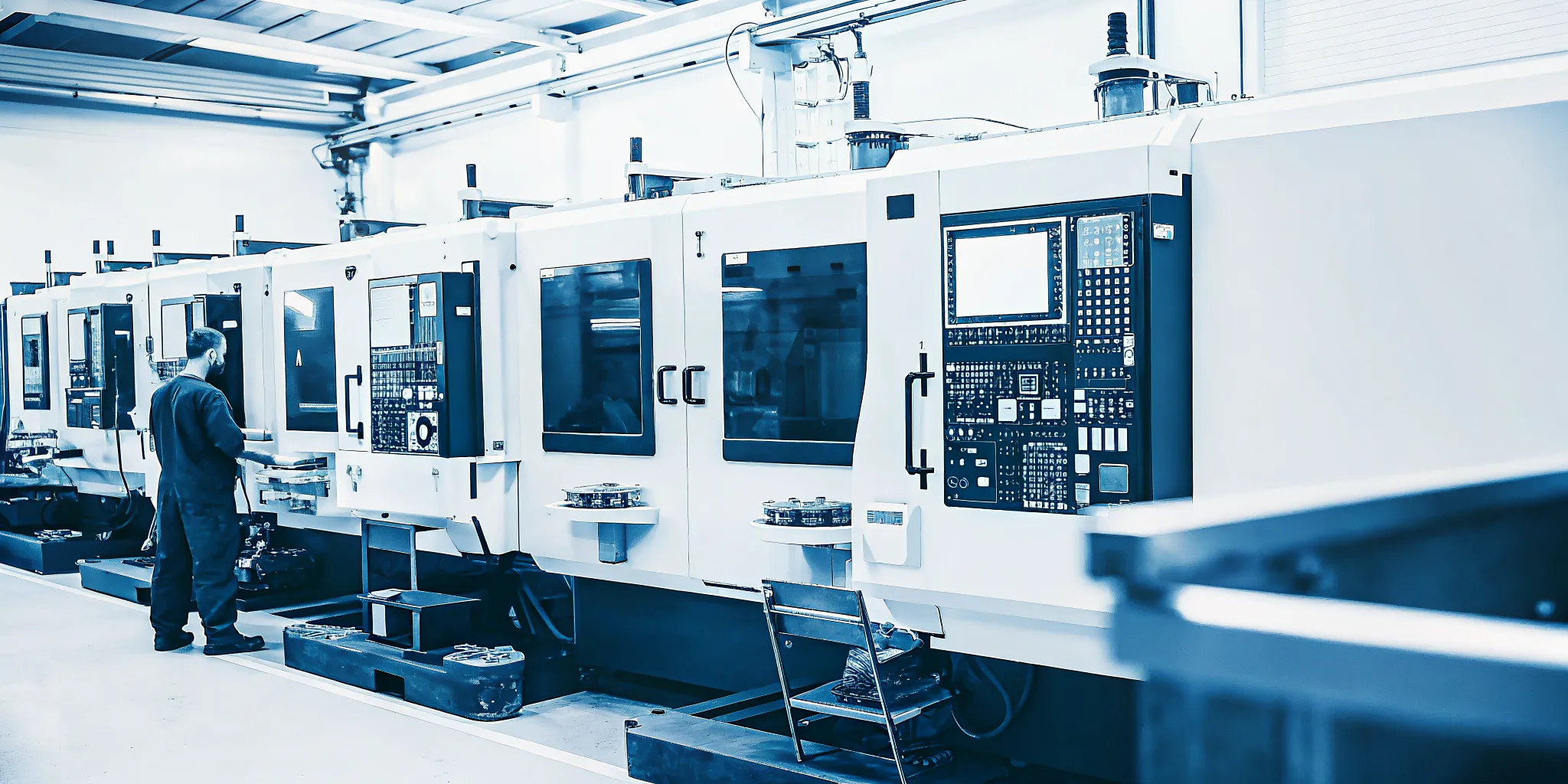
Moving code from the office to the machine should be fast and safe. You don’t want your team walking across the floor with USB sticks. Manual file moves lead to lost time and human error. A good setup uses controlled program-transfer benefits to link every machine tool to a central hub. This keeps your data clean and your shop floor running well.
Remote program requests
Shop hands must get the right code without leaving their work spot. They just type a short command. Then modern DNC software for CNC machines lets them call for a file right from the tool. The software finds the latest file and sends it down the line fast. This saves many steps each day. It also stops people from using the wrong version of a file by mistake.
A smart system knows which file goes to which machine. It checks the machine type and the tool list before it sends the code. This level of control helps you avoid crashes and ruined parts. It makes the job easier for your team. It also cuts stress on the shop floor. When your CNC machine monitoring and DNC tools work together, you can see every ask in real time. This gives you a clear view of how your shop is working.
Uploads and drip feeding
Sometimes a part program is too big for the machine’s local memory. In these cases, you need a way to feed the code bit by bit while the machine cuts. This process is called drip feeding. DNC systems can send these large files through standard ports to keep work moving. According to research from NIST, DNC lets a main tool brain send asks to run code for cutting. This removes the limits of old machine hardware.
You may also need to send code back to the server. If a shop hand makes a small change at the machine to fix a bug, that change needs to be saved. The system should allow for easy uploads from the machine tool unit. This helps you track changes and keep your master files up to date. It creates a closed loop where the best code is always saved for the next run. This loop is key to keeping your shop fast and your parts the same.
Checking program delivery
How do you know the right code reached the shop floor? You need a system that tracks every move. Version control helps you make sure the worker doesn’t run an old or wrong file. The software should log when a file was sent and who asked for it. This clear log is vital for shops that need to meet strict rules for good work. It also helps you find where a mistake happened if a part is not right.
A good system will show the state of the move on a screen. You should be able to see if the file is still moving or if it is done. If a link fails, the software must tell you right away. This way, you don’t waste time waiting for a file that never got there. Clear talking between the office and the shop floor is the goal. This keeps everyone on the same page and helps your shop grow.
Revision control and traceability protect every run
Answer: Revision control protects production by making the approved program obvious, limiting unauthorized changes, and recording who transferred or edited each file.
Manual file management on a shop floor leads to mistakes. When operators use USB sticks or shared folders, they may run the wrong program version. This leads to scrap and lost time. Modern DNC software for CNC machines solves this by centralizing all NC programs. It ensures that the right code reaches the machine every time.
Safe program versioning
Version control is a core part of a good DNC system. It tracks every change made to a CNC program. This prevents the use of old or unvetted code on the shop floor. Operators can only pull the latest approved file. This revision control keeps production stable and safe.
With digital tracking, you always know who changed a file and when. This creates a clear trail for every part you make. It is vital for shops in the medical or aerospace fields. These sectors need deep digital traceability to meet strict quality rules.
Locked paths and permissions
A DNC system lets you set clear rules for who can edit or send files. You can lock programs once they are proven on the machine. This stops accidental changes that could cause a crash. It also helps new operators follow the best path for each job.
Traceability also helps with risk management. If a quality issue occurs, you can look back at the exact code used. This helps you find the root cause fast. It reduces the risk of big recalls or process breaks in modern supply chains.
| Feature | Manual File Transfer | Controlled DNC |
|---|---|---|
| Version Control | Manual naming in folders | Auto tracking and history |
| Access Rules | None (anyone can edit) | Role-based permissions |
| Audit Trail | Hard to find or missing | Full log of all actions |
| Run Safety | High risk of old versions | Latest approved file only |
| Transfer Method | USB or basic RS232 link | Secure network transfer |
Preventing obsolete programs
One of the biggest wins of a DNC tool is stopping the use of old code. In a busy shop, parts change often. If an old program stays on a machine’s local drive, an operator might run it by mistake. DNC tools clear this risk by pushing the fresh file directly from a secure server.
This link between the office and the shop floor is key. It helps you streamline shop floor communication. When you replace paper with digital data, accuracy goes up. Your team can focus on making parts instead of hunting for the right file.
Why paperless work instructions belong in the buying decision
Answer: Paperless work instructions extend program control to the drawings, setup sheets, tooling details, inspection requirements, and notes operators need for a correct run.
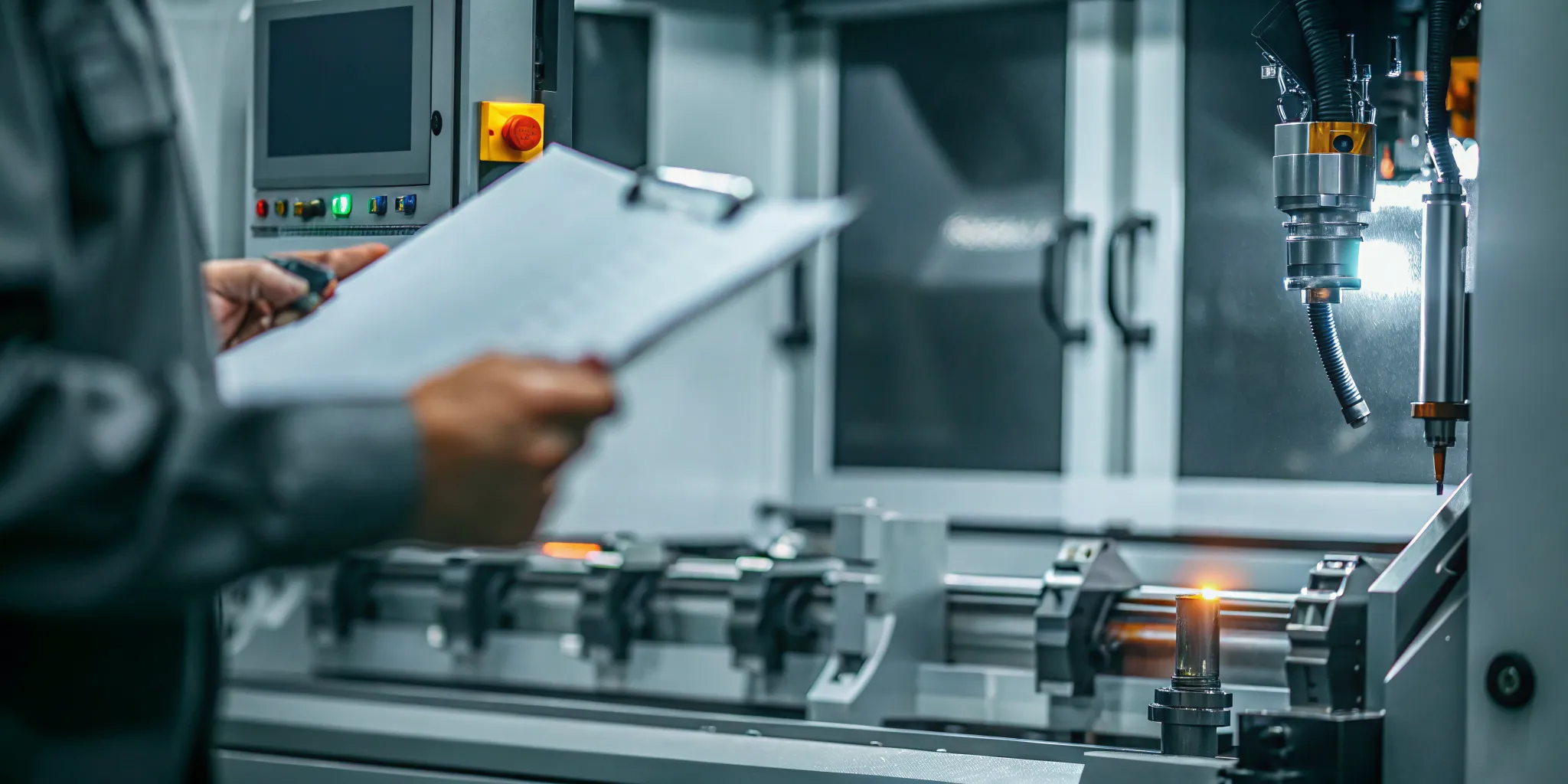
A correct NC program is only one part of a correct setup. Operators also need the current drawing, setup sheet, tooling details, inspection requirements, and special notes. When those documents live in binders, shared drives, or personal folders, a DNC investment can still leave the shop exposed to outdated instructions.
Put the complete job packet at the point of use
Evaluate whether the system can present controlled work instructions with the program at the machine. The goal is not simply to remove paper. It is to give the operator one dependable place to find the information needed for the current job. JobPack supports paperless work instructions and digital traceability as part of a broader shop-floor workflow. Buyers can review JobPack’s manufacturing solutions to see how DNC fits with production control.
Control documents as carefully as programs
Ask how revised drawings and instructions are approved, released, and archived. A good workflow should make the current version obvious while retaining a history of prior versions. It should also show who changed a document and when. That context is valuable when investigating a scrap event or responding to a customer question.
How to evaluate DNC software before you buy
Answer: Evaluate DNC software with a representative pilot that tests your real controls, largest programs, network conditions, revision workflow, permissions, documents, and failure recovery.
The most effective buying process starts with the shop’s actual machines and risks, not a generic feature list. Use a representative pilot to prove that the proposed system works under real production conditions.
- Inventory the fleet. Record each control model, available ports, current transfer method, program size requirements, and network location.
- Map the current workflow. Document who creates, approves, transfers, edits, and archives programs. Note every place where a wrong revision could enter the process.
- Define control requirements. Decide which users may edit, approve, release, or retrieve programs and what audit information must be retained.
- Select a representative pilot. Include at least one legacy control, one modern networked machine, a common job, and a difficult transfer scenario.
- Test the complete job packet. Verify program delivery, revision status, work instructions, drawings, and traceability together.
- Measure the result. Track transfer time, operator travel, failed transfers, revision errors, support needs, and training effort.
- Plan the rollout. Establish ownership, training, backup procedures, and a sequence for connecting the remaining machines.
Define success before the demonstration
Vendors can make a prepared demonstration look smooth. Your team needs success criteria that reflect daily production. For example, an operator should be able to request the approved program without browsing uncontrolled folders. A supervisor should be able to identify the program revision used for a completed job. IT should be able to explain how the connection is secured and supported.
What questions should you ask DNC software vendors?
Answer: Ask vendors to prove exact control compatibility, revision safeguards, audit trails, paperless document workflows, support ownership, and recovery behavior in your environment.
A disciplined vendor interview separates a dependable production system from a file-transfer utility that creates more work later. Ask for specific answers and proof in your environment.
Compatibility and connectivity
- Which of our exact CNC control models have you connected before?
- How will you connect legacy RS-232 machines and modern Ethernet controls?
- Does the proposed architecture require dedicated PCs, adapters, or device servers?
- How are connection settings documented, backed up, and restored?
- Can you prove reliable transfers and, where needed, drip feeding during a pilot?
Program control and traceability
- How does the system prevent an operator from running an obsolete revision?
- Who can edit, approve, release, and archive programs?
- What events appear in the audit trail?
- Can supervisors compare versions and restore an earlier approved program?
- Can we trace a completed job to the program and instructions used?
Implementation and support
- Who owns machine setup, network work, testing, and operator training?
- What information must our team gather before implementation?
- How does support handle a production-critical transfer problem?
- How are software updates tested and deployed?
- Can the system grow with additional machines, users, and sites?
Integration and the wider workflow
Ask whether DNC data can connect with scheduling, machine monitoring, job status, and paperless documentation. A standalone tool may solve transfers, but an integrated workflow can reduce duplicate entry and give managers better context. JobPack is designed to bridge ERP systems and the shop floor. Its production scheduling and machine monitoring capabilities help manufacturers connect execution information with the production plan.
Connect DNC to the broader production workflow
Answer: DNC creates more value when released programs, current jobs, machine status, operator instructions, and production schedules reinforce one another.
DNC creates more value when it becomes part of how the shop controls work. The released program, current job, machine status, and operator instructions should reinforce one another. That connection helps production managers understand not only whether a machine is running, but whether it is running the right work with the right information.
Link execution to the schedule
When scheduling and shop-floor execution remain separate, priorities can change without reaching the operator quickly. Connecting DNC with the broader production workflow helps the team align program delivery with the planned job. It also reduces the need to re-enter identifiers across disconnected systems.
Use traceability to improve decisions
A useful audit trail supports more than compliance. It gives supervisors evidence when diagnosing quality issues, training gaps, and recurring transfer problems. The team can see what was released, what reached the machine, and which supporting instructions were available at the time.
Avoid unnecessary enterprise overhead
Smaller and midsize manufacturers often need strong connectivity and control without the complexity of a large enterprise MES project. Evaluate whether the vendor can deliver the required workflow in a form your team can operate and maintain. The right answer should improve control without creating another system that only a specialist understands.
Frequently asked questions about DNC software for CNC machines
Answer: Manufacturers most often ask about fleet compatibility, controlled revisions, drip feeding, and how to compare vendors before selecting a DNC platform.
What is DNC software for CNC machines?
DNC software manages the transfer of NC programs between a central system and CNC controls. More capable systems also support revision control, permissions, audit trails, remote requests, and related shop-floor documents.
Can DNC software connect older CNC machines?
Often, yes, but compatibility must be verified for each control. Legacy machines may use RS-232 connections, while newer controls may use Ethernet. A pilot should prove the proposed hardware, settings, and transfer workflow.
What is the difference between DNC and simple file transfer?
Simple file transfer moves a program. A controlled DNC workflow also governs which revision is released, who may change it, how operators retrieve it, and what activity is recorded for traceability.
Does every shop need drip feeding?
No. Drip feeding matters when a program is too large for a control’s available memory or when a process requires the machine to receive code continuously. Buyers should test it only on machines and jobs where it is required.
How should a manufacturer compare DNC vendors?
Compare vendors using your own fleet, workflows, and risk requirements. Require proof of compatibility, reliable transfers, revision control, traceability, security, support, and integration during a representative pilot.
Will the DNC system connect your entire CNC fleet?
Answer: A DNC system should connect the controls you actually operate, but buyers must verify every control model, port, protocol, and network path in a representative pilot.
A major goal for most shops is a single system that links every machine. Modern DNC software for CNC machines makes this possible by using standard network paths. It lets a central computer send numerical control programs directly to different machine tool controllers. This link helps shops move away from manual file transfers and old storage tools.
Linking mixed machine types
Most shops have a mix of new and old equipment. A good system should handle this variety. It uses standard communication ports and networked file systems to bridge the gap between vendors. By standardizing data exchange, you can reduce errors and make programming much simpler across your shop floor. This setup works for both machining and inspection programs.
For older machines with small memory, the software can use drip-feeding. This process sends code in small chunks as the machine needs it. It lets you run large programs that would otherwise not fit on the local controller. You can learn more about the how integrated DNC improves shop-floor efficiency for these mixed shops. Using one system for the whole fleet makes training easier and keeps data clean.
Wired and wireless options
Shops often choose between Ethernet cables and wireless device servers. Ethernet is very stable and secure for fixed machines. Wireless options offer more flexibility when you need to move equipment around. Both methods allow for direct numerical control and networked file access. The right choice depends on your shop layout and IT needs.
Security is also a key part of the connection. For firms in aerospace or medical fields, digital traceability and ITAR compliance are vital. A secure DNC system tracks every change and limits who can access files. This control helps you manage risks like cyberattacks or quality issues. It ensures that operators always use the right, authorized version of a program.
Starting with a pilot test
Before you link every machine, start with a small test. Choose two or three different machine types to verify the connection. This pilot helps you find any control quirks or network dead zones. It also gives your team a chance to see how the software works in a real setting. Once the test is a success, you can roll the system out to the rest of your CNC fleet.
Ready to find the best DNC software for your CNC shop?
Answer: The best next step is to test controlled transfer, revision safeguards, paperless instructions, and traceability against your real CNC fleet and production risks.
Sticking with old ways to move files leads to errors and lost time. If you do not act now, you risk slow work and more machine downtime. These delays hurt your bottom line each day you wait. You can get better control in just a few weeks starting today. Our team can show you how to link your tools and stop waste. Most shops see real gains in speed and save money right away. Learn more about the JobPack DNC efficiency overview to see how it helps.
Ready to improve your shop floor? Request a demo to talk to a software expert.