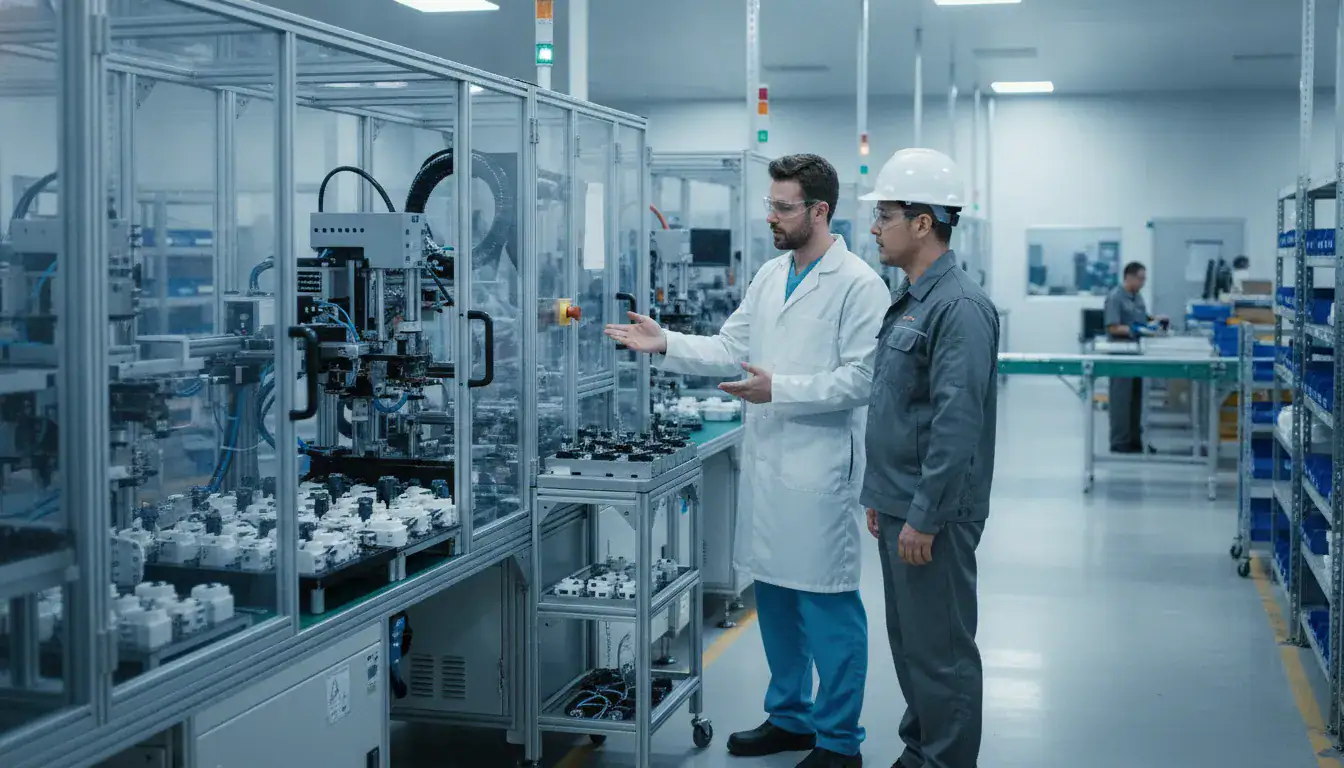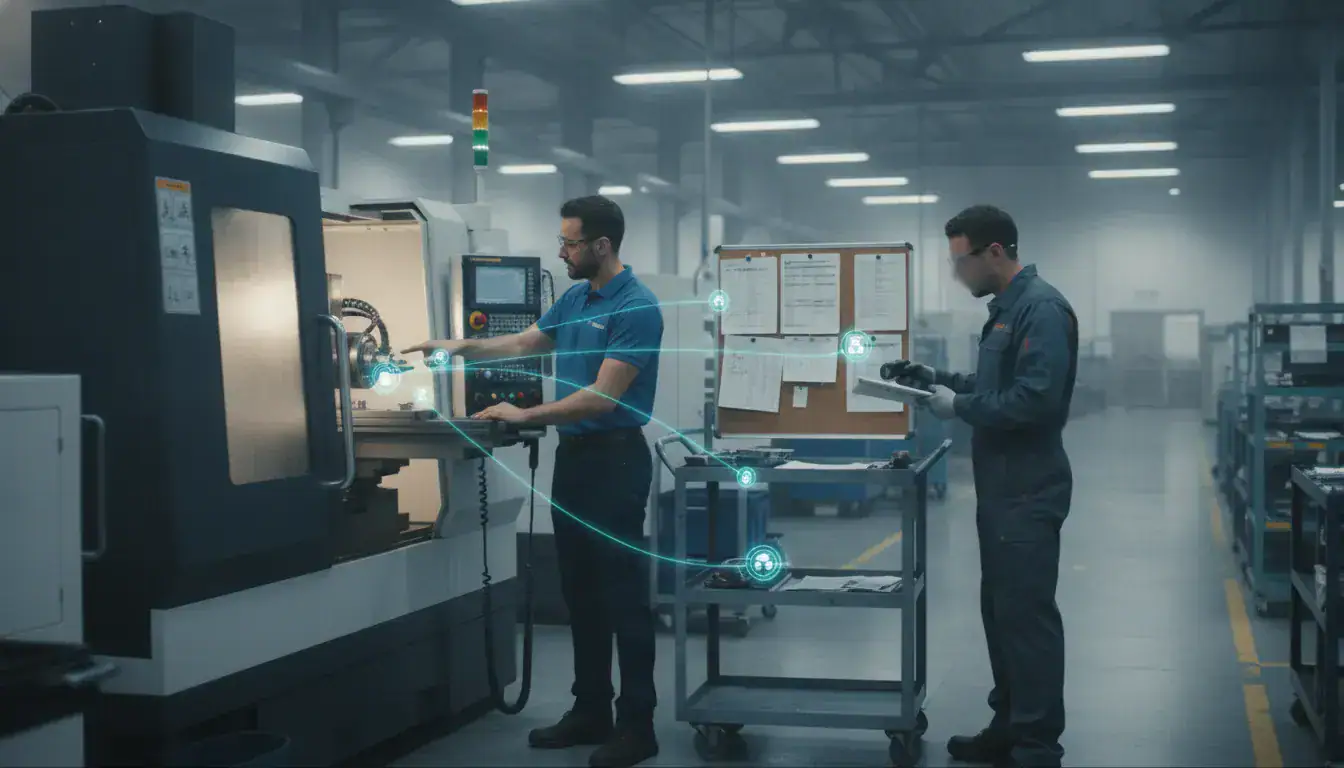
Manufacturers do not become more connected simply by adding another dashboard. A connected worker platform should help frontline employees see the right job information, record what is happening, and share that context with supervisors and business systems. The result is a clearer link between the plan in the office and the work taking place at each machine, cell, or inspection station.
What is a connected worker platform?
A connected worker platform is software that gives frontline manufacturing employees contextual access to work instructions, job information, operational data, and communication tools at the point of work. It connects people to processes, equipment, and business systems so teams can execute work, record events, and respond to problems with less delay.
The term describes an operating approach as much as a specific product category. A connected worker may use a workstation, tablet, barcode scanner, machine interface, or other device. Wearables and augmented reality can be useful in some environments, but they are not prerequisites. The important question is whether the worker can get reliable information and return useful information without leaving the workflow or relying on a paper trail.
For a small or midsize discrete manufacturer, the platform typically sits between planning, execution, and feedback. A scheduler releases a job. An operator sees what should happen next. A supervisor can see whether the work is progressing or blocked. The resulting status and activity data can then inform production decisions and the ERP record.
Which manufacturing workflows can a connected worker platform support?
A connected worker platform supports workflows where people must act on changing job, machine, quality, or material information. The strongest use cases connect a clear action for the worker with a clear operational decision for a supervisor or planner.
Job execution and digital work instructions
Workers can receive the current job, operation sequence, drawings, notes, or standard work at the station instead of searching through paper packets or disconnected folders. The value is not digitization for its own sake. The value is making the right version available when the job is being performed and capturing a completion signal that others can trust.
This is especially useful in high-mix or engineer-to-order work, where routings, quantities, and due dates change more often than they do in repetitive production. A connected workflow can also reduce the risk that tribal knowledge remains with one experienced employee rather than becoming visible to the wider team.
Production status and handoffs
When an operator starts, pauses, completes, or escalates an operation, that event can become part of the shared production picture. Supervisors can focus on exceptions instead of walking the floor to reconstruct status. Planners can make schedule decisions using current information rather than yesterday’s report.
JobPack’s production scheduling software is designed around visual planning, capacity visibility, and schedule changes. A connected worker strategy complements that planning layer by improving the quality and timeliness of feedback from execution.
Machine and downtime response
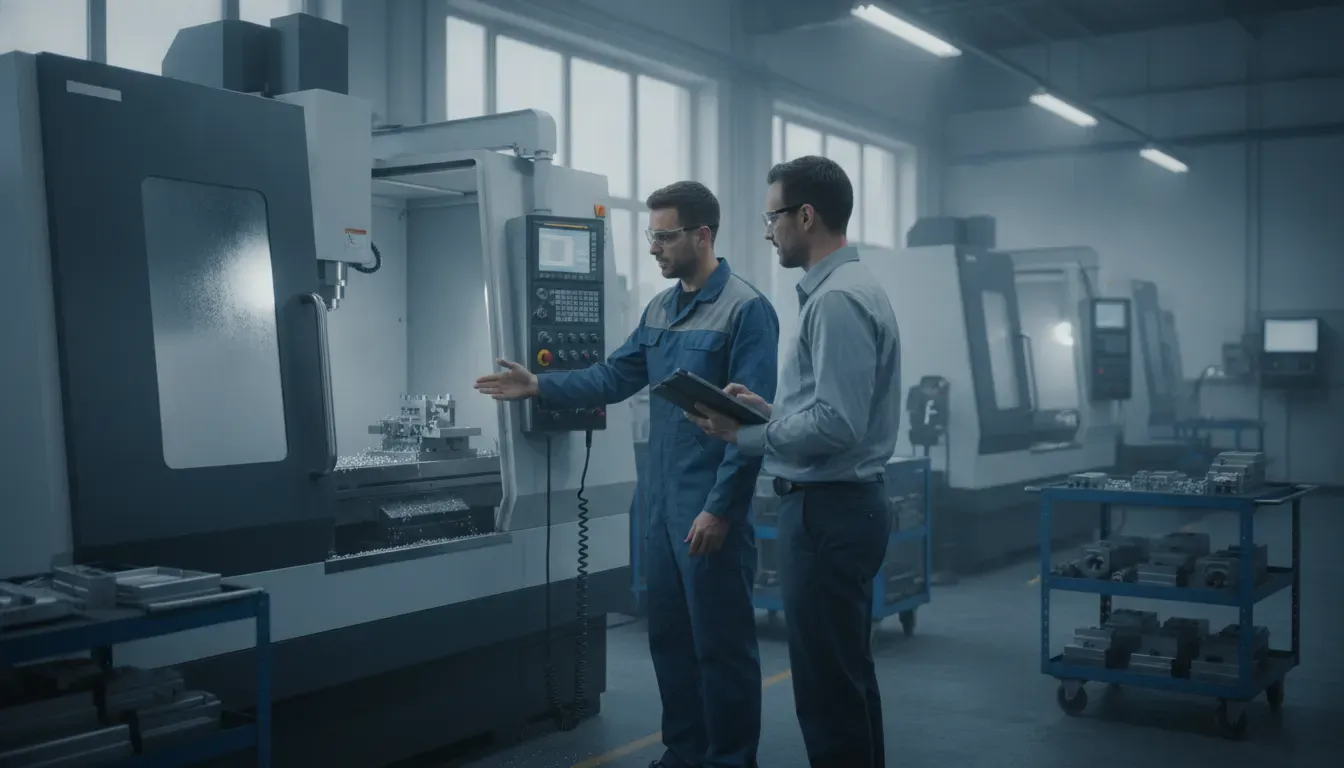
Operators and supervisors need more than a machine status light. They need to know whether an idle state is planned, whether an alarm needs attention, and whether a delay threatens a customer commitment. Machine monitoring can provide the event, while a worker-facing workflow captures the context and next action.
JobPack’s machine monitoring solution connects equipment status and activity information to shop-floor visibility. A manufacturer evaluating a connected worker platform should ask whether machine signals can be tied to the job, the responsible team, and the reason for an exception.
Quality, traceability, and knowledge capture
Quality checks, inspection results, reason codes, and approvals are more useful when they stay attached to the job and operation that produced them. A connected worker workflow can make those steps visible without forcing every employee to become a data-entry specialist.
That connection also supports training and continuous improvement. A supervisor can identify where a process repeatedly stalls, where instructions are unclear, or where a new operator needs support. The platform becomes a feedback loop, not just a digital replacement for a clipboard.
How is a connected worker platform different from shop-floor data collection?
A connected worker platform is broader than shop-floor data collection. Data collection records events and measurements, while a connected worker approach uses those events within a larger workflow that guides action, supports communication, and returns context to planning and management.
| Capability | Primary question | Typical value |
|---|---|---|
| Connected worker platform | What does this worker need to do now, and what should the team know next? | Guided execution, collaboration, exception response, and feedback |
| Shop-floor data collection | What happened at the job, machine, or operation? | Timely status, labor, production, and event records |
| WIP tracking system | Where is the work in process, and how much remains? | Job location, queue visibility, and flow monitoring |
| MES | How should manufacturing execution be controlled across the operation? | A broader system of records and processes for production execution |
These capabilities can overlap. A connected worker platform may use data collected from machines and operators, while an MES may provide the production records behind a worker workflow. The distinction matters during evaluation because buying a tool for one narrow data problem will not automatically solve communication, usability, adoption, or decision latency.
JobPack already addresses adjacent manufacturing needs through shop-floor data collection, production scheduling, machine monitoring, and analytics. A practical evaluation should define which layer is missing, then confirm how the proposed platform will exchange information with the layers that remain.
What should manufacturers evaluate before choosing a platform?
The best connected worker platform is the one that frontline employees can use during real work and that operations leaders can trust when making decisions. Evaluate the complete path from a planned job to worker action, recorded result, exception handling, and management follow-up.
- Point-of-work usability: Can an operator find the current job, enter a result, and report a problem without excessive navigation or duplicate entry? Test the workflow with the people who will use it every shift.
- Contextual information: Does the screen show the job, operation, machine, revision, due date, and relevant instruction together? A generic form creates more searching and more opportunities for the wrong record.
- Flexible data capture: Can the system accept automatic machine signals, barcode scans, touch input, and supervisor review where each method makes sense? Forcing every event into one input method reduces adoption.
- Exception handling: What happens when a machine alarms, material is missing, a quality check fails, or a job needs to move? The platform should make the next owner and next action clear.
- ERP and scheduling integration: Confirm which system owns customer orders, routings, inventory, schedules, and completed production. Ask how updates move between systems, how conflicts are handled, and how integration errors are surfaced.
- Adoption and training: Ask how new instructions are published, how permissions are managed, and how the team learns the new workflow. A technically capable system that workers avoid will not improve execution.
- Evidence and improvement: Can leaders see whether the workflow is improving delivery, response time, quality, or machine utilization? Define the decision the data will support before selecting a dashboard.
How can a manufacturer implement connected worker technology without disrupting production?
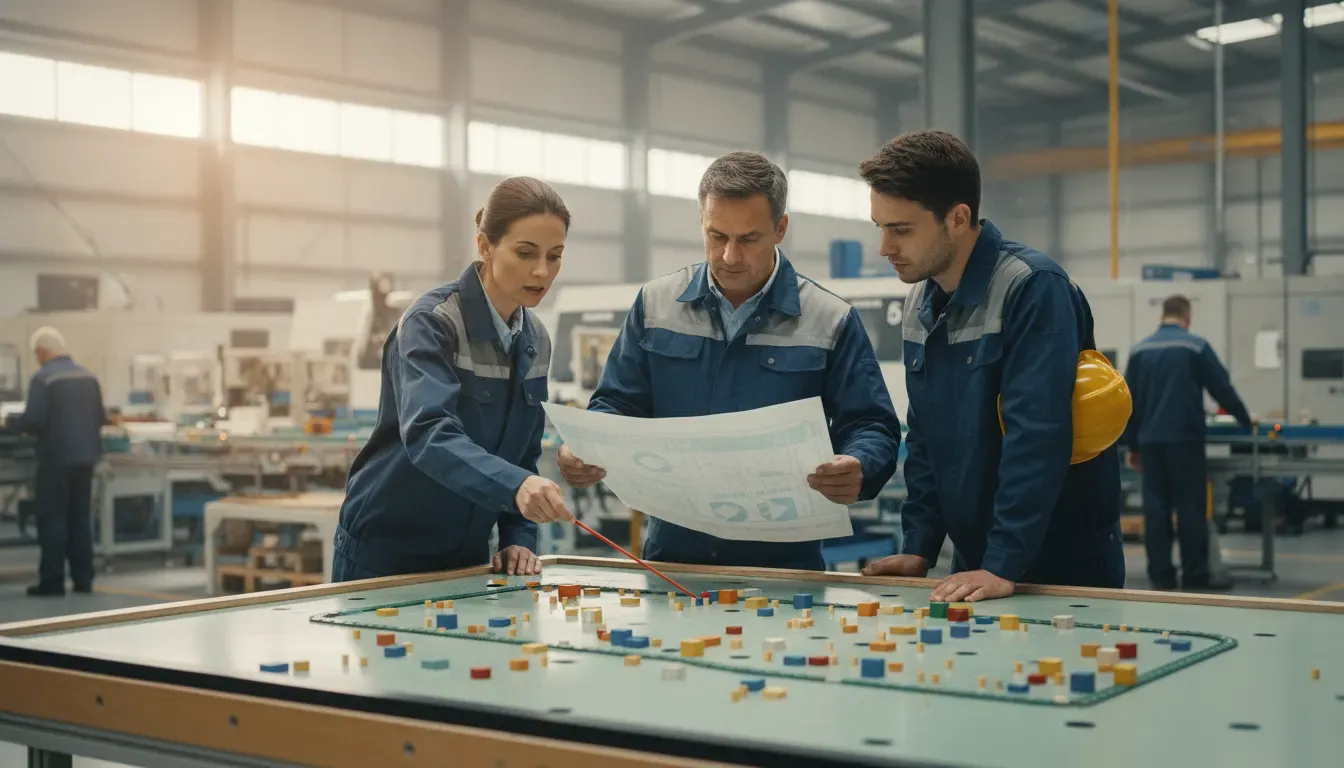
Start with one workflow where delayed or unreliable information creates a measurable operational cost. A bounded pilot should improve a real handoff, not simply demonstrate a new interface.
- Choose one operational boundary: Select a work center, product family, or shift with a clear problem such as late status updates or repeated schedule interruptions.
- Map the current handoff: Document who creates the instruction, who performs the work, which system holds the record, and where information is re-entered or lost.
- Define the minimum useful workflow: Give the worker only the information and actions needed for the selected operation. Add complexity after the basic path works.
- Connect the source systems: Decide whether the initial integration should start with the ERP, production schedule, machine signal, barcode event, or another source. Make ownership of each field explicit.
- Review adoption and outcomes: Ask operators what slowed them down, then compare the workflow’s results with the original problem. Expand only when the process is useful on the floor.
JobPack’s modular architecture can support a phased approach. A manufacturer may begin with a scheduling, data collection, machine monitoring, or analytics need, then connect additional capabilities as its operating model matures. The right sequence depends on the plant’s constraint, existing ERP, machine connectivity, and readiness for process change.
Talk with JobPack about your manufacturing workflow
Does a connected worker platform replace an ERP or MES?
Usually, no. A connected worker platform should make frontline work more connected to the ERP, MES, scheduling, quality, and maintenance systems a manufacturer already relies on. Replacing a system of record is a separate decision from improving how information reaches the worker and returns to operations leaders.
Before approving a project, write down the system of record for orders, routings, inventory, schedules, machine events, and quality records. Then identify which worker actions need to read each record and which completed actions should be written back. This prevents a platform purchase from creating another isolated database.
Integration quality is therefore a buying criterion, not a technical footnote. JobPack has focused on connecting manufacturing operations to ERP environments since its launch in 1992. Manufacturers should still validate the exact data flows, ownership rules, and error handling for their own systems during evaluation.
Is a connected worker platform right for your plant?
A connected worker platform is a strong fit when frontline employees spend time searching for information, waiting for handoffs, re-entering status, or escalating problems through informal channels. It is less useful when the problem has not been defined or when the organization expects software to fix an unstable process without leadership and operator involvement.
Use these questions to frame an initial assessment:
- Can a supervisor see which jobs are active, blocked, or at risk without a manual floor walk?
- Do operators have one trusted place for the current job information and instructions?
- Are machine, labor, quality, and schedule events connected to the work they describe?
- Can the plant start with one practical workflow instead of replacing every system at once?
- Will the data support a specific decision about delivery, capacity, downtime, quality, or training?
If several answers are no, begin with the highest-cost information gap and define a small workflow that closes it. A connected worker program should make work easier to execute and easier to manage, not add another layer of reporting.
Frequently Asked Questions
What is the main purpose of a connected worker platform?
The main purpose is to connect frontline employees with the information, instructions, equipment data, and communication needed to perform work and respond to exceptions. It also captures useful context so supervisors, planners, and business systems can act on current conditions.
Does a connected worker platform require wearable devices?
No. A connected worker platform can use workstations, tablets, scanners, machine interfaces, or other devices. Wearables and augmented reality may fit a specific task, but the core requirement is a usable workflow that puts relevant information at the point of work.
How does connected worker software support ERP integration?
It can read orders, routings, schedules, or other approved information from the ERP and return completion, status, or exception data. The exact exchange depends on the manufacturer’s systems, so buyers should document data ownership, update timing, error handling, and security before implementation.
What is the difference between connected worker software and an MES?
Connected worker software focuses on how frontline employees receive guidance, execute tasks, collaborate, and return context. An MES generally covers a broader set of manufacturing execution records and controls. The two can work together, and a connected worker workflow should not create an isolated replacement for the plant’s system of record.
How should a small manufacturer start?
Start with one work center or handoff where delayed information causes a measurable problem. Map the current process, define the minimum useful worker workflow, connect the necessary source system, and review adoption with operators before expanding to other departments or sites.
JobPack helps discrete manufacturers connect production scheduling, shop-floor data collection, machine monitoring, and analytics to the operational decisions that keep work moving. Request a demo to discuss the workflow your plant needs to improve first.