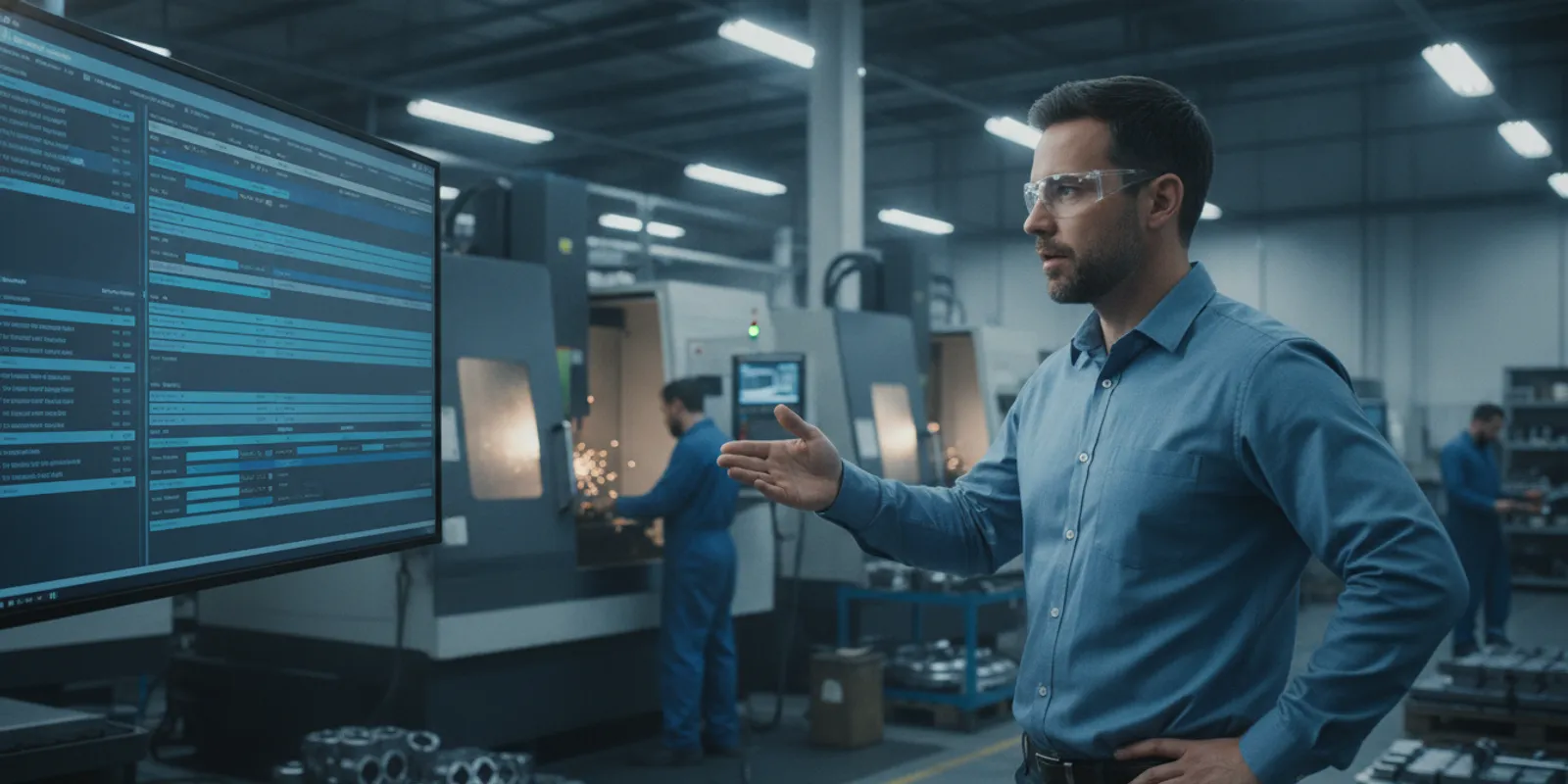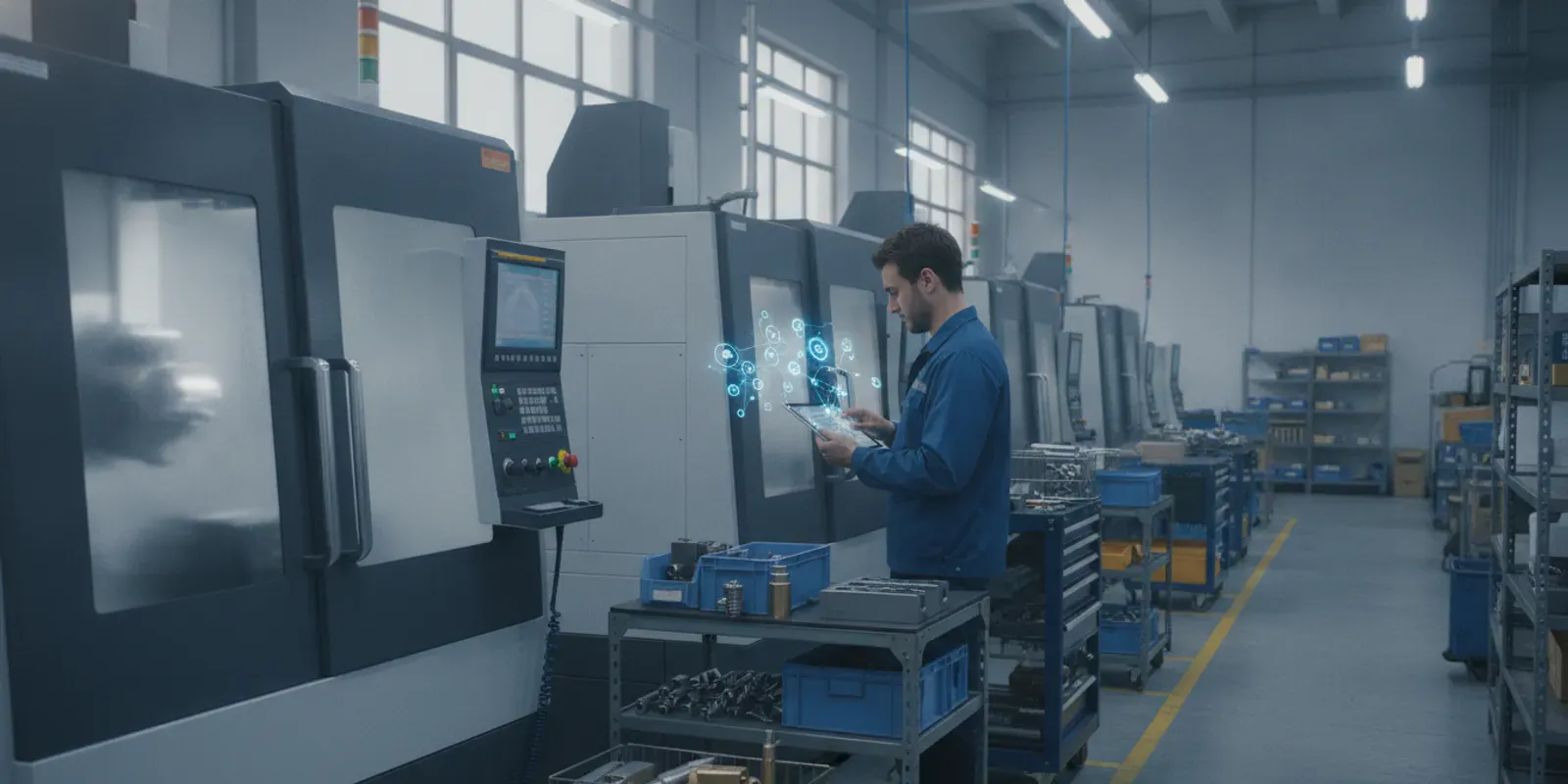
Quoting delivery dates on custom machines that are not yet designed is a major risk. Project-based manufacturers often watch schedules slip as design revisions clash with actual shop capacity. When engineering and shop floor operations are disconnected, margins quickly disappear.
Engineer-to-order manufacturing software is a specialized digital tool that links design engineering with shop floor scheduling to manage complex, custom manufacturing projects. Traditional ERP systems and spreadsheets fall short because every project-based order is completely unique and lacks historical run times or standard bills of materials. This software tracks critical shop floor constraints like machine capacity, operator availability, and raw materials to keep all delivery promises realistic. By replacing manual spreadsheets with live Gantt charts, plant managers can spot late engineering changes and reschedule shop floor operations instantly. According to a planning study by Chalmers University, this real-time visibility is vital for resolving the constant design-induced volatility that custom shops face daily.
Managing this complex environment requires a clear understanding of how project-based production differs from standard manufacturing. To find the right solution for your shop floor, start by defining exactly what engineer-to-order production is and why it breaks conventional scheduling rules.
What Is Engineer-to-Order (ETO) Manufacturing?
In modern custom fabrication, engineer-to-order (ETO) manufacturing represents a highly specialized production style. Unlike mass production where factories build standard goods for inventory, ETO shops create unique products designed and engineered to meet exact customer specifications. This approach is common in industrial machinery and custom tooling fields.
The complex nature of ETO projects
Operating an ETO business is highly complex. You do not just build a product; you design, estimate, engineer, and revise it before it ever reaches the shop floor. This constant state of change is what makes engineer-to-order manufacturing software vital to manage project-based operations.
Because each order is highly customized, ETO products involve high production process uncertainties since design details and workflows change after contract acceptance. Unlike high-volume assembly lines, contract shops cannot rely on historical data alone to schedule shop floor tasks. Shifting toward these custom builds creates planning hurdles.
Since each order is a unique, one-time purchase, keeping a finished goods inventory or safety stock is not possible. To combat this process uncertainty, planners must rely on buffer time and capacity instead of physical stock. This requires tools that show real-time resource availability.
The typical seven-step ETO workflow
A typical project flows through several key stages. It starts with the customer request and progresses to conceptual design. Next, the engineering team creates the detailed design. Finally, the shop floor moves into manufacturing and assembly, followed by testing and final delivery.
For example, a custom industrial automation machine must undergo extensive factory testing before shipping. Each test can reveal new design flaws that require quick engineering fixes on the floor. Managing these shared assembly resources and specialized testing bays requires scheduling systems that handle dynamic constraints.
System integration and scheduling
Managing this complex flow requires a clear understanding of how different systems work together. ETO shops must integrate their design and shop floor software. Understanding the differences between ERP vs MES vs APS is the first step toward building a flexible, connected digital thread.
Because design changes can occur after work begins, ETO manufacturing requires flexible scheduling systems. When a customer requests an engineering revision, the shop must instantly assess machine and labor capacity. Without this capability, even minor changes can delay the entire project and hurt profitability.
The industry shift toward highly customized ETO products in contract manufacturing creates planning challenges. Traditional shops often try to schedule work using historical production data, but this method fails because every run is unique. Planners need real-time data to schedule today’s complex mix of custom projects.
In these environments, traditional master planning is not enough. Managers must track shared labor, tooling, and machine availability in a single view to keep projects on track. Real-time visual scheduling tools help discrete manufacturers spot bottlenecks before they cause late delivery penalties.
Why Engineer-to-Order Scheduling Is Harder Than Make-to-Order
Scheduling custom work is a major struggle for shop floor managers. In engineer-to-order (ETO) shops, planners cannot run machines based on standard, fixed plans. Instead, they must build a new schedule for every single job that comes through the door.
The unique nature of custom production
In standard environments, planners use old production data to map out schedules. But in ETO shops, historical data alone cannot drive your plans. This is because every single custom run is unique, and you have no past data to copy.
This lack of a fixed starting point creates a lot of stress. You must schedule design and engineering work before the parts even hit the shop floor. This work requires close collaboration between engineering and production teams to handle custom specifications.
Four critical friction points in ETO shops
There are four main areas where ETO shops face constant friction. The first is long lead times, which happen when engineers must design custom parts from scratch. The second is engineering changes that occur after the sales team accepts an order.
The third friction point is complex material procurement. Custom jobs need unique raw materials, which creates massive supply chain dependencies. Planners must track these materials carefully, or production will halt. When materials are late, the whole schedule can collapse.
The fourth pain point is project-based cost tracking. When custom orders undergo design revisions, tracking actual labor and material costs is hard. If you cannot track costs in real time, you risk profitability loss and late delivery penalties.
The trap of the lead-time syndrome
To manage these uncertainties, shops often try to compare ETO with MTO setups. However, standard make to order production scheduling does not handle these high levels of design change. Instead, ETO planners often fall into a dangerous trap.
When due dates are at risk, planners often add extra safety time. They release jobs to the shop floor early to protect delivery dates. According to researchers at Chalmers University of Technology, this action triggers the lead-time syndrome.
Releasing work too early floods the shop floor with jobs. It raises your work-in-progress (WIP) inventory and clogs your machine centers. This buildup actually slows down operations. In the end, it makes your lead times even worse.
To break this vicious cycle, ETO shops need a way to schedule based on real capacity. You cannot rely on spreadsheets or guesswork. Instead, you need flexible scheduling that can adapt when designs change or when parts are delayed.
Engineer-to-Order vs. Make-to-Order vs. Assemble-to-Order
Discrete manufacturing shops must choose the right production path to meet complex customer needs. Each method affects how you design products, buy parts, and schedule tasks on the shop floor. Selecting the wrong strategy can lead to high costs, excess waste, and missed delivery dates.
Production Strategies and Order Execution
Many high-volume shops use Make-to-Stock (MTS) to build standard goods before orders arrive. Other firms use Assemble-to-Order (ATO) to combine pre-made modules. For custom needs, shops rely on make to order production scheduling to build known designs after a customer buys them.
In contrast, Engineer-to-Order (ETO) starts with engineering design from scratch. Research from a Chalmers University of Technology study shows that ETO processes face deep risk because specs change after the sale. You must design and engineer each part before the shop floor can start physical work.
Operational Differences Across Manufacturing Environments
To manage these different shops, planners look to standard industry rules. Deltek highlights that the split between these modes depends on when production starts and what you design. Each mode has distinct material lead times, resource bottlenecks, and planning needs that demand different software tools.
Selecting the right engineer-to-order manufacturing software helps you manage these exact needs. ETO environments need fast tools to track live engineering status and material limits in real time. Without these tools, managers often struggle to link engineering designs with active shop floor schedules.
| Production Mode | What is Designed | When Production Starts | Typical BOM | Lead-Time Profile | Scheduling Complexity |
|---|---|---|---|---|---|
| Make-to-Stock (MTS) | Standard products | Before order (forecast) | Standard and fixed | Very short (off-shelf) | Low (high-volume runs) |
| Assemble-to-Order (ATO) | Product configurations | At order (using stock modules) | Modular and configurable | Short (days to weeks) | Medium (subassembly coordination) |
| Make-to-Order (MTO) | Tailored options | At order (known parts) | Standard with custom options | Medium (weeks) | High (multi-operation routing) |
| Engineer-to-Order (ETO) | Unique, custom specs | At design (pre-production) | Brand new each time | Long (months) | Extreme (dynamic revisions) |
As the comparison table shows, ETO shops face the hardest planning tasks. Standard systems assume a fixed bill of materials, which custom shops do not have. This is why specialized software is needed to link design releases directly to active shop floor capacity, with shop-floor data collection helping capture what happens on the floor.
By using the right tools, custom shops can move from firefighting to planning ahead. Visual Gantt charts and what-if planning allow you to handle late design changes and complex multi-operation routings. This ensures your shop floor stays on track even when project details shift.
Why ERP and Spreadsheet Scheduling Fall Short for ETO
The Limits of Standard ERP Planning
Many custom shops rely on spreadsheets or standard ERP systems to map out work. But these tools fall short because they do not include real-time machine monitoring to track if machines or tools are free. They only plan for labor. This leaves other key shop assets unmapped, which makes complex project workflows hard to scale and manage.
Spreadsheets also fail because they are static. When a machine breaks or an order shifts, you must update every cell by hand. This manual entry leads to errors and lag. Planners cannot see the impact of these changes on other jobs, which causes constant firefighting.
ERPs also fail because they do not plan ahead across design, engineering, and build stages. An engineer-to-order shop must design and revise parts before building them. Each run is unique. You cannot rely only on past shop data to plan upcoming jobs, as shown in this literature study on ETO planning and scheduling.
Static Bills of Materials vs. Bills of Operations
Common systems use a static bill of materials (BOM) to schedule work. This BOM lists parts, but it fails to map the real path of a job on the shop floor. For custom work, a shop needs a bill of operations (BOO) instead. A BOO details the exact steps and resources needed for a job.
Standard scheduling assumes tools and staff are always free, which is never true in custom shops. A BOO lets the system run finite capacity planning. This means the system only plans work when machines and staff are actually open. This helps you predict bottlenecks and quote realistic delivery dates.
Using a BOO helps ETO plants forward-schedule across materials, machines, tooling, and manpower. This ensures all constraints are met before work starts. Without it, you face unseen machine bottlenecks and material shortages. As shown by Waterloo Advanced Planning and Scheduling, this dynamic method keeps custom deliveries on track.
Filling the Missing Middle
Many custom shops face spreadsheet chaos when trying to schedule complex work. Standard ERPs simply lack the deep detail needed to handle complex multi-operation routings. That is why shops need engineer-to-order manufacturing software like JobPack. It replaces messy sheets with real-time visual control.
JobPack is not built to replace your ERP. Instead, it complements your ERP as a focused MES and APS. It fills the missing middle by linking your business systems to the shop floor. This production scheduling software for manufacturers offers visual, Gantt-based scheduling to keep work smooth.
How Engineer-to-Order Manufacturing Software Handles Engineering Changes
Custom manufacturing always comes with shift and change. In custom shops, design specs often change after an order is taken. This creates huge production process uncertainties on the shop floor. Handling these design changes is a major challenge for shop leaders.

Bridging design and the shop floor
Modern engineer-to-order manufacturing software connects your design database to your live schedule. When design teams change a bill of materials, the software updates the routing. This keeps the shop floor in sync. Workers do not waste time on old designs because the system tracks every change in real time.
When engineering changes occur, you must track the cost impact. Without exact tracking, a shop faces a higher risk of profitability loss and late delivery penalties. By using a software system to control changes, ETO shops keep project budgets on track and protect their bottom line.
What-if planning for quick updates
When design shifts occur, planners must replan fast. Modern systems use Gantt-based what-if scenario planning to test scheduling changes. Planners can drag and drop jobs to see how a design delay impacts other orders. This lets you find the best path forward before you start the work.
You can run constraint tests to see if a change will create a new bottleneck. This helps you balance in-house work, shared tools, and outside tasks. Instead of guessing, planners use hard data to make quick scheduling choices that keep the entire shop running smoothly.
Forward scheduling for delivery confidence
A solid schedule must account for real shop constraints. Advanced forward scheduling tools look at labor, machines, and part deliveries. When delays occur, the system flags late completions right away. This software helps you see the impact of common shop floor events:
- Design delays that hold up the release of detailed drawings to the shop floor.
- Rush orders from VIP customers that disrupt the existing job sequence.
- Supplier delays or material shortages that stall assembly lines.
- Machine failures or worker absenteeism that reduce temporary capacity.
This early warning helps planners resolve issues before they hurt your customer. Planners can quickly test new paths to keep the project on track. Instead of fighting fires, you gain the clarity needed to balance machines, materials, and shared labor.
By using digital production scheduling software for manufacturers, ETO shops can quote delivery dates with real confidence. You can show customers exact timelines based on live capacity and active projects. This clears up spreadsheet chaos and builds trust with every order you ship.
What to Look For in Engineer-to-Order Manufacturing Software
Essential software features
Selecting the right engineer-to-order manufacturing software is critical for discrete shops dealing with volatile demand. Older systems struggle because they cannot model complex shop constraints. Research from a Chalmers University ETO planning study shows that systematic replanning is essential for keeping custom projects on schedule.
To save money, your planning models must be multi-product, multi-stage, and multi-period to capture the layout of custom shops. Following these steps is part of a digital transformation roadmap that moves your shop from firefighting to active control.
With the right system, planners do not rely on historical data alone when scheduling unique, custom jobs. Instead, they can focus on buffer time and capacity to safeguard the shop against unexpected floor delays.
The step-by-step evaluation process
To find the right fit, planners should use a process that tests how software handles ETO workflows. The system must adapt to your shop floor in real time to prevent bottlenecks and late delivery penalties.
- Map unique BOMs and routings. Understand how the software translates complex engineering bills of materials into shop floor paths. The tool must handle frequent design adjustments without losing the original project scope or wasting materials.
- Verify forward scheduling. To prevent delays, the system must use a bill of operations (BOO) instead of a standard BOM. This lets you schedule machines, tools, manpower, and outside processing together.
- Confirm what-if scenario planning. Planners must be able to run what-if tests using a Gantt-based drag-and-drop system. This shows the impact of schedule changes before they happen on the actual shop floor.
- Check constraint modeling. Look for constraint-aware finite scheduling that automatically accounts for machines, materials, shared resources, and outside processing. This keeps your delivery dates realistic under any real-world shop floor conditions.
- Evaluate revision-management. Since ETO designs often change after order acceptance, frequent replanning is needed. This maintains scheduling resilience when unexpected bottlenecks and customer design changes occur on the fly.
- Plan a rapid rollout. Choose a system with a rapid rollout method, such as a 6-week deployment. Avoid large enterprise systems that can take 6 to 12 months to configure and set up.
Integration with existing systems
Finally, ensure the software integrates smoothly with your existing manufacturing systems. It must work with your ERP rather than replace it, connecting high-level business systems to real-time machine data.
Connecting these systems lets you track labor, quality, and machine status at the same time. This connection gives shop leaders the clear visuals they need to make smart scheduling decisions that protect profit margins.
Frequently Asked Questions
Does engineer-to-order manufacturing software replace a shop floor ERP?
No. This software does not replace your ERP. Instead, it works with your ERP to connect high-level business tools with the factory floor. While an ERP manages business data and orders, this software handles live scheduling and machine monitoring. This setup helps planners schedule complex tasks without losing vital business details.
How do custom manufacturers manage scheduling uncertainty without safety stock?
Custom shops cannot rely on safety stock because every product is unique. According to research from Chalmers University of Technology, custom builders must use buffer capacity and buffer time to handle daily changes. This means scheduling extra machine capacity or keeping open time slots to absorb design changes and part delays, making sure you still meet due dates.
How long does it take to implement engineer-to-order manufacturing software?
Most older, large systems take six to twelve months to install. However, focused software like JobPack can be set up in about six weeks. This rapid process uses clear setup steps and direct database links to get your shop live quickly. This fast launch prevents long delays and helps your planning team see results right away.
Can engineer-to-order manufacturing software help reduce shop floor costs?
Yes. By scheduling your custom orders well, you can cut waste and save money. Better visibility into live capacity and constraints helps you avoid late fees and reduce expedited costs. The software helps you balance regular labor, extra hours, and outside work so you do not have to pay late fees.
Ready to Request a Custom Production Scheduling System Demo?
With JobPack MES, you can track every CNC machine in real time, see your shop constraints, and deliver your custom orders on time.