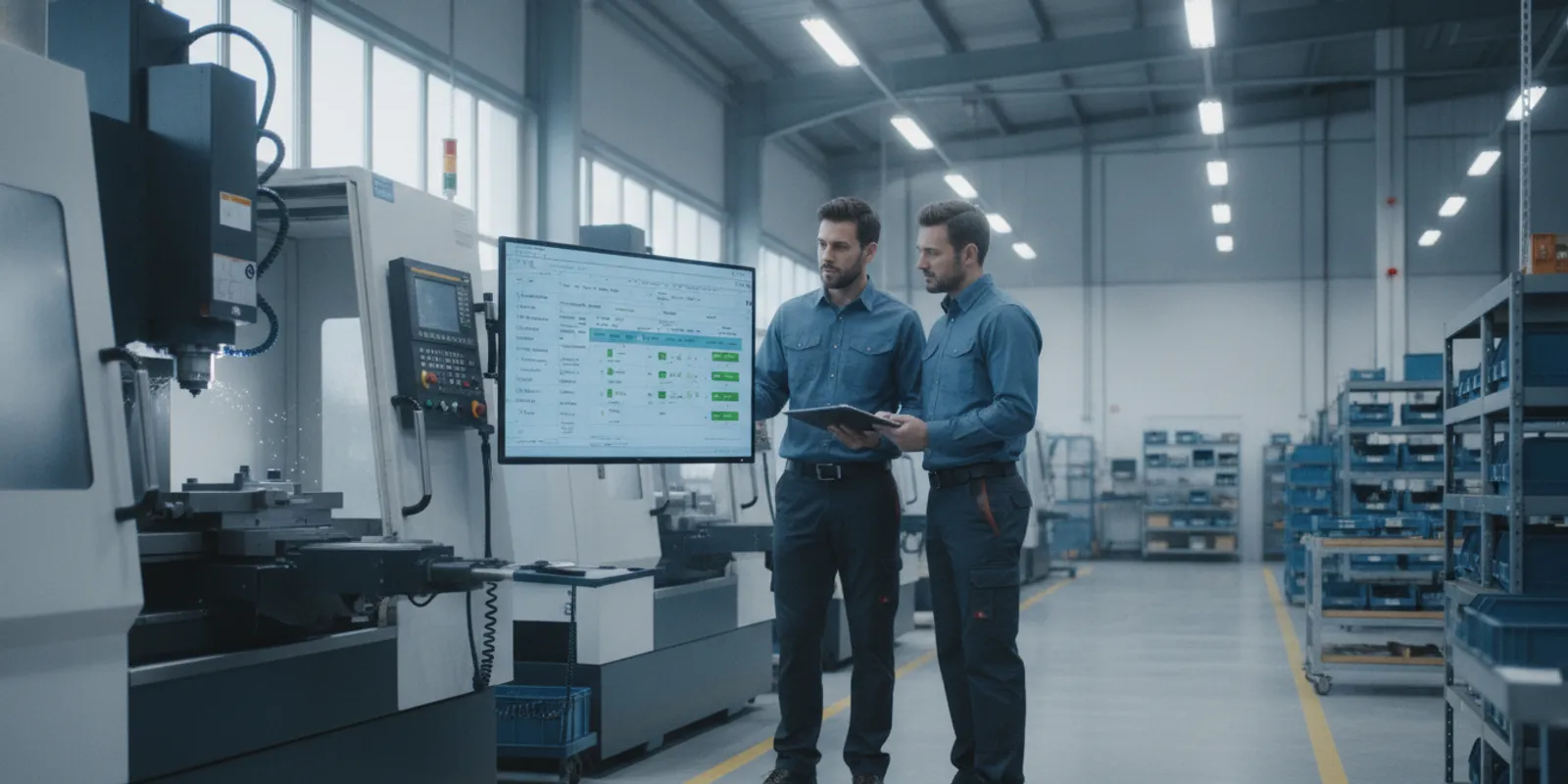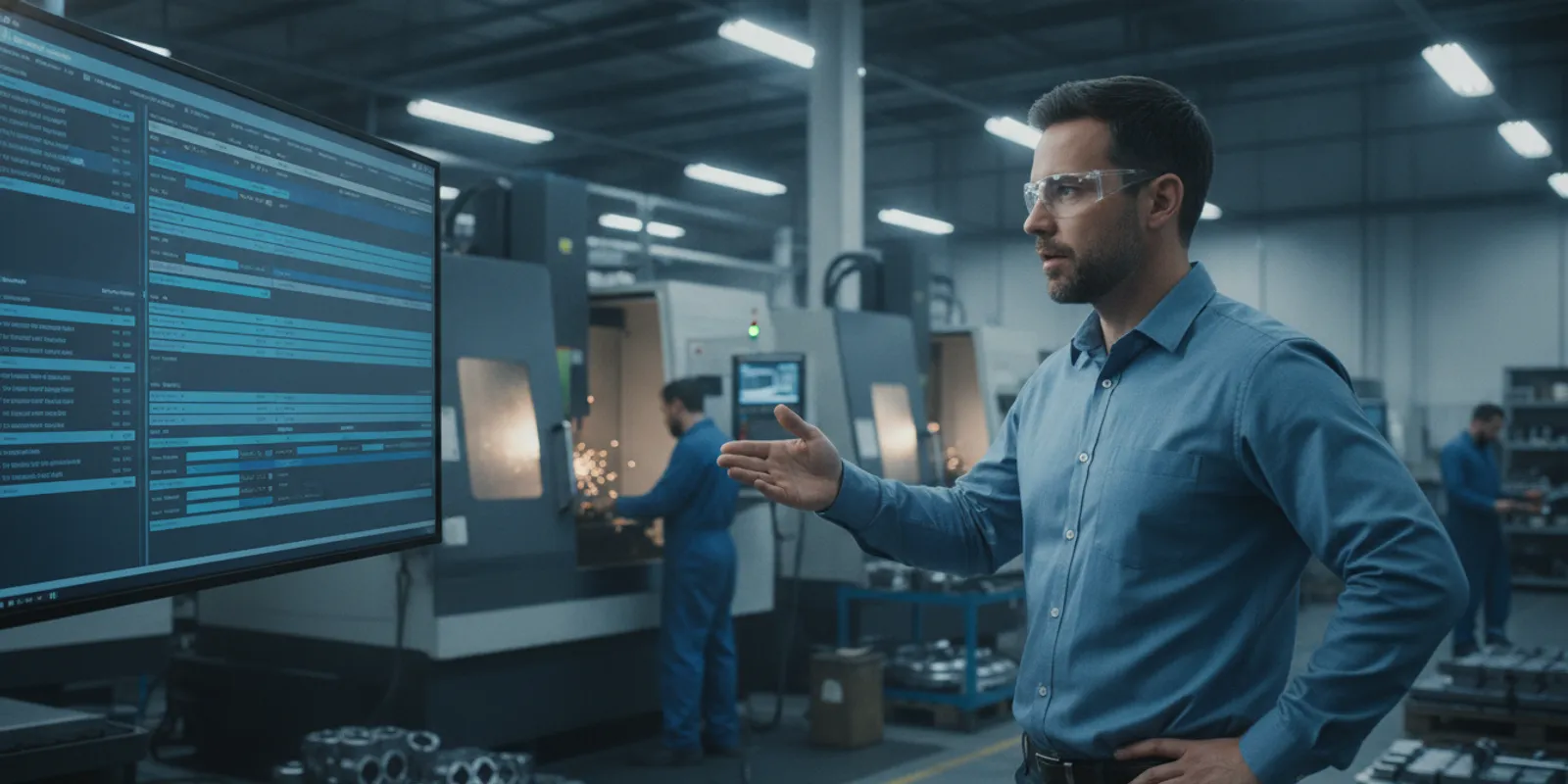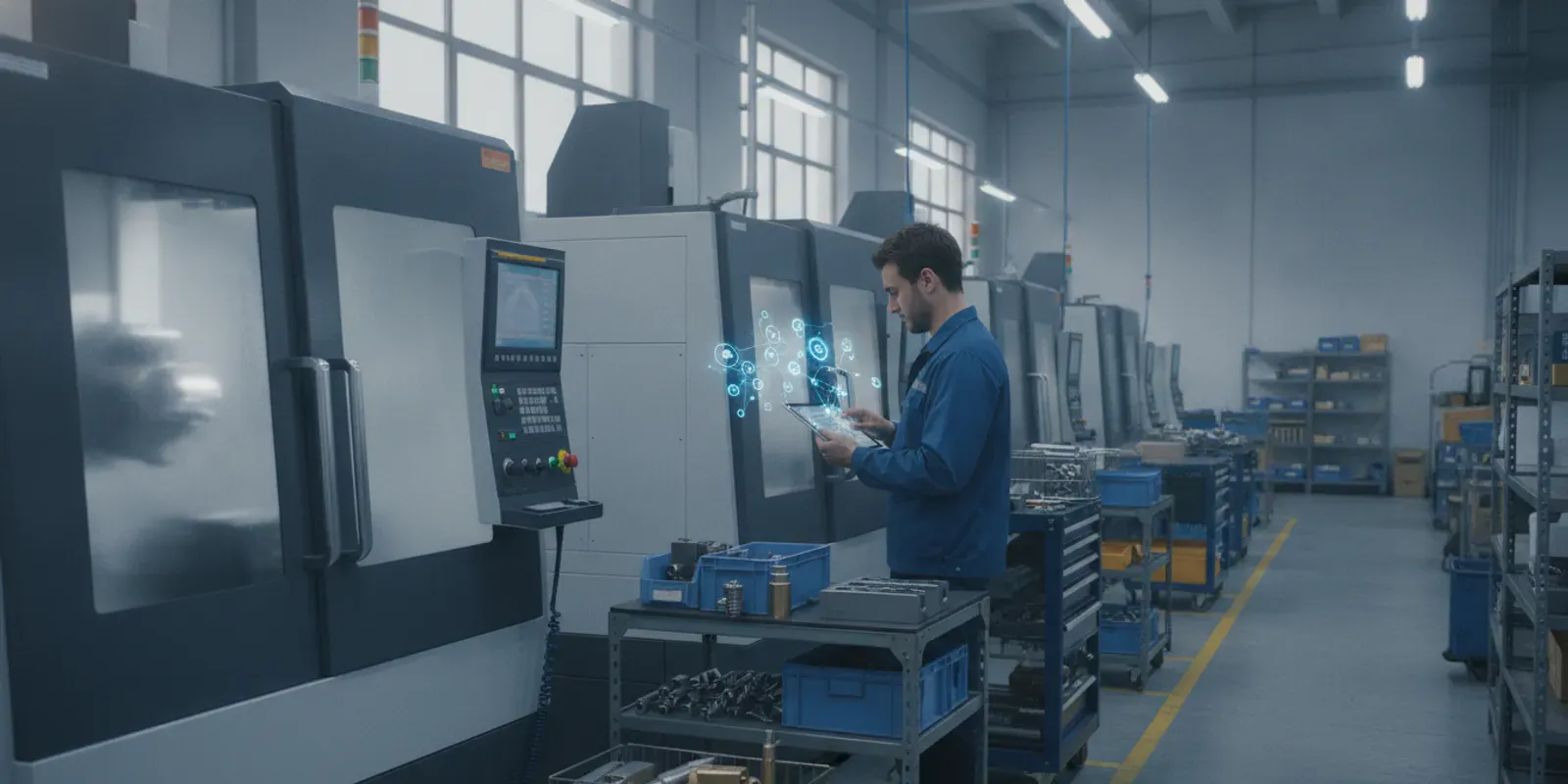
What if you could confidently promise a delivery date and know you’d hit it? What if you could see exactly where every job is on your shop floor in real time, without walking around with a clipboard? This level of control and predictability isn’t a fantasy; it’s what the right technology makes possible. For high-mix, low-volume manufacturers, the key is a system built for their specific needs. This is the core purpose of job shop management software. It’s designed to replace guesswork with hard data, helping you optimize scheduling, track costs accurately, and ensure every project is profitable, ultimately building a reputation for reliability.
Key Takeaways
- Treat software as your central command center: The right system replaces disconnected spreadsheets and manual tracking, giving you a single source of truth to manage everything from quoting to scheduling. This control is essential for ensuring every job is profitable and delivered on time.
- Demand real-time data for smarter decisions: Don’t settle for software that can’t provide a live view of your shop floor. Key features like dynamic production scheduling, machine monitoring, and automated data collection are non-negotiable for identifying bottlenecks and running an efficient operation.
- Prepare for a successful implementation: A smooth rollout depends on more than just the technology. Clean up your existing data before you start, assemble a dedicated internal team, and choose a software partner who provides thorough training to get your team on board.
What is Job Shop Software (And Why You Need It)
If you run a job shop, you know that managing custom, low-volume orders is a constant balancing act. Juggling quotes, scheduling, resource management, and tracking every job can feel like spinning plates. This is where job shop software comes in. Think of it as a central command center for your entire operation, designed specifically for the high-mix, low-volume environment. It’s a system built to bring order to the chaos, helping you deliver quality work on time and within budget.
What Does It Actually Do?
At its core, job shop software streamlines your entire workflow from quote to cash. It integrates quoting, production scheduling, job tracking, and purchasing into a single, cohesive system. Instead of using separate spreadsheets and disconnected programs, you get one source of truth. This means you can generate accurate price quotes faster, create realistic production schedules that account for machine capacity and material availability, and track a job’s progress in real time as it moves across the shop floor. The main goal is to help you plan your work more intelligently and deliver products on time, every time.
The Real Impact on Your Bottom Line
Implementing the right software has a direct and measurable impact on your profitability. By giving you tighter control over job costing and pricing, you can ensure every project is profitable. Many shops find they can significantly cut down the time it takes to create quotes and complete production, sometimes by up to 40%. This efficiency gain means you can take on more work without adding headcount. Furthermore, providing customers with quick, accurate quotes and reliable lead times helps improve customer satisfaction and retention. When you consistently deliver on your promises, you build a reputation for reliability.
Common Implementation Hurdles to Avoid
While the benefits are clear, it’s also wise to be aware of potential implementation challenges. One of the biggest hurdles is simply managing change. Your team is used to doing things a certain way, and introducing a new system can be met with resistance. Another common issue is data migration—getting all your existing job data and customer information into the new software can be a complex task. Proper planning and thorough user training are critical to a smooth transition and ensuring your team feels confident using the new tools from day one.
Choosing the Right Software: Key Features to Look For
Not all job shop software is created equal. When you’re vetting different platforms, it’s easy to get lost in a sea of features and technical jargon. To cut through the noise, focus on the capabilities that will actually move the needle for your shop. Think about your daily operations, your long-term goals, and how you’ll measure success. The right software isn’t just a tool; it’s a foundational part of your strategy for efficiency and growth. Here’s a breakdown of the non-negotiables to look for.
Must-Have Features for Your Shop Floor
You can’t manage what you can’t see. The right software gives you a clear, real-time view of your entire production floor, replacing guesswork with certainty. Look for a platform that allows you to track the status of every job and operation as it happens. This visibility is powered by strong production scheduling tools that help you plan and adjust on the fly, keeping everyone on the same page. Equally important is automated shop floor data collection, which ensures the information you’re basing decisions on is accurate and up-to-the-minute. These features work together to prevent bottlenecks, reduce downtime, and keep your operations running smoothly.
Planning for Growth: Integration and Scalability
The software you choose today should support where you want to be tomorrow. A common mistake is opting for a generic ERP that isn’t built for the specific demands of a job shop. Instead, look for a solution designed to handle high-mix, low-volume production with agility. Your software should be able to grow with you, easily accommodating more machines, more complex jobs, and an increasing amount of data. Think of it as a long-term partnership. You need a system that not only integrates seamlessly with your existing tools but is also flexible enough to adapt as your business evolves and your production needs change.
The Power of Real-Time Data and Analytics
Gut feelings can only get you so far. To truly optimize your shop, you need to make decisions based on hard data. Your software should provide robust data analytics that let you track key performance indicators (KPIs) for financial and operational health. With real-time machine monitoring, you can see exactly how your equipment is performing, identify inefficiencies, and pinpoint opportunities for improvement before they become major problems. The ultimate goal is to use this insight to run a more efficient shop floor, finish jobs on time and on budget, and deliver a quality product every single time.
A Breakdown of Top Job Shop Software
Choosing the right software can feel overwhelming, so I’ve done some of the legwork for you. Below is a look at five of the top job shop software platforms on the market. Each one has its own strengths and is designed for slightly different needs. Think about your shop’s specific challenges as you read through these options. Are you struggling with scheduling bottlenecks? Do you need a better handle on inventory? Or is your main goal to go completely paperless? This breakdown will help you compare the key features and find a solution that aligns with your business goals, whether you’re a small, growing shop or a large-scale operation in a specialized industry.
JobPack – Production Scheduling and Shop Floor Management
JobPack is a production management software built specifically for metal cutting manufacturers in demanding fields like aerospace, automotive, and complex job shops. Its core strength lies in its powerful production scheduling and real-time shop floor management. The system gives you a clear, visual representation of your entire workflow, making it easier to manage capacity, allocate resources, and track jobs from start to finish. By focusing on real-time data collection directly from your machines, JobPack helps you pinpoint inefficiencies and make informed decisions on the fly. It’s designed to help you deliver work on time and within budget, making it a strong choice for shops where precision and deadlines are critical.
JobBOSS² – Comprehensive Job Shop Solution
JobBOSS² positions itself as a specialized, all-in-one software designed to handle the unique challenges of job shops. If you’re looking to manage your entire operation from a single platform, this could be a great fit. It offers a wide range of features that cover the full lifecycle of a job, including estimating, order creation, purchasing, scheduling, and quality control. The goal of JobBOSS² is to simplify work management and improve profitability by consolidating different functions into one system. This comprehensive approach is ideal for shops that want to move away from juggling multiple software tools and spreadsheets to manage their day-to-day tasks.
MRPeasy – Cloud-Based Manufacturing ERP
As its name suggests, MRPeasy is designed to be an accessible, user-friendly solution, particularly for small and growing manufacturers. It’s a cloud-based ERP, which means you can access it from anywhere without needing to manage on-site servers. MRPeasy provides a complete suite of tools to manage your business, from quoting and sales to production planning, inventory, and finances. Because it’s built for smaller operations, it offers a straightforward way to get organized and scale your processes as your business expands. It’s a solid option for manufacturers who need a comprehensive system but aren’t ready for a more complex, enterprise-level implementation.
MIE Trak Pro – Advanced Manufacturing Software
MIE Trak Pro is another all-in-one system aimed at replacing the patchwork of different tools and spreadsheets that many job shops rely on. It’s designed to manage every step of the manufacturing process, from the initial quote to the final shipment. The platform focuses on helping shops quote faster, schedule smarter, and deliver on time. MIE Trak Pro is a robust system that can handle a high degree of complexity, making it suitable for shops that need deep functionality across their entire operation. If your current process involves a lot of manual data entry and disconnected systems, this software aims to bring everything under one roof for better efficiency.
ProShop ERP – Precision Manufacturing Focus
ProShop ERP stands out with its sharp focus on precision manufacturing environments and its commitment to creating a completely paperless workflow. It’s more than just an ERP; it combines elements of a manufacturing execution system (MES) and a quality management system (QMS). This integrated approach provides deep visibility and control over every aspect of your shop, from scheduling and inventory to quality control and compliance. ProShop ERP is particularly well-suited for shops that have strict quality requirements, like those in the aerospace or medical device industries, and are looking to digitize their entire operation for maximum efficiency and traceability.
Implementation and Cost: What to Expect
Choosing the right software is a huge step, but it’s only the beginning. The next phase—implementation—is where the real work starts. It’s completely normal to have questions about how much this will all cost and how long it will take. Getting a clear picture of the investment in both time and money is crucial for a smooth transition. Let’s break down what you can realistically expect as you bring new job shop management software onto your floor.
What’s the Real Cost? Pricing Models Explained
When you’re looking at software, the price tag isn’t just a one-time fee. Most modern platforms operate on a subscription basis, which can make budgeting easier. For example, some providers use a subscription-based model that scales with your organization’s growth. According to Top 10 ERP, JobBOSS² has per-user monthly pricing starting at $200. On top of the subscription, you’ll also have implementation costs. These services, which can start around $5,000, cover the initial setup, data transfer, and training. The final cost really depends on how complex your shop is and how much customization you need. Be sure to ask for a detailed quote that separates software licenses, implementation fees, training, and ongoing support so there are no surprises.
Your Implementation Timeline and Prep List
So, how long will it take to get up and running? You should plan for a multi-month project. A typical implementation usually takes three to six months, depending on the project’s complexity and the level of customization required. This timeline gives you and the software provider enough time to plan, migrate data, configure the system, and train your team without rushing.
To make the process as smooth as possible, a little prep work goes a long way. Before you even sign a contract, you can start on this list:
- Assemble your team: Designate a project lead and include key people from the shop floor, scheduling, and management.
- Clean your data: This is the perfect time to audit your existing data for inaccuracies or duplicates.
- Map your workflows: Document how jobs currently move through your shop, from quote to delivery.
- Define your goals: What specific problems are you trying to solve? Write them down.
Handling Data Migration and System Integration
Moving your data from an old system—or a collection of spreadsheets—into a new one is one of the most critical parts of the process. It’s also where things can get tricky. As the CBSL Group notes, data migration issues can arise during implementation, so careful planning is essential for a smooth transition. This means working closely with your software partner to ensure all your job histories, customer files, and inventory lists are transferred accurately. This is where that data cleanup you did earlier will pay off big time.
Beyond migration, you’ll want to think about integration. Your new job shop software shouldn’t live on an island. It needs to connect with your other business systems, like your accounting software or ERP. This creates a single source of truth and allows for powerful data analytics that give you a complete view of your operations.
Getting Your Team On Board: Training and Adoption
A new software platform is only as good as the team using it. That’s why training and user adoption are non-negotiable. It’s natural for people to be hesitant about change, and as experts point out, employee resistance is a common challenge. The best way to handle this is with clear communication and great training. When your team understands why you’re making a change and feels confident using the new tools, they’re more likely to embrace it.
This is where your software partner plays a huge role. It’s important to choose a provider that offers solid support and training to help you get started and use the software effectively. Look for a partner who will take the time to understand your team’s needs and provide role-specific training. A supportive partner can make all the difference in turning a potentially disruptive change into a positive step forward for your entire company.
Measuring Success and Getting the Most From Your Software
Once your new software is up and running, the real work begins. It’s not just about having the tool; it’s about using it to drive real change on your shop floor. The best way to do that is by setting clear goals and consistently measuring your progress. This is about gaining clarity on what’s working, what isn’t, and where your biggest opportunities for improvement lie. Let’s look at how you can track your success and ensure you’re getting maximum value from your investment.
Key Performance Indicators (KPIs) to Track
You can’t improve what you don’t measure. Start by identifying the key performance indicators (KPIs) that matter most to your shop’s health. Go beyond on-time delivery and look at metrics like machine utilization, setup times, and overall equipment effectiveness (OEE). Are you seeing a reduction in rework? Is labor productivity trending up? Tracking these details helps you pinpoint inefficiencies and make data-driven decisions. The right software presents this information in clear dashboards, turning raw numbers into a powerful tool for better data analytics.
How to Tell if Your Software is Working
Your software should feel like a partner, not a hurdle. How do you know if it’s pulling its weight? Ask yourself: Can you see the real-time status of any job on the floor with a few clicks? Is the system providing actionable insights to optimize processes? Effective software gives you a clear, immediate view of your operations, from individual machines to the entire production schedule. If your team still relies on spreadsheets to fill in the gaps, your software isn’t doing its job. You need a system that provides robust shop floor data collection to truly understand performance.
When to Consider an Upgrade or a Switch
Sometimes, the software that got you here won’t get you where you need to go. It might be time for a change if your team is constantly creating workarounds or if the system struggles to scale with your business growth. The biggest red flag is when your software no longer provides the insights you need to meet your evolving business goals. If you feel you’ve outgrown its capabilities or it’s creating more problems than it solves, it’s time to explore options that can better support your future. Requesting a demo of a modern system can be a real eye-opener.
Related Articles
- Shop-Wide Benefits – Production Scheduling Software – JobPack
- No ERP Required: 3 Benefits of a Standalone MES for Job Shops – Shop Floor Management Software – JobPack
- Production Scheduling & Shop Floor Management Software – JobPack
- Making the Case for Production Schedulers: 4 Big Picture Benefits – Shop Floor Management Software – JobPack
- At-a-Glance Shop Management: 5 Benefits of an Intuitive Interface – Shop Floor Management Software – JobPack
Frequently Asked Questions
My shop is small. Is job shop software still a good investment for me? Absolutely. In fact, implementing this kind of software when you’re small can be a huge advantage. It helps you establish efficient, scalable processes from the start, preventing the chaotic spreadsheets and manual tracking that often hold back growing businesses. It allows you to compete with larger shops by providing accurate quotes and reliable delivery times, building a strong reputation early on.
What’s the real difference between job shop software and a standard ERP system? Think of it as the difference between a general-purpose tool and a specialized one. A standard ERP is designed to manage broad business functions like accounting and HR across many industries. Job shop software is built specifically for the high-mix, low-volume world of custom manufacturing. It excels at the things that generic ERPs struggle with, like dynamic production scheduling, real-time job costing, and tracking unique parts as they move across the floor.
How does the software get real-time data from our machines? It’s less complicated than it sounds. The process typically involves connecting a small hardware device to your machines. This device reads signals directly from the equipment—like when it’s running, when it’s down, or cycle counts—and sends that information to the software instantly. Your software provider usually handles the technical side of this connection, ensuring the data flows smoothly without you needing to be an IT expert.
How do I get my team to actually use the new software? This is one of the most important parts of a successful implementation. The key is to involve your team from the beginning. Explain why you’re making the change and how it will make their work easier, not just create more tasks. Ask for their input during the selection process and make sure the training they receive is specific to their roles. When people feel heard and understand the benefits, they are far more likely to embrace the new system.
What’s the single most important thing to do before choosing a software provider? Before you look at a single demo, take the time to clearly define the problems you need to solve. Map out your current workflow from quote to delivery and pinpoint exactly where your biggest bottlenecks and frustrations are. Are you struggling with scheduling? Is job costing inaccurate? When you have a written list of your specific challenges, you can evaluate software based on how well it solves your problems, not just on a long list of features.