
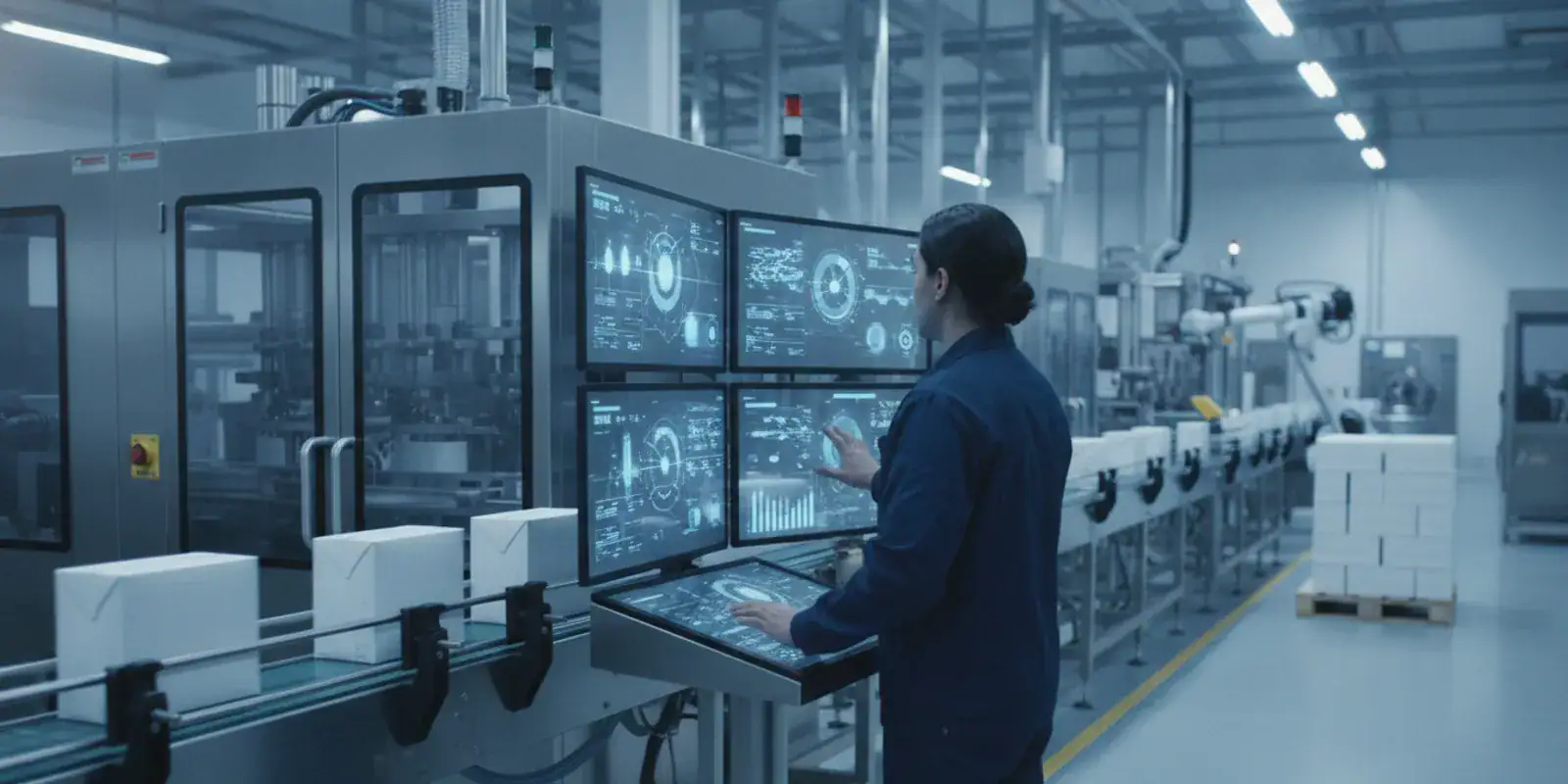
Machine Monitoring
MES for Food and Beverage Packaging Manufacturers: Evaluation Guide
Published November 2nd, 2026
MES for food and beverage packaging manufacturers should make production status easier to see and act on, not add another disconnected system. Packaging operations coordinate orders, lines, people, materials, changeovers, and records across changing runs. The best evaluation starts with real workflows: what must be tracked, who needs information, and how quickly teams need to respond.
What should MES for food and beverage packaging manufacturers help you manage?
A manufacturing execution system can connect production plans with shop-floor activity. Depending on the product and implementation, that may include visible work queues, production progress, equipment status, shop-floor data collection, and reporting. Those labels alone do not tell you whether a system fits a particular packaging process. Define the decisions your teams need to make before comparing demonstrations.
Start with an operational problem, not a software feature. Perhaps a planner cannot confirm whether a line is available. A supervisor may need to walk the floor or call several people to learn whether an order is running. Or managers may combine spreadsheets at the end of a shift to understand output. For each problem, write down who needs to act, what information they need, and when it must be available.
- Planning: Which orders are due, what sequence can run, and what constraints affect the schedule?
- Execution: What job is active at each work center, and what is waiting, delayed, or complete?
- Visibility: Which equipment is running, idle, or stopped, and how is that status established?
- Records: What production details must be captured for internal review or customer needs?
- Analysis: Which recurring issues should reporting help the team investigate?
JobPack describes production scheduling, machine monitoring, shop-floor data collection, and analytics. Review its production scheduling and machine monitoring solutions as a starting point, then compare the documented scope with your own process. Keep a list of needs that appear to require configuration, another system, or a process change.
How should you map a packaging workflow before evaluating software?
A useful requirements map follows work from order release through production completion. Do not begin by trying to document every possible data field. Instead, choose a representative product or order and trace what happens at each step. Include the decisions and handoffs that make the work move.
- Choose a representative run. Select an order that reflects common production, with ordinary packaging steps and a realistic deadline. Note what makes it typical.
- List the work centers. Record the line or areas involved, the sequence of operations, and any upstream or downstream dependency.
- Mark handoffs. Identify where planning, operators, supervisors, quality staff, or other roles pass information or make a decision.
- Capture exceptions. Add a line interruption, late material, priority change, rework event, or quantity correction that the workflow may encounter.
- Identify the source of each fact. For every key value, note whether it comes from ERP, a machine signal, an operator, a paper record, or another application.
- Define a useful outcome. State what someone should be able to know or do after the information is available.
For example, “show line status” is vague. A stronger requirement might be: “A supervisor can see the current order and reported status for each packaging line, identify a delay, and tell the planner when the next update is due.” That statement gives a demo team a concrete behavior to show and gives your team a way to judge the result.
Keep the map practical. If a process depends on lot identifiers, customer-specific records, or approval steps, write those requirements down and ask the people who own them to confirm. Do not assume the same workflow or records apply to every product in the plant.
How should you define traceability and production records?
Traceability needs vary by product, customer, plant, and applicable rules. Avoid assuming that an MES label promises a regulatory result. Define the events your operation needs to record, the identifiers used, and how an authorized person should retrieve a record when asked about a run.
Map the production journey from order release through packaging and completion. At each point, record what information is created, who enters or verifies it, and whether it already lives in ERP or another system. Then check how exceptions fit the record. Useful questions include:
- Can production activity be associated with the correct order, item, lot, or other identifier used by your process?
- Can authorized users review relevant timestamps and status changes?
- How are holds, rework, quantity adjustments, and other exceptions represented?
- Can users retrieve a needed record without searching unrelated spreadsheets and paper files?
- Which records remain in other systems, and how will users know where to find them?
- What happens if an entry is incomplete, corrected, or associated with the wrong order?
Bring representative cases to a demonstration. Ask the vendor to show a normal run, a changeover, and a disruption using sample data similar to your workflow. Ask which details the system records directly and which depend on configuration, integration, operator entry, or a separate quality-management application. Have the relevant process owner judge whether the result is usable.
If your team is assessing regulatory or food-safety obligations, identify the specific requirements with qualified internal personnel or an appropriate adviser. The U.S. Food and Drug Administration is an authoritative starting point for information about U.S. food-related requirements, but a software demonstration is not a compliance determination. Confirm the applicable rules and recordkeeping expectations for your products and operations independently.
Which scheduling questions matter on packaging lines?
Packaging schedules can be affected by line availability, order priorities, changeovers, labor, and upstream production. A schedule is useful when planners can make realistic decisions and supervisors can see what is expected next. Define constraints in operational terms instead of relying on a generic feature checklist.
For each work center, document typical sequences, setup considerations, shifts, and how urgent orders are handled. Explain how your team responds when a machine becomes unavailable or a priority changes. Ask a vendor to revise a realistic schedule and show what happens to the affected jobs. If the system offers visual drag-and-drop planning or what-if scenarios, test the exact behavior rather than assuming the feature represents your rules.
| Evaluation area | What to document | What to test in a demo |
|---|---|---|
| Line capacity | Available shifts, equipment, and planned downtime | How the schedule changes when a line becomes unavailable |
| Changeovers | Sequence dependencies and setup considerations | How a revised sequence affects planned work |
| Order priorities | Due dates, customer priorities, and expedite rules | How planners compare alternatives and preserve the original plan |
| Shop-floor updates | Who reports start, completion, delay, or interruption | How actual progress becomes visible to planners and supervisors |
| Reporting | Measures leaders use to review performance | How users filter and retrieve relevant information |
JobPack’s solutions overview describes its production scheduling and monitoring areas. Use that information alongside your routing and line rules, not as a substitute for validating them. A good test asks the vendor to work through an order that has a meaningful constraint, not just a simple sequence with no conflicts.
How can machine monitoring support line visibility?
Machine monitoring can help teams see equipment status and investigate interruptions. Before evaluating it, agree on what running, idle, and stopped mean in your plant. A short stop may matter differently from a planned sanitation window or scheduled maintenance. Shared definitions keep reports from comparing unlike events.
Ask how equipment signals are collected, which machines can connect, and what happens when a signal is missing or inconsistent. Confirm whether connection depends on hardware, network access, machine-side configuration, or support from controls and IT teams. Do not assume every machine will connect in the same way. Include older equipment and unusual operating modes in the assessment.
Follow one event from status change to operational response during the demo. Can a supervisor identify the affected work center? Can they see the scheduled job? Can the person record a reason or notify the right role? Is there a clear way to distinguish a planned stop from an interruption? These practical tests show whether a status display will support action.
If OEE is part of your evaluation, align on definitions and data sources before comparing dashboards. JobPack’s OEE definition guide provides background on the metric. Establish how your team will treat planned time, short stops, and available production data so a percentage does not hide important assumptions.
What should you check about quality records and exceptions?
An MES may provide production data that helps teams review work, but do not presume that it replaces dedicated quality processes. List the checks, approvals, and exception records your plant needs. Establish which application or controlled process owns each record. This avoids mistaking a broad software category for a complete quality workflow.
For each record, ask what information is captured, whether corrections are visible, and how access is controlled. Ask how nonconforming output, rework, and production holds are represented. If a process requires electronic approvals or specific validation, write that as a separate requirement and obtain a clear explanation of what is supported and what is outside scope.
Packaging operations may have customer or internal expectations about retained information. Ask the process owners what must be available, who can review it, and how long it is needed. Then walk through a record retrieval scenario: use an example order, identify the relevant event, and find the resulting information. A successful demonstration should make clear which system is the source of truth, not merely display a sample screen.
How should MES connect with ERP and other systems?
Integration affects whether teams can use consistent information across planning and execution. List the systems that supply orders, item data, routings, inventory information, or other inputs. Then identify what should return from the floor, such as completed quantities or production status. Specify timing, ownership, and what should happen when records do not match.
Ask for a walkthrough of a representative order moving from ERP into production and back with execution updates. Clarify whether information moves automatically, through a scheduled exchange, or through a manual step. Discuss error handling, testing, monitoring, and who supports the connection after launch. Include changes to an order after release and an unavailable interface in your questions.
JobPack describes ERP integration among its services. Review its overview of its approach and ask how a proposed connection would work with your ERP version, data structure, and operating practices. A general compatibility statement is not confirmation of a specific interface until the details are scoped.
Document integration boundaries in plain language. For example, specify which system creates the work order, which one owns the schedule, how a completion quantity is returned, and who resolves a rejected update. This makes it easier to identify duplicate entry and reduces the chance that two teams assume the other system is authoritative.
How can you compare MES options without overbuying?
Compare systems against ranked requirements, not the longest feature list. Separate essential capabilities from useful additions and possible future work. This makes tradeoffs clearer and helps avoid adding complexity that does not address a current operational problem.
- Describe the problem. State the current gap in observable terms, such as delayed status updates or repeated manual schedule revisions.
- Name the user and decision. Identify who needs information and what they must decide with it.
- Define evidence of success. Choose measures your team can collect, such as time to locate a record or how often status must be chased manually. Establish a baseline first.
- Separate requirements by phase. Mark what must work at launch and what may wait for later.
- Score demonstrations consistently. Ask each vendor to show the same workflow and record gaps, dependencies, and questions.
Use a simple rubric for each requirement: demonstrated, dependent on configuration, dependent on another system, or not confirmed. Add an owner and follow-up date for unresolved questions. Ask for written clarification when a requirement is central to the project. A transparent gap list is more useful than a broad promise.
Consider a hypothetical comparison. One option may show a visual schedule quickly but leave machine status to a manual update. Another may display machine states but need additional work to reflect order changes. Neither should win based on one impressive screen. Score both against your stated needs, including setup assumptions and the people needed to maintain the process.
Also distinguish a current requirement from an attractive possibility. If predictive alerts or advanced analysis are not needed to solve the visibility problem, place them in a later phase. This keeps the project focused while preserving a path to expand if the first stage proves useful.
What rollout questions should a packaging manufacturer ask?
Implementation planning should include operations, IT, controls, and people who will use the system daily. Identify a project owner and a representative for each affected area. Document who supplies data, makes configuration decisions, tests workflows, trains users, and approves readiness. A system can be technically available while the working process remains unclear.
Start with a bounded workflow or production area if that fits your operation. Before expanding, confirm that the data is reliable, users understand the process, and the system supports the intended decisions. Plan for exceptions as well as normal work, including equipment interruptions, schedule changes, and corrections to entered information.
A practical readiness review can ask:
- Have the current process and key identifiers been confirmed by their owners?
- Have representative orders, normal runs, and exceptions been tested?
- Do users know what they enter, what is collected automatically, and what to do when information is missing?
- Have ERP and machine connections been tested with realistic data?
- Is there a named person or team to resolve issues during the first operating period?
- Are success measures and a review date agreed before launch?
JobPack describes implementation and training among its services, but a suitable plan depends on scope and environment. Discuss milestones, responsibilities, integration testing, and support arrangements directly. Use the contact page to discuss your requirements.
How should you measure whether the system is helping?
Choose a small set of measures that reflect the original problem. If the team loses time confirming order status, measure how long it takes to find that information before and after the change. If schedules are revised repeatedly, record why revisions happen and how quickly affected people learn about them. If retrieving a production record is difficult, time a consistent retrieval scenario.
Define each measure before launch. Note the source, owner, collection frequency, and any assumptions. Avoid changing the definition midway through a comparison. A measure is useful only if people understand what it counts and can reproduce it.
Review results with the users who perform the work. A dashboard may look complete while operators still keep a shadow spreadsheet. Ask what information remains outside the system and why. That feedback may reveal a training need, a missing workflow, poor data quality, or a requirement that was never included in scope.
What questions should you ask in an MES demo?
Bring a small, representative scenario instead of asking for a tour of every menu. Provide a sample order, process sequence, line constraint, and one disruption. Ask the vendor to explain what the system does, what users must do, and what depends on configuration or integration.
- Can you demonstrate one of our packaging workflows from order release to completion?
- What information is entered by operators, collected from equipment, or imported from another system?
- How do users view schedule changes and report an interruption?
- Which records are retained, and how can an authorized user retrieve them?
- What does our ERP connection require, and how are errors surfaced?
- Which capabilities require configuration, additional equipment, or another product?
- What roles and training are needed for rollout and ongoing administration?
- How can we verify the project addressed the problem we defined?
Frequently asked questions
Does every food and beverage packaging plant need an MES?
No. The need depends on process complexity, visibility gaps, recordkeeping needs, and the limits of existing systems. Map the current problem first, then decide whether an MES or a smaller process change is appropriate.
Can MES replace ERP in a packaging operation?
These systems commonly serve different roles. ERP often supports business planning and transactions, while MES focuses on shop-floor execution and production visibility. Confirm which system owns each data type and how information moves between them in your environment.
Does an MES automatically provide food-safety compliance?
No software category alone establishes compliance. Identify applicable requirements with qualified internal personnel or an appropriate adviser, then verify how the proposed system supports specific workflows and records. Treat vendor demonstrations as product evaluation, not a compliance determination.
What should a manufacturer prepare before a demo?
Bring a sample order, process sequence, work-center constraints, examples of disruptions, and a list of information users need. Use representative data and remove sensitive details where appropriate.
Choose capabilities around real production work
A sound evaluation begins with the decisions your team needs to make and the records it must maintain. Compare scheduling, machine visibility, data collection, reporting, and integration against representative packaging workflows. Document dependencies, test exceptions, and verify the details before choosing a rollout scope.
When the requirements are clear, your team can distinguish useful capabilities from impressive but unrelated features. That gives operations, IT, and management a shared basis for deciding what to test first and how to judge whether the system is serving the work.