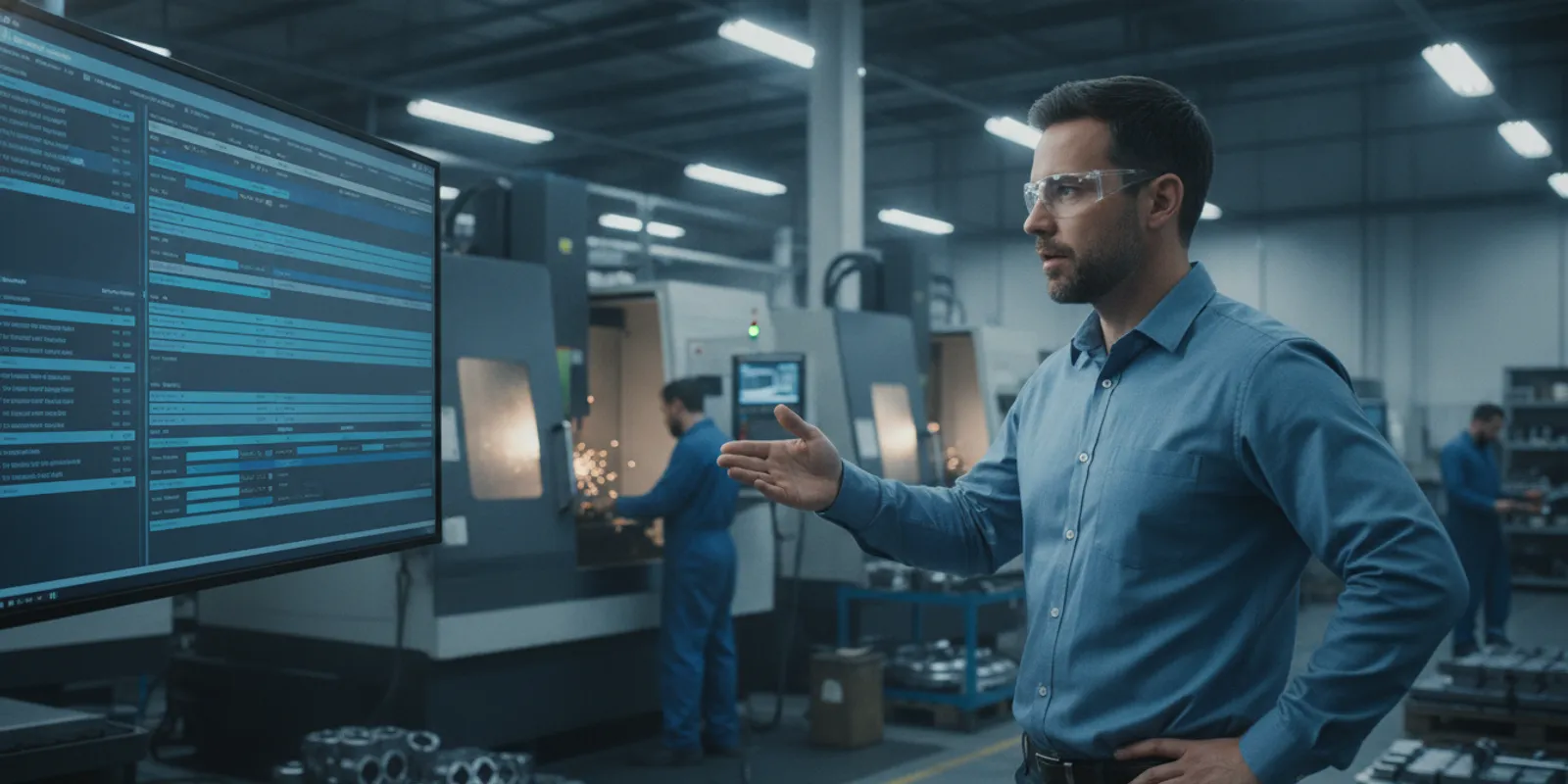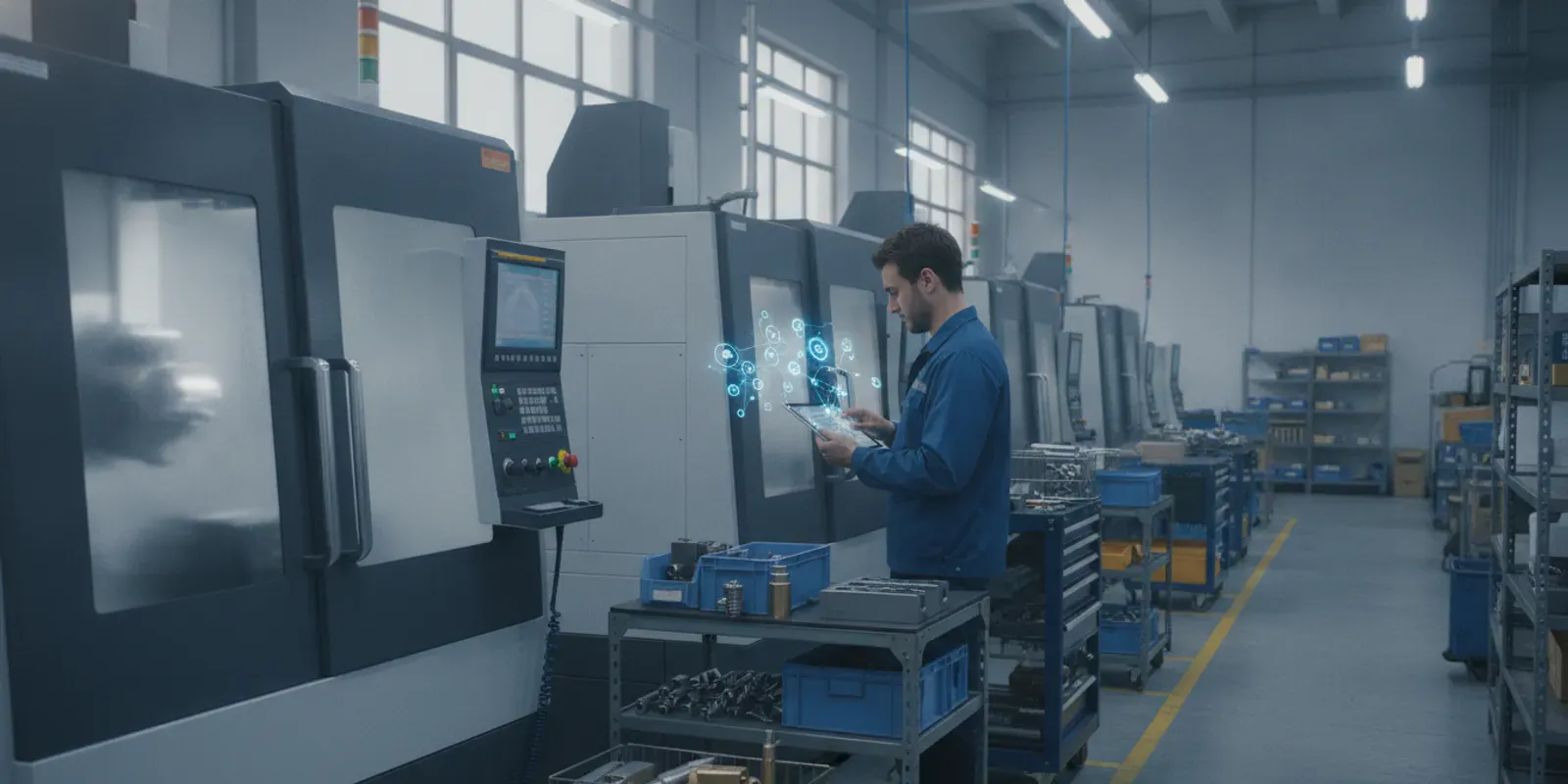
Managing a busy shop floor with spreadsheets or outdated whiteboards makes it hard to hit delivery dates. This MES software buyer guide helps discrete manufacturers find a system that connects their business office directly to real-time machine data.
An MES software buyer guide is a tool that helps high-mix, low-volume discrete manufacturers choose a system to track, schedule, and optimize shop floor operations. The right manufacturing execution system (MES) bridges the gap between your ERP and your machines by capturing real-time production data. Which allows small manufacturers to find and fix process inefficiencies as they happen instead of during end-of-month audits. According to the National Institute of Standards and Technology, linking live shop floor performance to actual costs also helps owners verify if their delivery goals are truly profitable. Using a structured guide during your software search ensures you select an agile platform that matches your specific workflows rather than paying for bloated enterprise-level packages you do not need.
Ready to evaluate your options? Request a live demo of JobPack MES and see how a modular system fits your shop floor workflows.
Selecting the right platform is the key to ending daily shop floor chaos. We will show you how to find a system that keeps your spindles turning, starting with the signs that indicate your shop is ready for an MES.
MES Software Buyer Guide: Is Your Shop Ready for an MES? Signposts of Growing Complexity
Managing a busy machine shop or discrete manufacturing plant is a difficult balancing act. When your shop is small, simple planning tools keep work moving on time. But as you take on more orders, scheduling becomes a constant daily battle. Knowing when to upgrade your shop systems is the first major step in our MES software buyer guide.
If your staff spends more time reacting to sudden emergencies than planning for future growth, your current manual tracking systems are likely failing your business. A modern shop needs real-time insight to stay ahead of customer demands.
Spreadsheets Fail under Growing Job Volumes
Most job shops start out using manual tools like spreadsheets. But paper job packets and offline sheets break down when you face high-mix, low-volume complexity. Managing 500 or more active jobs with complex, multi-operation routings makes it hard to see your actual progress. When scheduling relies only on one person’s memory, minor changes cause a chaotic chain reaction. A single raw material delay on one machine can quickly stall several other jobs.
The High Financial Cost of Late Shipments
When a shop outgrows manual tools, late shipments and missed promise dates soon follow. These issues lead to unhappy buyers and lost repeat business. On the shop floor, this lack of control often triggers critical problems that hurt your bottom line. For example, a late delivery might lead to a formal customer complaint or a canceled contract. A failed quality audit due to gaps in your paper trail can halt your entire shop floor. You might even lose a lucrative new bid simply because you cannot quote a quick, reliable delivery date.
Implementing a dedicated manufacturing execution system lets you link production output directly to actual costs, as noted by the National Institute of Standards and Technology. This financial tie helps you verify that your delivery goals are both profitable and achievable.
Why Standard ERP Modules Fall Short
To fix these issues, many owners try using their existing ERP scheduling module. But these back-office modules often fail on the shop floor. Standard ERP systems are designed for financial accounting, not dynamic shop floor sequencing. They cannot manage finite shop constraints like tool availability, operator skills, or shared resources. An ERP might show you what products to make, but it cannot tell you how to sequence jobs in real time when a machine breaks down. For true, flexible control, you need advanced production scheduling software that adapts instantly to live floor conditions.
Solving the Missing Middle on the Floor
This scheduling gap creates a common problem known as the missing middle in manufacturing. More than 70% of small manufacturers still rely on whiteboards and paper job packets to run their daily operations. These shops are stuck between basic spreadsheets and costly enterprise systems. This operational gap becomes a severe business crisis when your most experienced scheduler retires or when machine bottlenecks become critical.
Fortunately, modern software acts as a helpful, expert-level resource. It automates the analysis of your shop data and gives real-time recommendations, according to the NIST Manufacturing Extension Partnership. This digital support gives you the deep insight of a senior planner without the high cost of hiring extra staff.
Core MES Modules Every Job Shop Should Evaluate
When you use an MES software buyer guide to find a system, you must look at how the software fits your shop floor. A good manufacturing execution system (MES) is modular. You do not have to buy every feature at once. Instead, you can pick the specific modules that solve your biggest problems. For a high-mix, low-volume shop, some tools are more critical than others.
Advanced Production Scheduling
In a discrete job shop, scheduling is a constant puzzle. Your software must do more than track basic production. To avoid late orders, your team needs tools that support complex, multi-operation routings. Look for a drag-and-drop Gantt chart that lets you move jobs and see the impact instantly. The system should run what-if scenarios so you can plan for machine breakdowns or late material arrivals. It must also have automatic conflict detection to alert your planners before bottleneck delays ruin your delivery dates. Learn more about production scheduling software for job shops.
Real-Time Machine Monitoring
You cannot manage what you do not measure. A modern MES must connect directly to your factory floor machines. This module provides real-time machine monitoring so you can track overall equipment effectiveness (OEE). The system should connect to your CNC machines and other equipment using open industry protocols like MTConnect, Modbus, or OPC UA. Whether you run Fanuc, Haas, Mazak, or Okuma machines. The software must capture real-time status data to help you spot inefficiencies and defects as they happen on the shop floor.
Shop Floor Data Collection
To get accurate job costing, you need precise labor and activity tracking. Handing out paper job travelers often leads to lost data and slow updates. Your MES should replace paper with digital job packets that give operators clear instructions right at their work cell. Look for a system that lets you set up user-defined activity codes to track why a machine is idle or why a job is stopped. Explore shop floor data collection tools that create a clean digital audit trail.
Analytics and Live Dashboards
An MES acts as a powerful analytical engine for your manufacturing operations. It collects raw data from your machines and operators and turns it into visual, live dashboards. Your managers can use these dashboards to monitor OEE, track on-time delivery rates, and make data-driven decisions on the fly. Rather than waiting for weekly or monthly reports, your shop floor leaders can see live performance metrics. This rapid feedback loop allows your team to find and fix issues fast. See how manufacturing data analytics can transform your shop floor visibility.
How to Evaluate MES Software in 5 Steps
Selecting manufacturing execution system software is a critical decision that impacts your entire production floor. A typical evaluation process runs between three and six months. Following a structured guide prevents costly mistakes and ensures the new platform aligns with your shop floor workflows.
- Assess your shop floor operations. Begin by identifying your current production bottlenecks and tracking how data flows from your office to the shop floor. Many small manufacturers still rely on manual tracking or spreadsheets, which leads to late deliveries and scheduling conflicts. Document your exact production processes, multi-operation routings, and how you manage shared resources. You need to know if you require a standalone MES for job shops to handle high-mix, low-volume scheduling or if a simpler tracking tool is enough.
- Define your core requirements. Do not rely on generic enterprise software features. Focus on the data layer, scheduling capabilities, and how you manage digital work instructions. Write a clear list of must-have modules such as live machine monitoring or visual scheduling. Your list should match your specific manufacturing style. You can learn more about how small manufacturers evaluate technology on the National Institute of Standards and Technology site.
- Research vendors and build a shortlist. Search for vendors that specialize in discrete manufacturing rather than general process industries. Check vendor stability, industry fit, and past customer references. Look for case studies from shops that run similar production volumes. Visit the JobPack case studies page for real-world examples from discrete manufacturers. Limit your shortlist to three or four software vendors that match your needs.
- Request custom demos. Ask shortlisted vendors to demonstrate how their system handles your real-world scenarios instead of showing a generic sales pitch. Give them actual shop data, complex routings, and material constraints to plug into their system. Watch how the software handles changeovers, unexpected machine downtime, and sudden scheduling changes. Schedule a personalized demo to see how JobPack handles your specific shop floor scenarios.
- Compare options and decide. Evaluate each system based on total cost of ownership, ease of use, and integration options. Look closely at implementation speed. While some enterprise solutions take six to twelve months to deploy, other platforms offer a six-week implementation cycle. Choose a vendor that provides rapid time-to-value without disrupting your daily operations. Read more about the benefits of choosing JobPack for fast deployment.
MES Software Comparison: Dedicated MES vs. the Alternatives
Selecting the right production control system is a critical choice for any shop. Many plant managers feel stuck with options that do not fit their workflows. They must choose between manual tracking, rigid business software, or complex tools built for global factories. This MES software buyer guide helps you evaluate each choice based on cost, setup time, and shop floor usability.
The Realities of Spreadsheets and Whiteboards
More than 70% of small manufacturers still use spreadsheets or physical whiteboards to plan their production. While these tools have low upfront costs, they fail to provide real-time updates when schedules change. Manual systems lead to high error rates and lack of clear shop floor visibility. A small shop with complex routings will quickly outgrow manual planning as order volumes rise.
ERP-Native Scheduling and Enterprise Systems
Many shops try to use their existing ERP system for shop planning. However, ERP scheduling is back-office focused and lacks a visual shop floor interface. It remains too rigid for fast changes on the line. On the other end, enterprise MES tools cost from $100,000 to over $500,000. These large systems need a dedicated IT staff and take 6 to 12 months to deploy, making them a poor fit for mid-market shops.
The Dedicated MES Solution
A dedicated MES offers a middle path for growing shops. This software is ERP-agnostic and bridges the gap between your main business tools and the physical plant floor. A modular system lets you start with visual scheduling and add real-time monitoring when you are ready. Systems like JobPack offer a fast 6-week setup time. This is a practical choice for high-mix, low-volume shops that need robust scheduling without the enterprise price tag.
For detailed help selecting the right tools, explore our manufacturing software for job shops. To see how real-time tracking cuts costs and boosts profits, review the MES guide published by the National Institute of Standards and Technology.
| System Type | Average Cost | Setup Time | Shop Floor Fit | Key Limitation |
|---|---|---|---|---|
| Spreadsheets / Whiteboards | Near Zero | Instant | Poor | No real-time updates |
| ERP-Native Scheduling | Included in ERP | Highly Variable | Low | No visual shop interface |
| Enterprise MES | $100k – $500k+ | 6 to 12 Months | High (Large Scale) | Needs dedicated IT staff |
| Dedicated MES (JobPack) | Moderate | 6 Weeks | High (Mid-Market) | Requires ERP integration |
ERP Integration: Why It Matters and What to Look For
Your shop floor does not run in a vacuum. To get the most value from your MES software buyer guide, you must evaluate how a new system connects to your business office. A standalone MES needs to share data with your enterprise resource planning (ERP) system to keep schedules, jobs, and inventory in sync.
The Risk of ERP Lock-In
Many job shops make the mistake of using the basic scheduling tools built into their ERP. These tools often lack the real-time visual interface needed to manage a busy shop floor. At the same time, some software vendors try to force you into their ecosystem. Choosing a system that is ERP-agnostic prevents this lock-in. An open system lets you keep your existing ERP while upgrading your shop floor control. A flexible MES should connect with different systems like Epicor, Sage, or Microsoft Dynamics.
For more details on these benefits, read about why you might want a standalone MES for job shops.
Key Questions for Software Vendors
When you talk to sellers, you must ask the right questions about how their tools connect. Do they have pre-built connectors for your specific ERP? How long does the setup take? Some enterprise systems take 6 to 12 months to set up, which delays your return on investment. You want a partner that offers quick deployment to get your shop running smoothly.
According to the National Institute of Standards and Technology (NIST), small manufacturers can use an MES to link production to actual costs. This link helps you see if your delivery goals are profitable. Pre-built connectors make this link easy to set up. They let you share job details, material needs, and tool lists without manual entry.
How JobPack Solves the Integration Gap
JobPack is built to be ERP-agnostic and bridges the gap between business systems and the shop floor. It comes with pre-built connectors for more than 20 ERP systems. This wide compatibility helps explain why 95% of JobPack customers integrate the software with their existing ERP. Instead of months of custom coding, JobPack offers a rapid 6-week implementation cycle to get your shop up and running fast. Learn more about JobPack’s adaptable integration approach.
Calculating MES ROI for Job Shops: Building the Business Case
Investing in new software is a big decision for any shop owner. To justify the cost, you must build a clear business case that shows real value. Using an MES software buyer guide helps you focus on the right metrics, such as tool use, labor time, and delivery rates. By tracking these key areas, you can turn shop floor data into direct savings.
Link Production Output to Actual Costs
Many job shops struggle to know if a completed run was actually profitable. An MES helps you solve this problem by linking shop activities directly to your job costs. According to the National Institute of Standards and Technology (NIST), an MES gives you the real-time data you need to find cost leaks and spot process errors as they happen. This visibility stops you from bidding on jobs that lose money.
Instead of waiting for a job to finish to check your margins, you see costs build in real time. This keeps small issues from turning into expensive mistakes. You can track labor, material waste, and machine time on the fly. This level of control helps you prove the value of your software investment within the first few months of use.
Improve On-Time Delivery and Shop Flow
Late deliveries hurt your brand and cost you future sales. A primary driver of MES ROI is improved on-time delivery rates, which can increase by up to 17 percent. When you know exactly where every job stands, you can schedule work with confidence. You can also spot bottlenecks before they halt your spindles. Better scheduling also reduces the need to pay for rushed outside services. When your machines run at top capacity, you can keep more work in-house. This boosts your profit margins and gives you full control over product quality.
Get Fast Time-to-Value with Quick Setup
A major risk with software is a long, slow setup cycle. Many enterprise systems take six to twelve months to get up and running. During that time, your team is distracted, and you see no return on your spend. Choosing a system with a fast setup changes the math. For example, some systems offer a six-week setup cycle to get your shop live. This rapid deployment means you start saving money and cutting waste almost right away. You do not have to wait a year to see a return.
Ready to build your business case? Contact JobPack for a personalized ROI assessment based on your shop floor data.
Frequently Asked Questions
What is an MES software buyer guide?
An MES software buyer guide is a structured framework that helps discrete manufacturers evaluate and select the right manufacturing execution system for their shop floor. It covers needs assessment, must-have modules, vendor evaluation, integration requirements, and ROI calculation.
How long does it take to choose MES software?
A typical MES evaluation process runs between three and six months. This includes assessing shop operations, defining requirements, researching vendors, requesting demos, and comparing total cost of ownership. A structured buyer guide can help streamline this process.
What is the difference between MES and ERP scheduling?
ERP scheduling is designed for financial and inventory planning and lacks real-time shop floor visibility. MES focuses on live production tracking, finite capacity scheduling, and machine monitoring. An MES bridges the gap between your ERP and your actual shop floor operations.
How much does MES software cost for small manufacturers?
Enterprise MES systems can cost $100,000 to over $500,000 with lengthy 6-12 month deployments. Dedicated MES solutions for mid-market shops offer modular pricing and faster setup, typically around six weeks. The total cost depends on modules selected, number of users, and integration requirements.
Ready to Find the Right MES for Your Shop?
Choosing the right manufacturing execution system is one of the most important decisions for your shop floor. A structured buyer guide helps you evaluate options with confidence. Schedule a free demo with the JobPack team to see how a modular MES can transform your production scheduling, machine monitoring, and shop floor visibility. Call us at 847-741-1861 to speak with an MES specialist about your specific requirements.