Machine Monitoring
Additive Manufacturing Software: A Production Guide
Published September 9th, 2026
Additive Manufacturing Software: A Guide for Production Teams
Additive manufacturing changes how parts are designed and produced, but it does not remove the need for disciplined production control. As 3D-printing operations add machines, materials, post-processing steps, and customer commitments, spreadsheets and disconnected printer tools can make the overall workflow difficult to manage. Additive manufacturing software should connect planning, execution, visibility, quality data, and business systems.
What is additive manufacturing software?
Additive manufacturing software is the operational technology used to plan, schedule, monitor, document, and improve production that builds parts layer by layer. It may include specialized design, build-preparation, simulation, or printer-control tools, but production teams also need a management layer that connects orders, resources, work in progress, machine status, quality records, and ERP data.
The distinction matters. A printer application can prepare a build, while an operations platform helps answer broader questions: Which jobs are due next? Which machine or material is available? Is a build at risk? What work is waiting for inspection or post-processing? How does actual progress compare with the plan?
The National Institute of Standards and Technology describes additive manufacturing as a process that creates objects layer by layer from digital designs. That digital foundation creates an opportunity to build a connected production record, but only if data from planning, machines, operators, inspection, and business systems can be related to the same job or part.
Why do additive manufacturers need a production software layer?
Additive manufacturing software becomes valuable when the operation must manage more than one printer and more than one urgent job. The software layer organizes the flow from demand to completed part, giving production leaders a shared view instead of forcing them to reconcile printer queues, spreadsheets, email, and ERP records by hand.
Additive operations often have a different rhythm from conventional machining. A single build can contain multiple parts, run for a long time, and require inspection, cleaning, heat treatment, machining, or other post-processing before it is ready to ship. The production plan must account for the entire route, not only the moment a printer starts.
- Multiple builds competing for limited printer, labor, or post-processing capacity.
- Changing priorities when a customer order, material lot, or machine becomes unavailable.
- Long production cycles where a problem may remain hidden until the build is complete.
- Work in progress that moves through printing, inspection, finishing, and release.
- Customer and regulatory expectations for repeatable records and traceability.
- ERP data that needs to match actual production progress and resource usage.
These are production-control problems. A software platform does not replace the printer manufacturer’s build-preparation tools or the quality team’s process expertise. It gives the operation a way to coordinate those systems and make decisions from current information.
Which capabilities should additive manufacturing software include?
The right additive manufacturing software should support the complete production workflow, not just a single machine. Look for connected capabilities across planning, scheduling, machine visibility, work-in-progress tracking, quality data, analytics, and ERP integration. The exact feature mix depends on your process, materials, post-processing, and customer requirements.
| Capability | Production question it answers | What to verify in a demo |
|---|---|---|
| Job and build planning | What work should be released, grouped, or prioritized? | Can planners organize jobs around due dates, routes, materials, and available resources? |
| Finite-capacity scheduling | When can each job run without overloading a constrained resource? | Can the system model machine, labor, tooling, and post-processing limits? |
| Machine monitoring | Which equipment is running, idle, or in an alarm state? | Can the platform connect to current and legacy equipment and capture downtime reasons? |
| WIP and operator data | Where is each job, and what happened at each operation? | Can operators confirm starts, completions, quantities, exceptions, and non-conformance? |
| Traceability and records | Can the team reconstruct the production history for a part or order? | Are job, material, operator, machine, inspection, and time records connected? |
| ERP integration | Do orders, dates, inventory, and actuals stay aligned? | Can the system exchange data with the existing ERP without duplicate entry? |
| Analytics | Where are delays, scrap, utilization losses, or recurring issues occurring? | Can managers compare planned and actual performance and drill into causes? |
A useful evaluation separates must-have workflow requirements from attractive but unproven features. Ask vendors to demonstrate a real order moving through your route, including a schedule change, a machine interruption, an inspection hold, and a completed record.
How should additive production teams plan jobs and capacity?
Additive production planning should treat the full route as a sequence of constrained operations. A build is not complete when the printer stops. The schedule also needs to represent setup, material preparation, printing, removal, inspection, post-processing, finishing, and any downstream machining or outside processing that affects the promised date.
- Define the route: Map the operations, dependencies, expected durations, material requirements, and release conditions for each part or order.
- Separate shared constraints: Identify printers, operators, inspection resources, finishing equipment, and external suppliers that can limit throughput.
- Use finite capacity: Schedule only against available resources instead of assuming every job can start immediately.
- Test scenarios: Model a rush order, machine outage, material delay, or changed due date before disrupting the live schedule.
- Review the plan with the floor: Confirm that the schedule reflects actual changeover, handling, inspection, and post-processing conditions.
Visual scheduling is especially useful when the team must balance customer commitments against long build times. A drag-and-drop schedule can make conflicts visible, while what-if scenarios let planners compare options without changing the live plan. JobPack’s production scheduling software is designed around visual planning, capacity visibility, conflict alerts, and what-if scheduling for discrete manufacturers.
How does machine monitoring improve additive production visibility?
Machine monitoring software gives production leaders a current view of equipment status and the events that affect output. For additive operations, that view can help distinguish productive runtime from waiting, alarms, planned downtime, setup, maintenance, and other causes that are easy to lose when status is recorded manually.
Monitoring should not be treated as a dashboard disconnected from the schedule. The strongest workflow relates equipment events to the planned job, operation, shift, and resource. That makes it easier to answer why a build is late, whether capacity assumptions are realistic, and which recurring losses deserve attention.
When evaluating a platform, ask whether it can:
- Capture running, idle, alarm, and planned downtime states.
- Record operator-entered reasons when an automated signal is not enough.
- Connect to modern equipment and support practical paths for legacy machines.
- Show current status in a form that supervisors can act on quickly.
- Compare planned time, actual time, and lost time over a useful period.
- Feed trustworthy events into utilization, OEE, and production reports.
JobPack documents machine connectivity through options including Ethernet, MTConnect, OPC UA, proprietary protocols, and signal hardware for legacy equipment. Its machine monitoring solution is positioned to help discrete manufacturers see equipment status, downtime, and productivity events in real time. A discovery conversation should confirm the fit for your specific printer fleet and connectivity requirements.
How do quality data and traceability fit into the workflow?
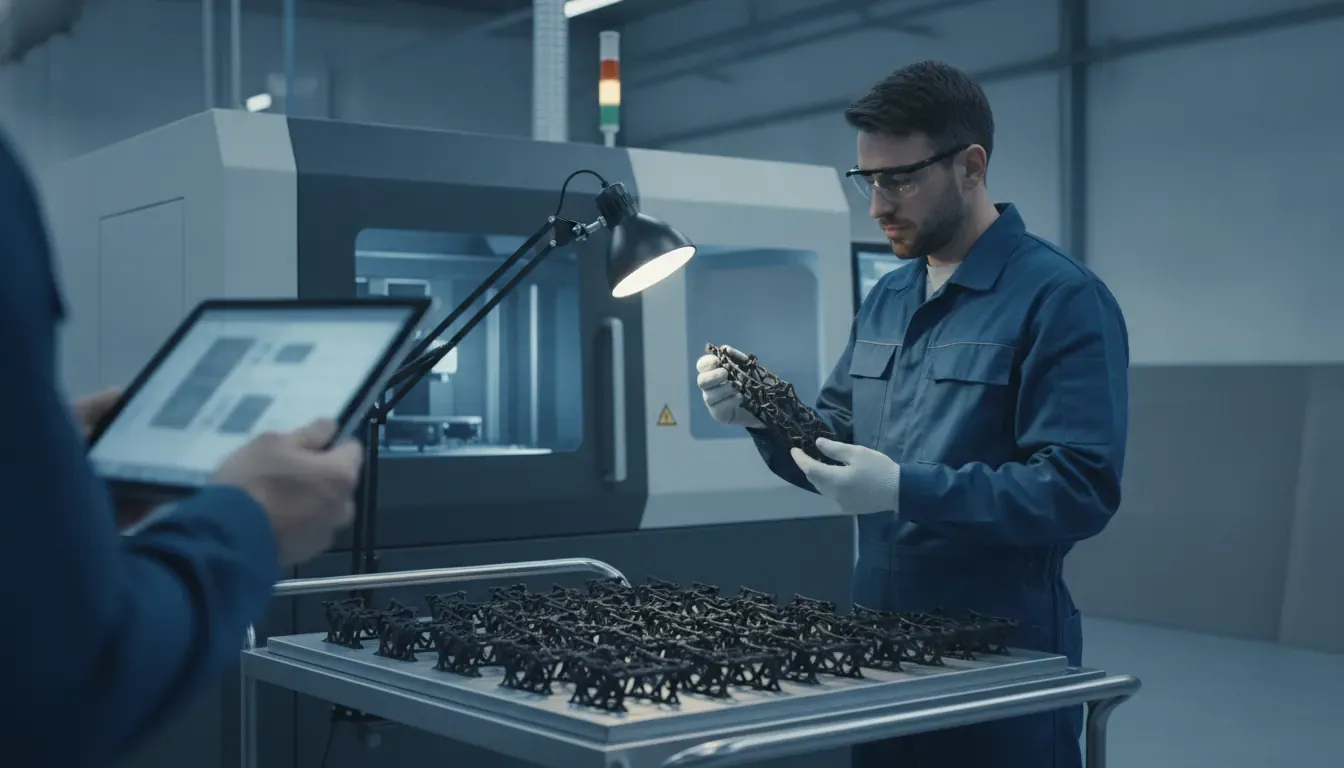
Quality and traceability data should follow the part or order through every relevant operation. Additive manufacturing software cannot replace a validated quality system, but it can provide the operational records that quality teams need to investigate a deviation, verify an operation, and understand how a job moved through production.
At a minimum, define which records must be linked:
- Part, work order, revision, and customer requirements.
- Material identity, lot information, and release status where applicable.
- Machine, build, operator, shift, and start or completion timestamps.
- In-process observations, exceptions, scrap, rework, and non-conformance reasons.
- Inspection, post-processing, outside processing, and final-release milestones.
- Changes to the plan and the reason for each change.
NIST’s recommendations on traceability and trustworthiness of manufacturing data address both subtractive and additive processes. The report emphasizes that trustworthy records depend on the way data is exchanged and traced throughout the lifecycle. That principle is practical for any additive operation: a record is more useful when the people, equipment, job, and event behind it are clear.
During a software evaluation, ask for an example of retrieving the history of one completed job. You should be able to see the planned route, actual operations, exceptions, inspection status, and relevant data exchanges without stitching together multiple unconnected files.
Why does ERP integration matter for additive manufacturing?
ERP integration keeps demand and execution connected. The ERP may remain the system of record for customers, orders, inventory, purchasing, and financial information, while additive manufacturing software adds the visual scheduling, machine status, operator workflow, and production detail that the ERP does not provide.
Without integration, teams may re-enter orders, due dates, quantities, or completions in several places. That creates avoidable errors and makes it harder to trust the schedule. A useful integration should establish clear ownership for each data object and define when updates move between systems.
| Data area | Typical business-system role | Operational software role |
|---|---|---|
| Orders and due dates | Provide customer demand and commitments. | Turn demand into a workable production plan. |
| Items, routings, and materials | Maintain master and inventory records. | Apply resources, constraints, and shop-floor sequence. |
| Work order progress | Receive production status and actuals. | Capture the event, quantity, time, and exception at the source. |
| Machine and labor capacity | May hold standard planning assumptions. | Show current availability and actual performance. |
| Reports and KPIs | Support financial and business reporting. | Explain operational causes behind delays, utilization, and variance. |
JobPack reports that 95% of its customers successfully integrate with an existing ERP. Its manufacturing data analytics capabilities are intended to connect production information with reporting and analysis. Confirm the available integration method, data ownership, error handling, security requirements, and implementation responsibilities before signing a project.
What is the best way to evaluate additive manufacturing software?
The best evaluation uses a representative production scenario instead of a generic feature checklist. Bring one real order, one constrained resource, one quality or inspection requirement, and one likely disruption. Ask each vendor to show how the system handles the scenario from demand through completion.
- Document the current workflow: Record where orders, build plans, machine status, WIP, inspection, and completion data live today.
- Identify the decision bottlenecks: Focus on late-delivery risk, capacity conflicts, missing status, rework, manual entry, and reporting gaps.
- Build a must-have test script: Include a due-date change, resource outage, material hold, partial completion, and post-processing step.
- Verify integration boundaries: Ask which system owns each field, how errors are surfaced, and what happens when data is unavailable.
- Measure implementation effort: Confirm data preparation, machine connectivity, training, support, security, and the customer’s internal responsibilities.
- Define success metrics: Choose measures such as schedule adherence, on-time delivery, utilization visibility, WIP accuracy, or time spent preparing reports.
Be cautious with demos that show a polished dashboard but avoid the hard parts of production. A useful system should make exceptions visible, preserve an audit trail, and help the team make a better decision when the original plan changes.
Can JobPack support additive manufacturing operations?
JobPack is a production scheduling and shop floor management platform for discrete manufacturers. Its documented capabilities align with several operational needs common to additive teams: visual scheduling, finite-capacity planning, machine monitoring, WIP data collection, ERP integration, and production analytics. Fit should be confirmed against the customer’s printers, routes, quality process, and post-processing requirements.
JobPack’s modular approach can be relevant when a manufacturer wants to improve one part of the workflow first and expand over time. The platform includes production scheduling, machine monitoring, shop floor data collection, analytics, and related shop-floor tools. That lets a team discuss the operational problem rather than forcing every business into the same deployment.
JobPack also brings long manufacturing experience to the conversation. The company reports more than 1,100 installations and focuses on small and midsize discrete manufacturers that need more control than spreadsheets provide without taking on unnecessary enterprise complexity. For an additive manufacturer, the practical next step is a process-fit discussion grounded in the actual printer fleet, order flow, work centers, inspection steps, ERP, and delivery goals.
Frequently Asked Questions
What does additive manufacturing software do?
Additive manufacturing software helps production teams plan jobs, schedule constrained resources, monitor equipment, track work in progress, preserve production records, analyze performance, and exchange data with ERP systems. Specialist tools may also handle design, slicing, simulation, or printer control. A production platform should connect those activities to business and shop-floor decisions.
Is additive manufacturing software the same as 3D printing software?
Not always. 3D printing software can refer to design, slicing, build preparation, simulation, or printer control. Additive manufacturing software may include those functions, but the term can also describe the broader operational workflow around orders, resources, machines, quality data, traceability, and post-processing. Ask vendors to define the exact scope of their product.
Can additive manufacturing software integrate with an ERP?
Many production platforms can integrate with an ERP, but the available methods and data flows vary. Confirm whether the system can exchange orders, due dates, routings, materials, inventory, work-order status, and completions. Also clarify which system owns each record, how errors are handled, and whether the integration supports your ERP without extensive duplicate entry.
What should I track in additive manufacturing production?
Track the measures that explain delivery, capacity, quality, and resource use. Depending on the process, that can include schedule adherence, build and operation time, machine status, planned and unplanned downtime, WIP location, first-pass yield, scrap or rework, inspection status, material records, and the difference between planned and actual performance.
How can a manufacturer start an additive software project?
Start with one representative workflow and a clear business outcome, such as improving delivery-date confidence or reducing time spent reconciling production status. Map the current data sources, choose a limited pilot scope, define integration ownership, and agree on success measures. Include operators, schedulers, quality, IT, and finance in the evaluation.