Production Scheduling
How to Implement a Paperless Shop Floor in CNC Machining
Published July 1st, 2026
Paper routers lost under a pile of chips can halt an entire production line for hours. These physical files slow down even the most advanced CNC machining centers and lead to costly errors.
A paperless shop floor replaces manual routing slips and paper job packets with a digital data stream. This system gives plant managers a real-time view into every work order while cutting the risk of lost or dirty files. By using digital work queues, shops can lower costs and improve their schedules. According to the National Institute of Standards and Technology, smart factory systems save the industry over fifty-seven billion dollars each year. Moving away from paper ensures that every worker has the most current drawing at their machine. This shift removes manual entry lag and allows for faster choices based on live data. It is a vital step for shops that want to stay ahead.
Moving to a digital system requires a clear understanding of how these tools function on the shop floor. You must understand What is a Paperless Shop Floor in Modern CNC Machining? before you start your own transition. This guide covers the basics and the steps needed to begin your journey, and the path starts with
What is a Paperless Shop Floor in Modern CNC Machining?
A paperless shop floor is a digital system that runs a machine shop without paper files. In many older shops, paper job packets move from one work spot to the next. These folders hold drawings, tool lists, and routing slips. A paperless setup replaces these items with live software and screens. This change helps shops track work in real time and cuts down on hand data entry.
Digital work queues and job packets
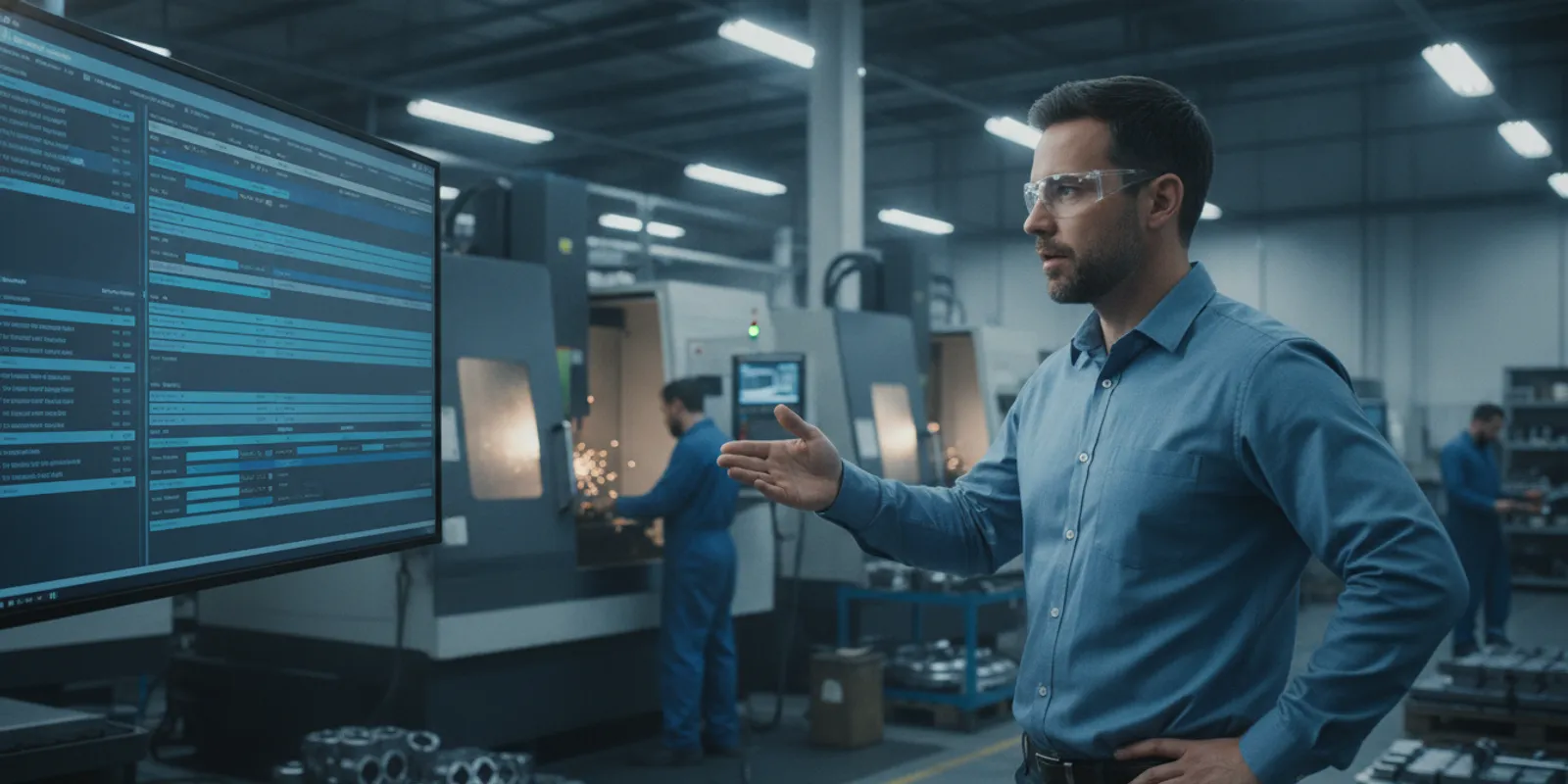
In a paperless shop, workers do not look for a paper folder to start a job. They log in to a screen to see a list of tasks. This list shows them what to do and when to do it. These paperless tools use digital work queues and batch cards to guide the day. Instead of a paper stack, the worker has the latest CAD files and setup sheets on their screen. This shift makes sure everyone works from the most recent plan.
Using a digital system also means data flows back to the office fast. When a worker finishes a step, they tap a button on the screen. The system then updates the job status for everyone to see. This removes the need for someone to walk the floor and collect paper slips. It also stops errors that come from hand-written notes or lost packets.
Bridging the gap between ERP and machines
Many shops use an ERP system to manage orders and billing. But these systems often fail to show what is happening on the machines. A paperless shop floor acts as a bridge. It links the big plans in the office to the real work on the floor. This link is vital for shops that want to grow. It allows the office to see slow spots as they form.
This link is a core part of smart manufacturing. NIST says smart manufacturing uses digital info to improve the factory and the supply chain. By going paperless, a shop moves from a slow, paper process to a fast, data-driven one. This helps the whole business run better and stay ahead.
Moving to a connected data stream
Going paperless is more than just getting rid of paper. It creates a live stream of data from every machine. When a shop adopts a paperless manufacturing workflow, it gains a clear view of its output. Managers can see how much time a job takes. They can also see if a machine sits idle for too long.
This data stream makes it easy to spot trends. One way to see this is if a part always takes longer than the plan says. If this happens, the team can find out why. They can then adjust the schedule or the process to fix it. This level of detail is hard to reach with paper logs. A digital system turns the shop floor into a smart space where every move adds value.
The Hidden Costs of Physical Paper on the CNC Shop Floor
Physical paper job packets and routing slips often feel like a cheap way to track work. But these paper trails carry hidden costs that slow down production and eat into profits. For many machine shops, the move to a paperless manufacturing workflow is now a key way to stay ahead.
Errors from outdated revisions
One of the biggest risks on a paper-based shop floor is using the wrong version of a print. If a design change happens, a manager must find and swap every physical copy at every machine. It is easy to miss one. When an operator uses an old drawing, the result is scrap or costly rework. A paperless shop floor solves this by showing only the current live files to every machine station at once.
Physical wear and lost data
CNC shops are tough places for paper. Oil, coolant, and grease can quickly make a job packet hard to read. A single smudge on a key detail can lead to a bad part. Beyond wear, physical packets can get lost as they move from the saw to the mill. Finding a lost folder takes time and stops the flow of work. Digital systems keep data clean and easy to find without the risk of physical damage.
The delay of manual entry
Paper systems rely on operators writing down times and counts by hand. This leads to two big problems. First, handwriting can be messy and hard for the office to read. Second, there is a large time gap between the work being done and the data being typed into the ERP. This delay makes it hard to see the true status of a job. Manual data entry keeps a shop from getting real-time shop floor data collection, which is needed to fix issues fast.
Barriers for small manufacturers
Many small and medium-sized manufacturers (SMMs) know paper is a problem but struggle to change. Often, a lack of time and tight resources acts as the main barrier to new tech. But small shops have a secret edge. They have fewer layers of management and can make decisions faster than larger shops. By using this speed, a small shop can cut out paper waste and start saving money sooner than a big rival.
Key Benefits of Transitioning to a Paperless Shop Floor
Shifting to a paperless shop floor is a major step for any CNC machine shop. This move does more than just get rid of paper. It changes how you run your plant each day. A paperless manufacturing workflow helps you cut costs and see work status in real time. You no longer have to hunt for lost job packets. Instead, all your data stays in one safe place. This helps your team stay on track and avoid slow spots.
Live status view
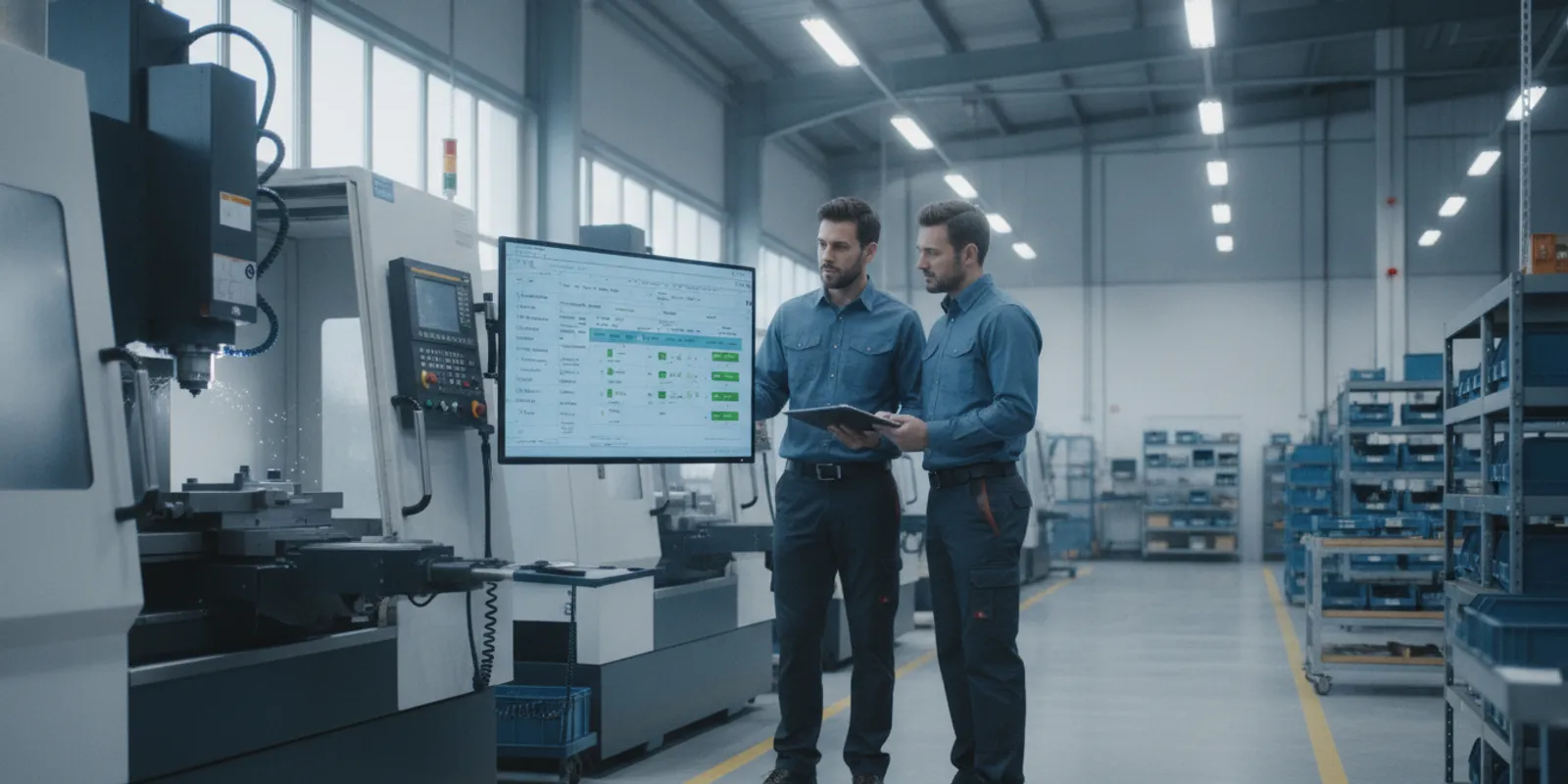
One big gain is a better view of your shop floor. In the past, managers had to walk around to see which jobs were done. Now, a digital system shows the status of every machine. You can see which parts are on the mill and which ones are next. Experts say that smart making uses digital info to optimize factory operations and supply chains. These facts help you make fast choices based on live data. You can find a slow spot before it stops your whole line.
When you have a clear view, you can plan better. You will know if a job is late or if a tool needs a fix. This keeps your shop moving fast and keeps your clients happy. You do not have to guess when a part will be ready. The screen shows the truth at all times. This builds trust with your team and your buyers.
Auto tracking for jobs
Tracking jobs by hand is slow and full of risk. A paperless system uses real-time shop floor data collection to log every move. This means your team spends less time with a pen and more time at the machine. The system saves when a job starts and when it ends. It also tracks the tools and raw goods used. This gives you a full history of every part you make. You can find past facts in seconds to help with bids or audits.
Machine monitoring tools also help you see how well your shop works. These tools give you facts to boost output without typing by hand. You can track Overall Equipment Effectiveness (OEE) to find ways to work better. This helps you get the most out of every machine you own. When your tools work well, your shop makes more money.
Fewer errors from manual entry
Hand-written notes are hard to read and easy to lose. When a tech writes a number wrong, it can ruin a whole batch of parts. A paperless shop floor stops these slips. Workers scan a code or click a screen to save data. The system checks the info as they enter it. If something looks wrong, the software flags it right away. This saves you from making bad parts and wasting stock. It also means your office team does not have to spend hours typing in notes from the floor.
Digital systems also keep your files current. When a drawing changes, the new version goes live to every screen at once. No one will work from an old print by mistake. This keeps your quality high and your scrap rate low. Your team can feel sure they have the right info for every job. This leads to better work for everyone.
| Feature | Paper-Based Shop Floor | Paperless Shop Floor |
|---|---|---|
| Revision Control | Manual checks. Old prints may stay on floor. | Instant sync. Live updates to all screens. |
| Tracking Speed | Slow. Needs physical walks and manual logs. | Fast. Live dashboard views of all jobs. |
| Manual Entry Errors | High. Risk of typos and lost forms. | Low. Auto logs and scan-based entry. |
| Work Visibility | Limited to physical shop floor checks. | Full. Viewable from any office PC. |
| Audit Trail | Messy. Hard to search paper files. | Clean. One-click digital history. |
How to Implement a Paperless Shop Floor: A 5-Step CNC Transition Guide
Moving to a digital system takes careful planning. Smart shop work uses digital data to make tasks better, as noted by NIST research. This shift removes slow paper steps that often cause delays. Most shops can make the switch quickly with the right plan and the right tools. Changing your floor helps you cut costs and reduce human errors in real time.
A paperless shop floor means your team can focus on making parts rather than hunting for lost files. When you remove paper, you gain speed. Managers can see exactly where each job stands without walking the floor. This clear view is vital for meeting tight deadlines and keeping customers happy. It also makes your shop more ready for new orders.
Build your data hub
First, look at your shop tools and machines. You need to make sure your CNC machines can talk to a central hub using real-time machine monitoring. Modern paperless tools use digital work queues and batch cards to keep jobs moving. These systems provide automated task tracking as work goes through the shop. This helps you track each task as it happens and gives you a live look at how your machines run.
Setting up this hub is the first step in a larger plan. You must check that your network can handle the data flow. If your machines are old, you might need extra hardware to bridge the gap. Once the link is set, the data flows freely between the floor and the office. This link is what makes the whole system work well.
Link your shop software
Next, connect your new digital tools to your office software. The goal is one clear flow of data from start to finish. Using real-time shop floor data collection helps the office see what the machines are doing now. This link stops the need for hand typing data at the end of each day. It keeps your records clean and up to date.
Software links reduce the risk of bad data. When an operator logs a finished part, the system updates your job status at once. This means no more guessing if a job is done. It also helps with planning for future work. You can use this data to see where you might have slow spots on your floor. This knowledge lets you fix small problems before they grow.
- Check your shop site: Look at your network and machine ports. You must have a strong link for every CNC center to send data. This is the base of your digital floor.
- Set up new tools: Put tablets or touch screens at each station. These tools give workers a clear view of their daily tasks without using paper folders. They are easy to use and keep clean.
- Move your directions: Put your PDF prints and setup sheets into the system. This step ensures that every worker sees the right version of a part file. It stops people from using old or wrong prints.
- Train your team: Show workers how to log in and update job status. Fast training helps the crew feel ready for the new tools. When people know how to use the system, they are more likely to use it well.
- Go live in steps: Start with one cell or a small group of machines. JobPack uses a 6-week rollout plan to help shops finish their digital switch. A slow start helps you fix any bugs before the whole shop goes live.
Share digital part guides
Finally, stop printing job packets. Digital directions give live news to everyone in the shop. If a part design changes, the shop sees it at once. This keeps your quality high and cuts down on scrap parts caused by old paper plans. Every worker has the best data at their fingertips.
Digital guides are easier to read and update. You can add photos or videos to help with tricky setups. This extra help can reduce the time it takes to get a new worker up to speed. It also creates a more modern feel for your shop. This can help you attract younger workers who expect to use digital tools in their daily work.
Overcoming Operator Resistance to Digital Shop Floor Systems
Moving to a digital system is a big change for the people on your shop floor. Many workers have used paper job packets for years. A key barrier to this shift is the lack of time and tight resources that small shops face. A paperless manufacturing workflow works best with a slow rollout. This helps your team adjust to the new tools at their own pace.
Listen to your floor team
Leaders should start by talking to the workers who will use the new tools each day. You can build trust by asking for their input early in the process. When people feel heard, they are less likely to push back against new tech. Use their feedback to find out which parts of the old paper system were most hard for them. This lets you show how the new tool will solve those exact problems.
Show clear value early
People are more willing to change when they see how a new tool makes their job easier. Explain that a real-time shop floor data collection system stops the need for slow data entry by hand. According to the NIST MEP Guide, many small shops do not adopt new tech because they lack the time for training. Focus on quick wins that save time right away to prove the system is worth the effort.
Support through training
Do not expect everyone to learn a new system in one day. Give clear training and keep it simple. You might want to pick a few shop floor leaders to learn the system first. These people can then help their peers as the rollout moves to other areas. Clear help and a steady pace will reduce stress. This leads to a more successful shift for the whole plant.
Achieving Complete Traceability for CNC Aerospace and Medical Orders
High-stakes work for the aerospace and medical device fields leaves zero room for error. When you supply parts for flight systems or surgical tools, you must prove how every piece was made. A paperless shop floor makes this simple by catching data at every step. This digital way replaces messy paper files with a complete digital audit trail that stays right and easy to search.
Meeting strict safety rules
Regulated shops must follow rigid rules for quality and safety. In these fields, digital audits provide traceability that paper logs simply cannot match. A digital system tracks which person ran the machine, which batch of metal was used, and when the job finished. This level of detail is a core part of smart manufacturing processes that use digital info to help factory work. By cutting out manual entry, you remove the risk of lost files or bad writing during a tough audit.
Building a solid history
Traceability is not just about checking a box for a client; it is about keeping your shop safe. If a part fails later, you need to find the cause fast. A digital system lets you see the full history of an order in seconds. You can link every tool change, check result, and code version to the specific serial number. This deep view helps you spot trends before they become scrap. It also gives your customers peace of mind, as they know you have a tight grip on every detail of their high-value orders.
Frequently Asked Questions
How long does a paperless shop floor transition take?
Most shops can finish the move to a digital system in a few months. As noted by JobPack, a six-week rollout helps teams switch without stopping work. This path makes sure each worker on the floor knows how to use the new tools. By following a clear plan, you can avoid common errors and see results fast. A quick rollout keeps spirits high and stops old paper habits from coming back during the change.
How much money can manufacturers save by going paperless?
Switching to digital tools can lead to huge gains for the factory world. Research from NIST shows that smart tech saves firms about $57.4 billion each year. These savings come from less waste, fewer errors, and better use of time on the shop floor. When you stop using paper, you also save on the cost of printing and storage. Over time, the move pays for itself through better output and lower overhead costs for the entire shop.
What is the main barrier to adopting paperless shop floor systems?
Many small shops want to go digital but feel they do not have the time to start. A guide from NIST found that a lack of spare hours is the top hurdle for these firms. Busy teams often focus on today’s jobs and find it hard to plan for tomorrow. Since these shops have thin teams, they might put off the move to avoid a pause in work. Overcoming this requires a firm choice from lead staff to set aside time for the change.
How does a paperless shop floor help with industry compliance?
A paperless system makes it much easier to pass audits for flight or medical work. These fields need a clear trail of every step taken on the floor. As stated by JobPack, digital tools track every task and part in real time. This creates a data trail that is easy to check and hard to lose. Instead of hunting through file folders, you can find any record in seconds. This level of detail keeps your shop safe and meets strict rules.
Ready to move to a paperless shop floor?
Sticking with paper job packets and manual tracking costs your CNC shop more than just time. Every lost routing slip or slow update creates gaps in your shop data. This leads to missed deadlines and higher costs that could be avoided. Moving to a digital system now means you stop losing money to slow work flows and start seeing real time progress on every part you make. When you wait to make this shift, your team works harder for less gain while your competitors use fast digital tools to win more work. Starting today helps you close the gap and build a more lean shop that runs with less stress. You will gain a clear view of your shop floor that lets you plan better and deliver on time without fail.
Ready to move your shop forward? Schedule a live demo of JobPack to see how our system works for you.