Production Scheduling
5 Best Production Planning Software for Manufacturing
Published March 25th, 2026
How much time did you lose to unplanned downtime last week? Are your lead time estimates truly accurate, or are they just educated guesses? For many manufacturers, the answers to these critical questions are buried in spreadsheets or simply unknown. Making decisions without clear, real-time data is like driving with a foggy windshield. You might be moving forward, but you can’t see the obstacles ahead. The right production planning software for manufacturing turns the lights on. By collecting and presenting live data from your shop floor, it gives you the visibility needed to make informed, strategic decisions that improve efficiency, reduce waste, and strengthen your bottom line.
Key Takeaways
- Focus on visibility and real-time data: The right software replaces guesswork with clarity. Prioritize features like visual scheduling and live machine monitoring to see exactly what’s happening on your shop floor and make smarter, faster decisions.
- Choose a tool designed for your team: A system built for manufacturing will have a more intuitive workflow than a generic tool. Ensure it’s flexible enough to match your processes and easy enough for your team to adopt by involving them in a hands-on demo.
- Look for a long-term partner, not just a product: Your software should grow with your business. Carefully assess a vendor’s support, training, and implementation process to ensure you’re choosing a scalable solution and a partner invested in your success.
What is Production Planning Software?
Think of production planning software as the central nervous system for your manufacturing operations. It’s a digital tool designed to organize, manage, and track every single step of the production process. Instead of relying on scattered spreadsheets, whiteboards, or gut feelings, this software gives you a single, reliable hub to see everything that’s happening. From the moment an order comes in to the minute it ships, the software helps you create a clear and actionable plan.
This isn’t just about creating a static schedule. It’s about building a dynamic roadmap that helps you manage timelines, allocate materials, assign tasks to the right people and machines, and monitor progress in real time. Good production scheduling software answers critical questions like: What should we be working on right now? Do we have the materials we need? Are we on track to meet our deadlines? By connecting all the moving parts, it helps you make sure work flows smoothly, resources are used wisely, and products get made on time, every time.
Core Functions to Look For
When you start comparing different software options, you’ll notice they all promise to make your life easier. But the best ones have a few key functions that truly make a difference on the shop floor. Look for a system that includes:
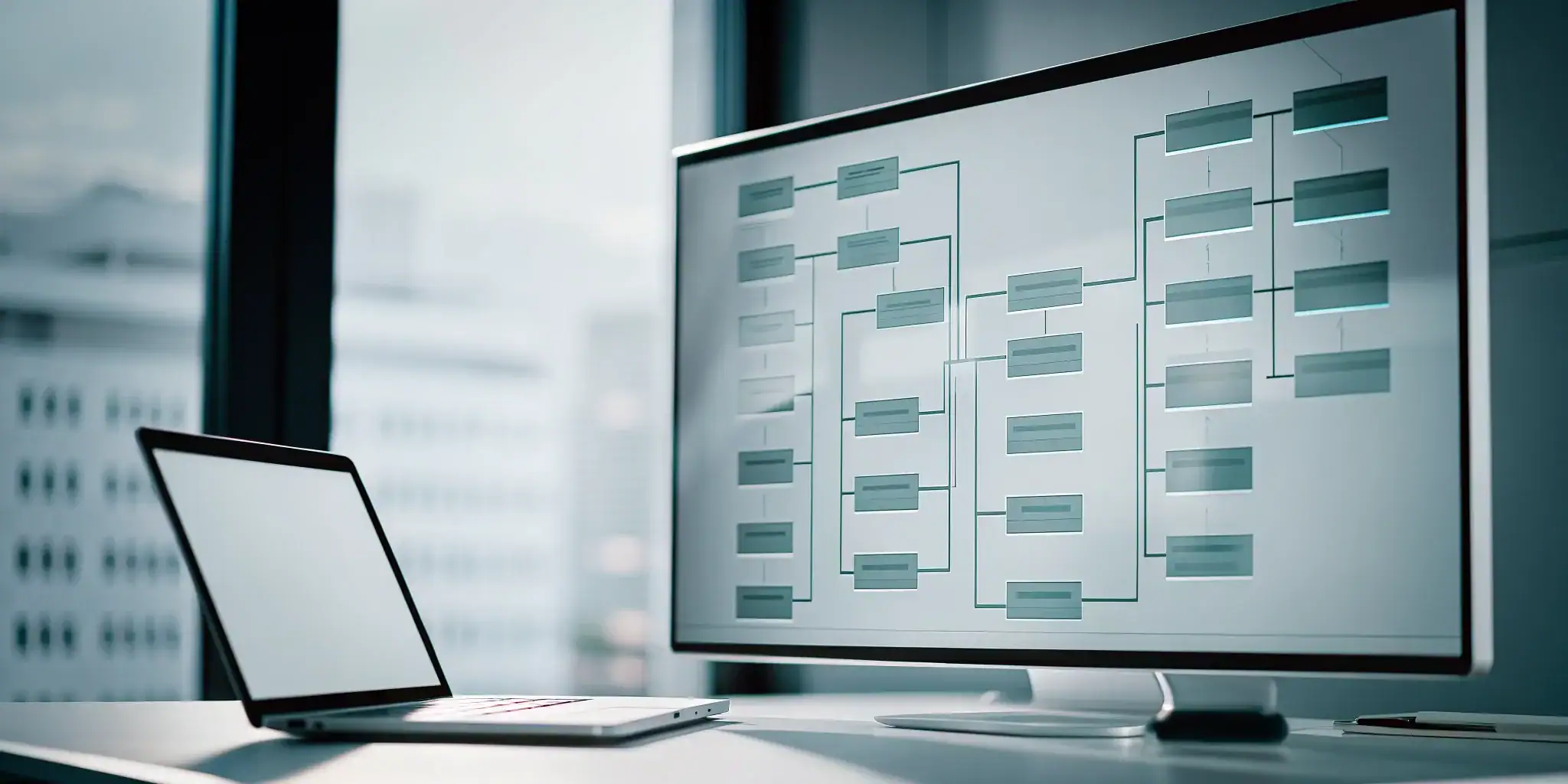
- Visual Timelines: Interactive Gantt charts are a must. They give you a clear, visual overview of all your jobs, showing you how tasks depend on each other and highlighting important deadlines.
- Capacity Planning: The software should help you understand if you have enough machine capacity and labor to handle your workload, preventing bottlenecks before they happen.
- Real-Time Dashboards: You need a live view of your shop floor. Real-time machine monitoring and alerts let you know instantly if a job is running behind or a machine goes down.
- Resource Management: This feature helps you assign the right tasks to the right people and equipment based on their availability, skills, and current workload.
How It Integrates with Your Shop Floor
The real power of production planning software comes from how it connects your plan to the reality of your shop floor. It’s not just a tool for managers in an office; it’s a living system that guides the team doing the work. By integrating directly with your operations, the software ensures that everyone is working from the same playbook. This means your team always knows which job to work on next, and they have the materials and resources they need to get it done without delays.
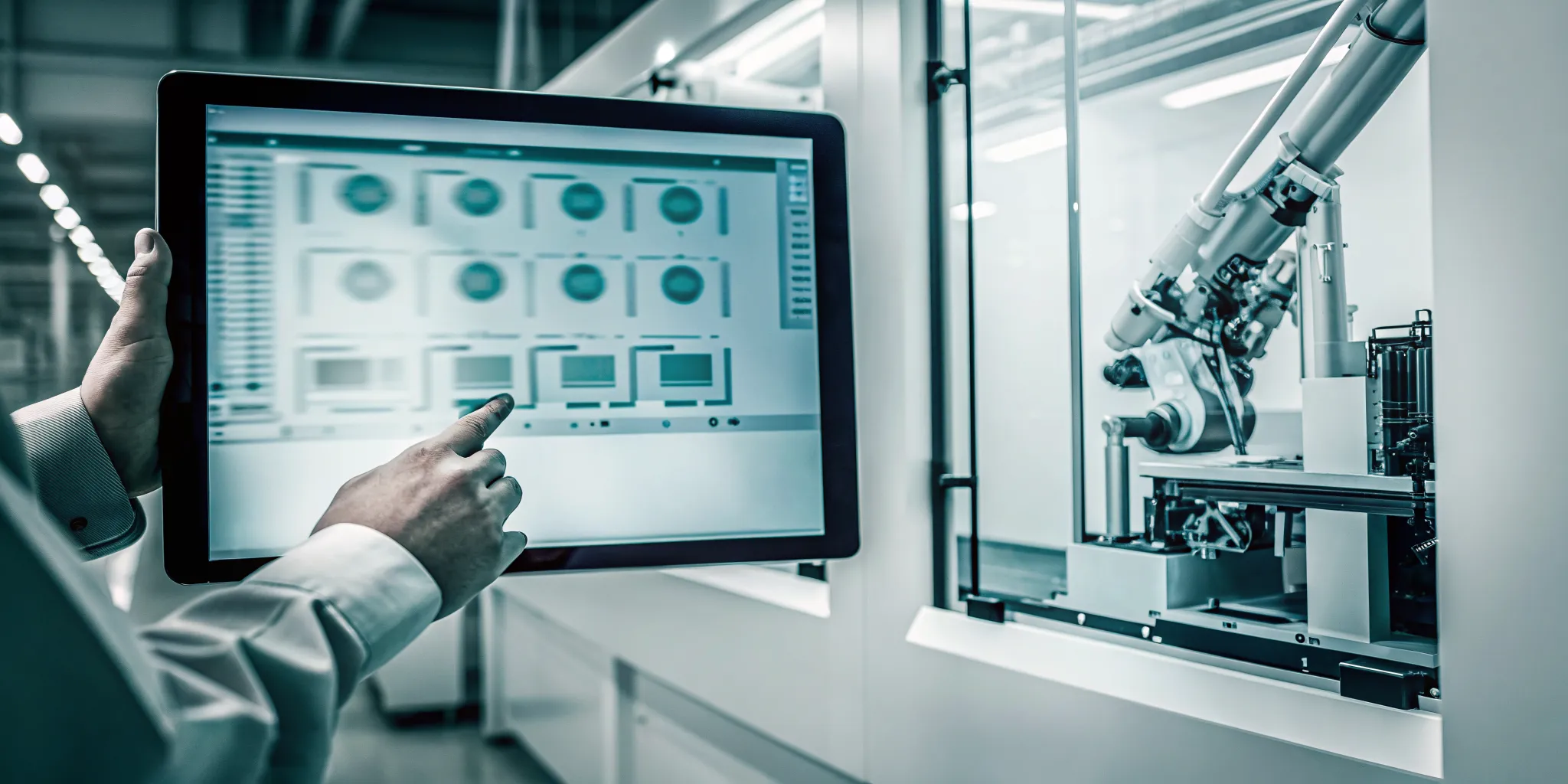
This integration is made possible through effective shop floor data collection. As work is completed, that information is fed back into the system, updating schedules and dashboards in real time. This continuous loop of information allows you to see exactly how your plan is unfolding and make smart adjustments on the fly. It transforms your production plan from a simple document into an active, intelligent guide for your entire operation.
Key Features Your Production Planning Software Must Have
When you start comparing production planning software, the sheer number of options can feel overwhelming. Every platform promises to solve your problems, but the right one will have a specific set of features designed for the realities of a busy shop floor. To cut through the noise, focus on tools that give you clear visibility, real-time information, and the flexibility to grow. These core components are what separate a basic scheduling tool from a true manufacturing management system that can transform your operations. A great system empowers your team with the right information at the right time, making it easier to hit deadlines, manage resources, and adapt to unexpected changes without missing a beat.
Essential Planning and Scheduling Tools
At its heart, your software needs to master the art of scheduling. Look for interactive Gantt charts that give you a clear, visual layout of your entire production timeline. This allows you to see job progress, identify potential conflicts, and make drag-and-drop adjustments on the fly. A great system also includes capacity planning features, helping you balance your workload against available resources like machines and staff. This ensures you’re making the most of your shop’s potential without overpromising on deadlines. These foundational production scheduling tools are the bedrock of an efficient and predictable workflow.
Real-Time Monitoring and Analytics Capabilities
A plan is only as good as its execution. That’s why your software must connect directly to your shop floor to provide live updates. With real-time machine monitoring, you can instantly see which jobs are running, which are stopped, and why. This immediate feedback loop lets your team address bottlenecks or material shortages before they derail the entire schedule. Over time, this collected information feeds into powerful data analytics that reveal trends in performance, downtime, and efficiency. This helps you move from reactive problem-solving to proactive, data-informed decision-making.
Integration and Scalability for Future Growth
Your production planning software shouldn’t operate in a silo. To maximize its effectiveness, it needs to integrate seamlessly with the other systems you rely on, especially your Enterprise Resource Planning (ERP) software. This connection eliminates double data entry and ensures everyone from the front office to the shop floor is working with the same accurate information. As your business grows, your software should be able to scale with you. A flexible system can adapt to new machines, more complex workflows, and increasing order volumes, ensuring your investment continues to pay off for years to come.
Finding the Right Production Planning Solution
Choosing the right software can feel like a huge task, but it boils down to finding a system that understands the unique rhythm of your shop floor. Generic project management tools might work for an office, but they often fall short when faced with the complexities of manufacturing. You need a solution built with your specific challenges in mind, one that can handle everything from material availability and machine capacity to last-minute order changes. The right tool won’t just organize your schedule; it will become the central nervous system of your entire operation, providing clarity and control where you need it most.
Why a System Built for Manufacturers Matters
A generic tool simply doesn’t speak the language of manufacturing. Software designed specifically for this industry acts as a central hub, organizing timelines, routing materials, and assigning tasks with an understanding of how a shop floor actually works. It’s built to handle the variables that spreadsheets can’t, like machine downtime, tooling conflicts, and operator availability. When you choose a system created by people who understand manufacturing, you get a partner that helps you solve real-world production problems instead of just creating a prettier to-do list. This specialization means the features are relevant, the workflow is intuitive, and the results are tangible.
The Power of Visual Scheduling and Shop Floor Management
One of the biggest steps up from manual planning is the ability to see your entire production schedule at a glance. Modern production scheduling software uses visual tools like interactive Gantt charts to map out every job, task, and deadline. This visual approach makes it incredibly easy to spot potential bottlenecks, understand dependencies between operations, and adjust schedules on the fly by simply dragging and dropping tasks. Instead of being buried in spreadsheets, you get a clear, real-time view of your capacity and progress, allowing you to make smarter scheduling decisions instantly.
Connecting Your Entire Operation, from Quoting to Shipping
The best production planning software doesn’t operate in a silo. It integrates every part of your business into a single, cohesive system. This means the data from sales and quoting flows directly into production planning, which then informs purchasing and inventory. As work progresses, shop floor data collection provides real-time updates, giving everyone from the front office to the shipping dock a clear and accurate picture of job status. This connectivity reduces paperwork, eliminates redundant data entry, and ensures your entire team is working from the same playbook, making your processes smoother and more efficient.
How to Compare Your Top Software Choices
Once you’ve narrowed your list down to a few promising candidates, it’s time to look closer. Choosing the right production planning software is about more than just features; it’s about finding a long-term partner that understands your shop’s unique challenges and goals. This means digging into the details of pricing, usability, and the quality of support you’ll receive.
Think of this stage as a final interview. You need to ask the right questions to see which solution truly fits your team and your workflow. A great software choice should feel like a natural extension of your operations, not a system you have to fight with. The goal is to find a platform that simplifies complexity and gives you the clarity you need to run your shop floor effectively. By carefully evaluating each option, you can find a solution that not only meets your current needs but also supports your company’s growth for years to come.
Breaking Down Pricing Models
Let’s clear the air on one of the biggest concerns: cost. There’s a common myth that powerful manufacturing software comes with an impossibly high price tag, but that’s not always the case. Many modern vendors offer flexible pricing to fit different budgets. Your job is to understand exactly what you’re paying for. Look beyond the initial quote and ask about the total cost of ownership. Does the price include implementation and initial training? Are software updates covered, or will they cost extra? Be sure to clarify if the model is a one-time license fee or a recurring subscription. Getting a clear, itemized breakdown helps you avoid surprises and make a true apples-to-apples comparison.
Evaluating the Learning Curve and Ease of Use
Another outdated idea is that production planning software is hopelessly complex. Modern systems are designed with the user in mind, featuring intuitive interfaces that make sense for people on the shop floor. The best software doesn’t require a computer science degree to operate. When you’re watching a demo, pay attention to the workflow. How many clicks does it take to reschedule a job or check a machine’s status? A system with clear, visual production scheduling tools can dramatically shorten the learning curve for your team. Look for a solution built specifically for manufacturers; its features will align much better with your daily tasks than a generic project management tool ever could.
What to Expect from Customer Support and Training
The relationship with your software provider shouldn’t end after the sale. The implementation process and ongoing support are just as important as the software itself. A good vendor acts as a partner, guiding you through setup and ensuring your team feels confident using the new tools. Before you sign anything, ask detailed questions about their support structure. Is training included, and what does it cover? What are their support hours, and what’s the typical response time? Understanding the level of partnership you can expect will help you choose a provider that is invested in your success. Reading through a vendor’s case studies can also give you a good sense of how they support their clients long-term.
How to Evaluate Software Usability
A software’s feature list only tells you half the story. The other, more important half is how easy it is for your team to actually use those features. If a system is clunky or confusing, it can create more bottlenecks than it solves. True usability means your team can get up and running quickly, find the information they need without a hassle, and trust the data they see. When you’re evaluating your options, focus on how the software feels in action, not just what it promises on paper.
Assessing the User Interface and Workflow
The best production planning software presents complex information in a simple, visual way. When you look at the screen, can you instantly understand your shop’s status? A cluttered or text-heavy interface can lead to mistakes and slow down decision-making. Look for a clean layout with intuitive drag-and-drop functionality for scheduling. Software designed specifically for manufacturers often has a more logical workflow because it’s built with your daily operations in mind. A system with clear production scheduling visuals helps everyone, from the shop floor to the front office, stay on the same page.
Checking for Customization and Flexibility
Your manufacturing process is unique, and your software should be able to adapt to it. A rigid, one-size-fits-all system can force you into inefficient workarounds. In fact, many planning problems are a direct result of the limitations of the planning tool itself. As you evaluate different options, ask how well the software can be configured to match your specific workflows, machinery, and reporting needs. The right solution should be flexible enough to support your current processes while also being able to scale with you as your business grows. This adaptability is a key reason why JobPack is a fit for so many different shops.
Making the Most of a Trial or Demo
A live demo or free trial is your best opportunity to see how the software performs in a real-world setting. Don’t just watch a sales presentation; get your hands on the system. Use your own data to set up a sample production schedule and see how the software handles your specific challenges. Involve the team members who will be using the tool every day, like your planners and machine operators. Their feedback is invaluable for understanding if the software is a good fit. This hands-on experience is the ultimate test of usability, so be sure to request a demo and put your top choices to the test.
Common Implementation Hurdles (and How to Clear Them)
Let’s be honest, bringing new software onto the shop floor can feel like a huge undertaking. You’re not just adding a tool; you’re changing processes that your team has followed for years. It’s completely normal to worry about the disruption, the cost, and whether your team will even use it. Many manufacturers hesitate because they’ve heard stories of implementations that drag on for months and go way over budget.
The good news is that with the right partner and a clear plan, these hurdles are entirely manageable. The key is to anticipate the challenges so you can address them head-on. Most implementation issues fall into three main categories: integrating the technology, getting your people on board, and handling the initial data setup. By focusing on these areas from the start, you can ensure a smooth transition that delivers real results without the headaches. A successful rollout isn’t about avoiding problems altogether; it’s about having a strategy to solve them efficiently.
Overcoming Technical Integration Challenges
One of the biggest myths is that any new software requires a long, expensive, and complicated integration with your existing ERP system. While that may have been true in the past, modern production planning software is built for connectivity. The goal is to create a seamless flow of information, not build another data silo. Look for a solution designed specifically for manufacturing environments, as it will be engineered to connect with the systems you already rely on. A good provider will have a clear process for linking their software to your ERP, ensuring that data from quoting to shipping is always in sync and supporting your move toward Industry 4.0.
Getting Your Team On Board with New Tools
A new software platform is only as effective as the team using it. It’s a common mistake to think a tool will magically solve every planning problem on its own. True success comes from empowering your people with technology that makes their jobs easier. The best way to get buy-in is to involve your team from the beginning. Invite key personnel, from shop floor operators to plant managers, to sit in on demos. When they see how a visual and intuitive system simplifies their daily tasks, they become advocates for the change. Clear production scheduling tools that are easy to understand reduce the learning curve and help your team see the benefits right away.
Managing Data Migration and System Setup
The thought of moving all your job, machine, and tooling data into a new system can be intimidating. You might worry about downtime or the sheer amount of work involved. However, today’s manufacturing software offers extensive configurability right out of the box, which greatly simplifies the setup process. Your software partner should act as a guide, helping you map out a clear plan for data migration. They can help you identify what data is critical and ensure it’s clean before it’s moved. This initial setup phase is the perfect time to refine your processes and start with a strong foundation. The first step is to request a demo and discuss your specific setup with an expert.
The Real-World Impact on Your Shop’s Efficiency
Moving beyond spreadsheets and gut feelings isn’t just about adopting new technology; it’s about transforming how your entire operation runs. Production planning software provides the clarity and control needed to make informed decisions that directly affect your bottom line. Instead of reacting to problems after they’ve already caused delays, you can anticipate challenges and optimize your workflow proactively. This shift leads to tangible improvements in how you manage resources, monitor progress, and deliver for your customers.
Improve Resource Use and Scheduling Accuracy
Think about your most valuable resources: your machines and your people. Are they being used to their full potential? Production planning software helps you answer that with a confident “yes.” By creating an optimized schedule, it ensures you’re making the most of every minute of machine uptime and every hour of labor. This isn’t just about creating a calendar; it’s about intelligent production scheduling that balances capacity, materials, and deadlines. The result is a more efficient workflow that reduces idle time, minimizes waste, and cuts down on unnecessary overtime costs, giving you a more accurate and predictable production process.
Gain Full Visibility of Your Shop Floor
Managing a shop floor without real-time data is like trying to drive with a foggy windshield. You know where you want to go, but you can’t see the obstacles right in front of you. Effective software clears that fog by providing a live, transparent view of your entire operation. With real-time machine monitoring, you can instantly spot bottlenecks, track job progress against schedules, and see which machines are running and which are down. This level of visibility empowers your team to solve problems as they happen, not hours or days later, ensuring everyone is working from the same up-to-date information.
Shorten Lead Times and Respond Faster to Change
In manufacturing, the only constant is change. A key customer might move up a deadline, a critical machine could go down unexpectedly, or a material shipment might be delayed. How quickly you adapt to these changes defines your reliability. Production planning software gives you the agility to handle disruptions without derailing your entire schedule. You can quickly adjust plans, reallocate resources, and communicate updates across the floor. This responsiveness allows you to shorten lead times and consistently deliver on time, which is a powerful way to build customer trust and satisfaction. Many shops have seen these exact results after implementing a new system, as their case studies show.
Common Myths About Production Planning Software
If you’re hesitant to explore production planning software, you’re not alone. Many manufacturers hold back because of common misconceptions about cost, complexity, and technology. These outdated ideas can prevent shops from adopting tools that could transform their efficiency and profitability. Let’s clear up a few of the most persistent myths so you can make a decision based on facts, not fears.
“It’s too expensive for smaller manufacturers.”
This is one of the most common myths we hear, but the idea that powerful software is only for large corporations is simply not true anymore. The reality is that modern production planning software offers a significant return on investment by reducing waste, minimizing downtime, and ensuring on-time deliveries, which directly impacts your bottom line. As one industry analysis points out, it’s one of the most persistent ERP myths that smaller manufacturers need to stop believing. The right system pays for itself by optimizing your operations, making it an affordable and essential tool for growth, not just a cost center.
“Implementation is too complex.”
The thought of a long, disruptive implementation process is enough to make any manager anxious. However, this is another common misconception that doesn’t reflect the current state of manufacturing software. Modern solutions are designed for smoother, more streamlined rollouts. A good software partner will work with you to manage data migration and provide thorough training to get your team up to speed quickly. The key is choosing a system built with the user in mind, turning a potentially complex process into a manageable project that sets your team up for success from day one.
“It can’t keep up with new technology like AI.”
Some manufacturers worry that investing in software today means it will be obsolete tomorrow, especially with the rapid rise of AI. The opposite is actually true. Modern production planning software is the foundation for adopting advanced technologies. These systems are increasingly designed to integrate with AI and machine learning, which enhances predictive analytics capabilities and makes your shop smarter. By providing clean, real-time data, your software becomes the engine that powers your journey toward Industry 4.0, ensuring you stay competitive for years to come.
Is This Software Right for Your Business?
Choosing the right software feels like a huge decision, because it is. It’s an investment in your shop’s future, so it’s important to find a solution that fits your specific operational needs and can support your long-term goals. Before you commit, let’s walk through two key considerations: your manufacturing style and your plans for growth.
Applications in Discrete vs. Process Manufacturing
First, think about how you make your products. Production planning software helps you map out every step of a job, making sure you have the resources and materials ready to go without causing delays. But not all manufacturing is the same. If you’re in discrete manufacturing, you produce distinct, individual items like car parts or furniture. If you’re in process manufacturing, you create products in batches or continuous flows, like chemicals or food.
This distinction matters because each style has unique challenges. A system designed for one might not work well for the other. Many tools are especially helpful for process manufacturers who need to manage formulas and batch consistency. Be sure to look for a solution built with your specific production environment in mind.
Finding a Solution That Scales with Your Company
The software you choose today should be able to grow with you tomorrow. As your business expands, your scheduling and management needs will become more complex. A scalable solution can handle an increase in jobs, machines, and employees without missing a beat. Many modern systems offer incredible flexibility as businesses grow, with cloud-based options and modular features that adapt to your changing needs.
When you’re exploring solutions, ask how the software will support you in one, five, or even ten years. The right system won’t just solve today’s problems; it will provide a stable foundation for whatever comes next. This kind of forward-thinking is a strategic move that ensures your investment continues to pay off well into the future.
Related Articles
- Material Requirements Planning Software for Manufacturers | JobPack
- Production Scheduling Software for Manufacturers | JobPack
- 5 Best Machine Planning Software Picks for 2026
- Production Scheduling Software Benefits for Manufacturers | JobPack
Frequently Asked Questions
How is this different from the spreadsheets we’re currently using? Think of it as the difference between a static map and a live GPS. Spreadsheets can show you a plan, but they can’t react to what’s happening on your shop floor right now. Production planning software connects directly to your operations, giving you real-time updates on job progress and machine status. This means you can make immediate adjustments based on actual events, not on data that might be hours or even days old.
My team is used to our current system. How can I be sure they’ll adopt new software? This is a common and very valid concern. The key is to choose a system that makes their jobs easier, not harder. Modern software with a visual interface, like interactive Gantt charts, is often more intuitive than complex spreadsheets or paper trails. When your team sees that a tool helps them know exactly what to work on next and reduces confusion, they are much more likely to embrace it. Involving them in the demo process is a great way to get their buy-in from the start.
We’re a smaller shop. Is this kind of software really a practical investment for us? Absolutely. The idea that this technology is only for large corporations is outdated. For a smaller shop, efficiency is everything. This software helps you get the most out of your existing machines and people, reducing waste and preventing costly overtime. The return on investment comes from finishing more jobs on time and with fewer headaches, which has a direct and positive impact on your bottom line, regardless of your company’s size.
How long does it typically take to get a system like this up and running? The implementation timeline is much shorter than you might think. Modern systems are designed for a more streamlined setup, especially when you work with a provider who understands manufacturing. A good partner will guide you through the data migration and training process. Instead of a months-long overhaul, you can expect a structured rollout that gets your team comfortable with the new tools in a matter of weeks.
What’s the single biggest change we can expect to see after implementing this software? The biggest change is clarity. You’ll move from guessing to knowing. Instead of wondering if you’re on schedule or if a machine is down, you’ll have a clear, real-time view of your entire operation. This visibility allows you to solve small problems before they become big ones, giving you a sense of control over your shop floor that is difficult to achieve with manual methods.