Production Scheduling
Identifying and Resolving Production Schedule Bottlenecks in Real-Time
Published July 2nd, 2026
A single slow machine can stall an entire shop floor and destroy your delivery dates.
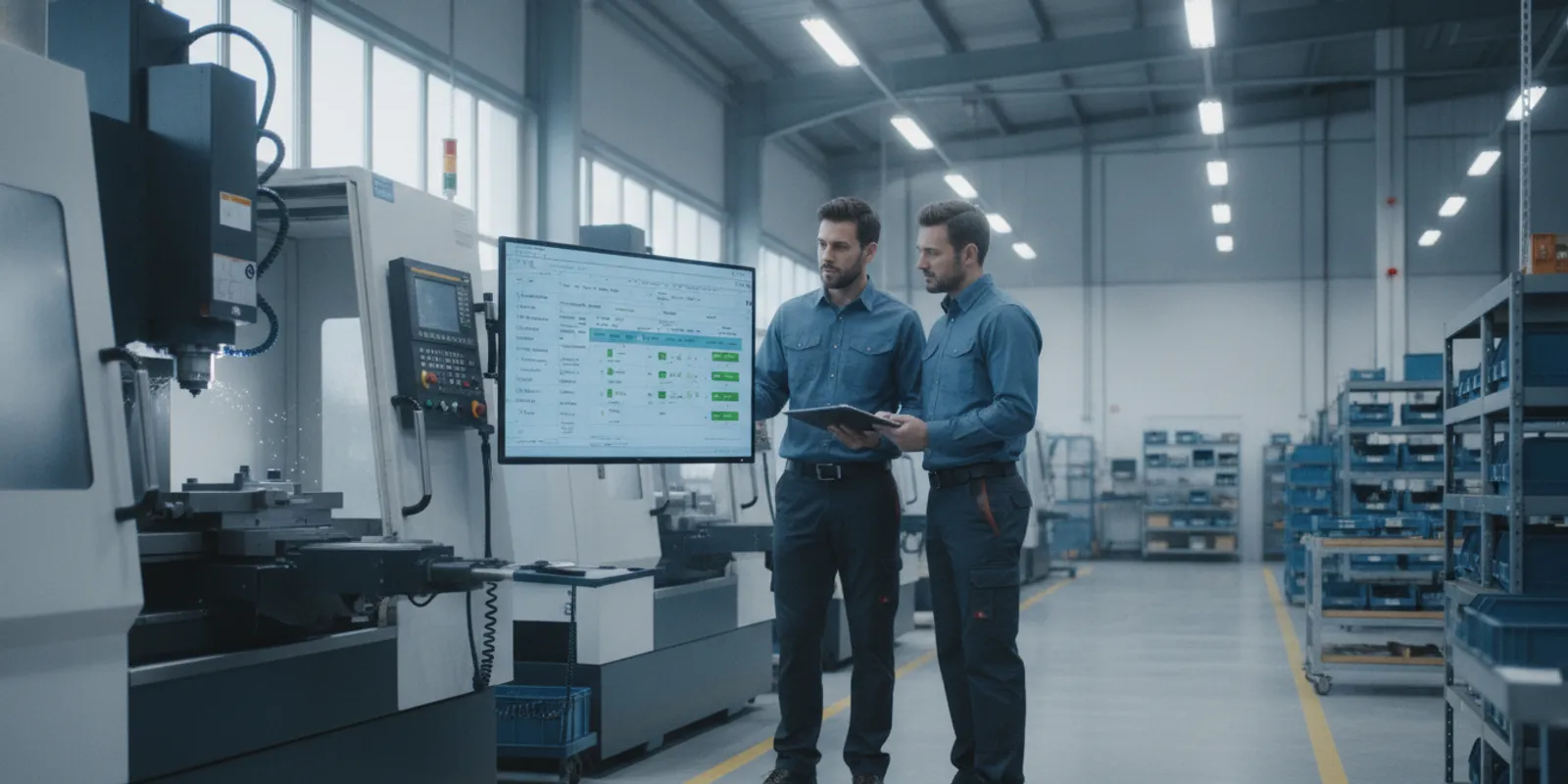
Production schedule bottlenecks occur when the demand for a tool or machine exceeds its capacity, which limits the total output of your shop. You can find these points by looking for work centers that reach or exceed 100 percent use. When one stage in your process moves slower than the rest, it creates a pile of work that stalls every step that follows. This delay forces your team to chase parts and make manual changes that rarely solve the root cause. Using real-time software gives you the clear view you need to find these points before they cause late shipments. According to LillyWorks, finding these resources is the first step toward better flow and meeting your shop goals. By managing these limits, you can help your shop floor and protect your profit.
Fixing these delays requires a clear look at how your machines and people interact during each shift. Before you can use software to solve the problem, you must learn the basic traits that define What Are Production Schedule Bottlenecks? The path begins with
What Are Production Schedule Bottlenecks?
A production schedule bottleneck is a point in your machine shop where demand exceeds capacity. In job shop work or CNC machining, these points limit the total output of your whole plant. Even if most work centers run fast, the slowest stage dictates how many parts you ship each day. Identifying these spots is the first step to better flow.
Managing these spots is central to production planning because they set your shop’s real pace. For example, if a milling center makes 60 parts per hour but a finishing station only handles 40, your total output is 40. This gap creates a pile of work-in-process (WIP) and forces you to fight fires to keep jobs moving.
The Math of Shop Constraints
In complex shop systems, bottlenecks are often mathematically inevitable. They happen due to shifts in job mix, varying cycle times, and the high cost of machines. These factors create constraints for demand planning that spreadsheets cannot track well. When a work center hits 100% use, it stops being a resource and starts being a wall to your shipping goals.
Impact on Shop Flow
For shops with many parts and machine types, identifying and resolving production schedule bottlenecks is the only way to hit lead times. One slow lathe or mill can stall many jobs down the line. This delay moves through your shop, causing late shipments and high costs. Without clear data, these trouble spots stay hidden until jobs are already late.
Why Capacity Limits Matter
A bottleneck happens when demand exceeds the capacity of a resource. This could be a machine, a skilled person, or even a tool set. When one stage moves slower than the rest, the speed of the whole job drops. Knowing where these limits sit lets you move jobs to open machines or change your labor plan before the shop floor stalls.
Common Causes of Bottlenecks in Discrete Manufacturing
In a job shop, bottlenecks are more than a nuisance; they show how your shop is built. Most production schedule bottlenecks start with basic gaps in how fast machines work. A mill might run faster than a lathe, or one CNC machine might need more setup time than others. These differences in processing rates make some level of backup bound to happen in your shop.
Physical and Economic Constraints
A physical bottleneck is easy to see, like a pile of parts next to a busy drill. But you should also look for an economic bottleneck. This happens when a machine or person limits your profit even if they have extra time. For a small shop, an expensive machine that sits idle because it lacks a tool is a costly constraint. You need to focus on these spots first to keep your cash flow moving.
Workflow and Demand Shifts
The way your shop is laid out can also slow things down. Poor shop design forces workers to move parts too far between steps. This adds dead time to your schedule. Sudden shifts in what customers want can also lead to identifying and resolving production schedule bottlenecks. When demand for a part spikes, it can quickly overwhelm a machine that was doing fine the week before.
The Problem with Perfect Balance
It might seem smart to try and fix every slow spot at once. But research shows that balancing production lines to remove every bottleneck can actually hurt your bottom line. Some machines are simply cheaper to run than others. In a shop with 5 to 50 CNC machines. It is often better to have one known slow point than to spend too much trying to make everything even. Smart scheduling helps you manage these points without overspending.
How Real-Time Scheduling Software Identifies Bottlenecks
Old tools like spreadsheets often hide production schedule bottlenecks until they cause a delay. Real-time scheduling software changes this by using live data from the shop floor. This move from late reaction to proactive planning helps shops keep jobs on track and protect their margins.
Continuous monitoring of shop floor data
Modern systems offer continuous monitoring of every task in the plant. This foundation allows the system to update the schedule as soon as a machine stops or a job runs long. According to the Federal Railroad Administration, real-time tools simplify the management of complex plans by providing constant updates. This live stream of facts ensures the production schedule stays accurate even when things go wrong on the floor.
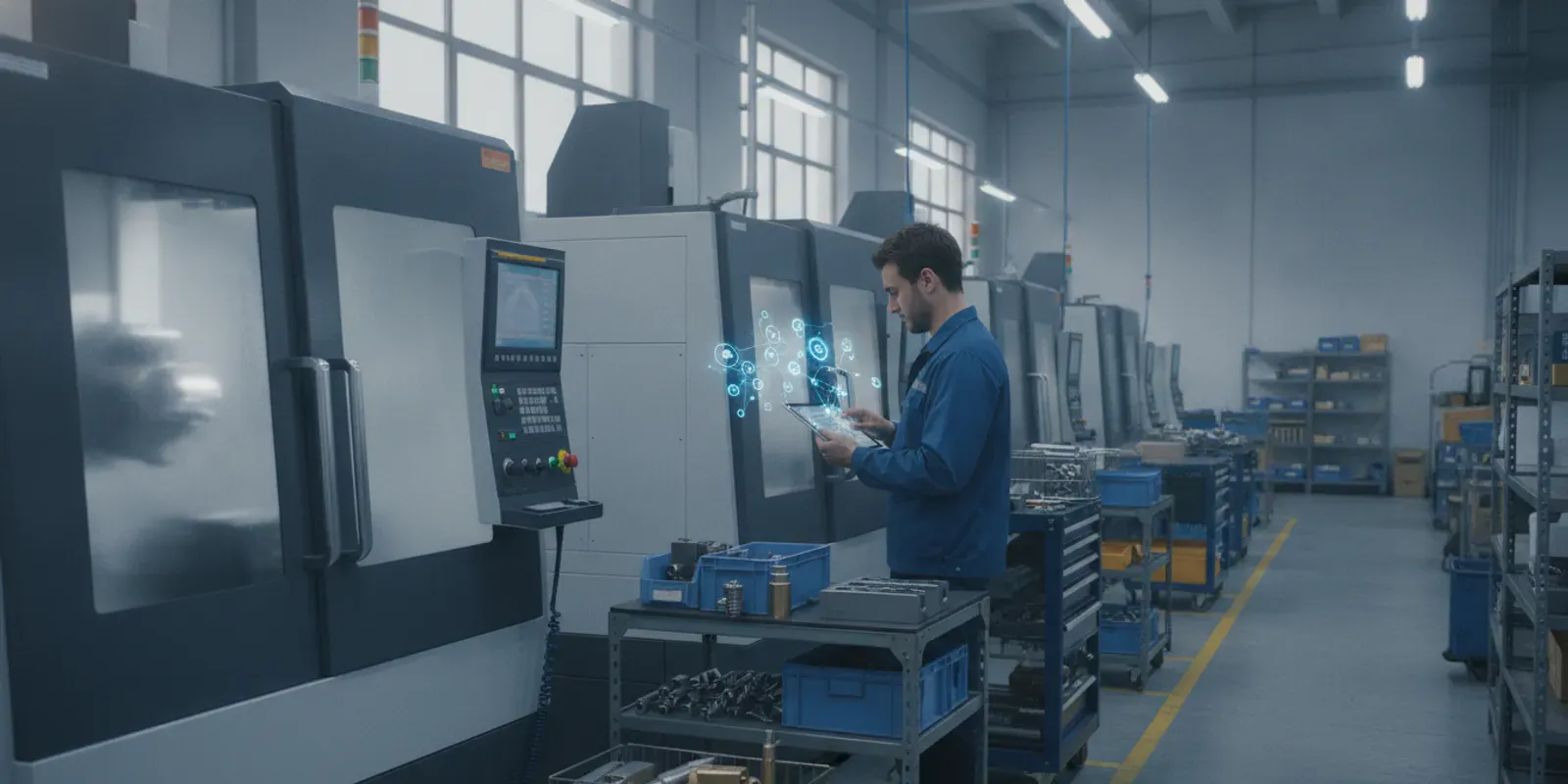
Most shops start by checking their machine connectivity. This step links the software to the actual machines. With this link, the system gets job status updates without any manual work. This data flow creates the real-time visibility that experts say is key to finding a production schedule bottleneck before it stops a job.
Visual tools for rapid detection
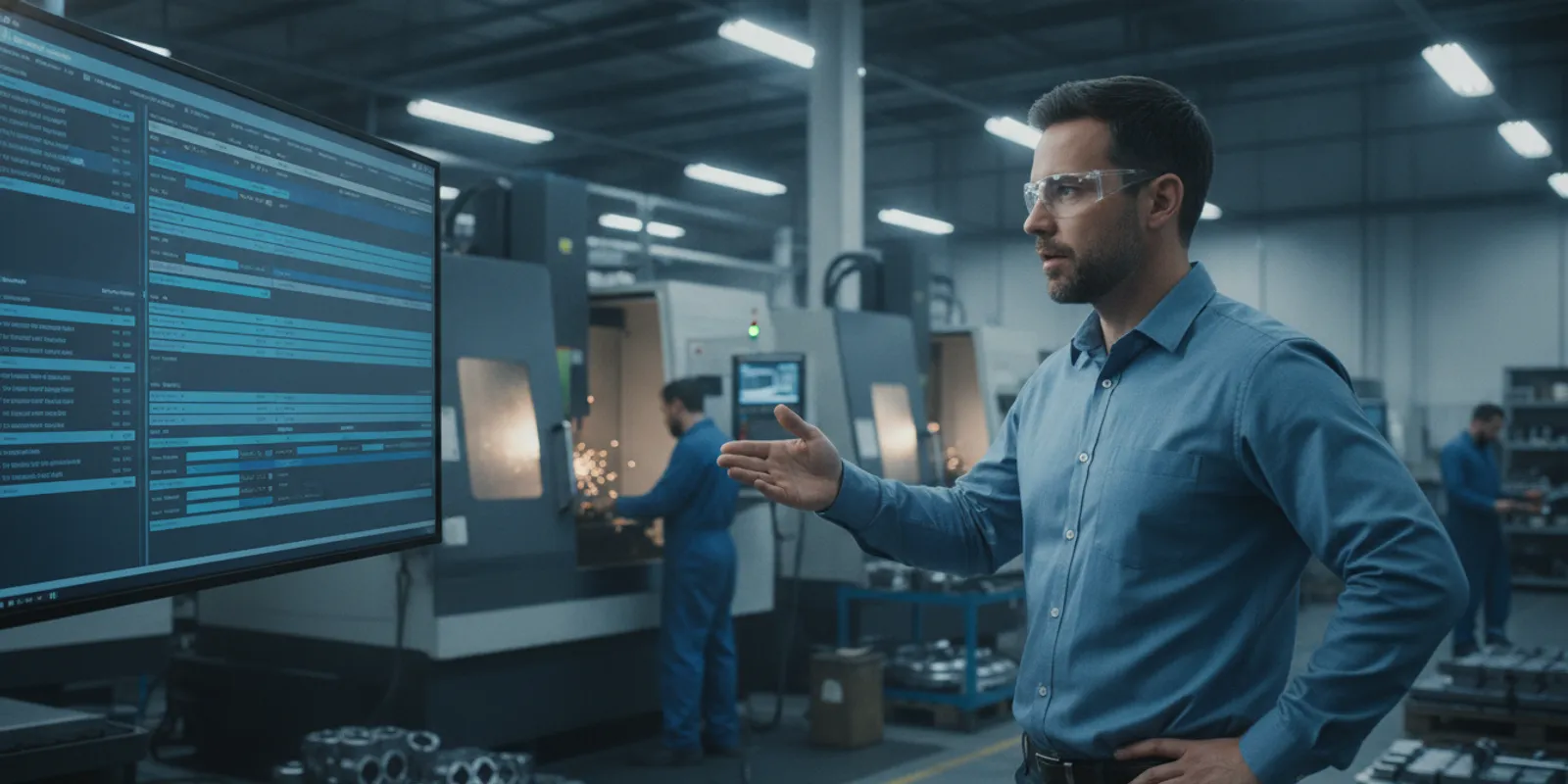
A drag-and-drop visual interface shows the schedule in a way that makes sense to planners. When a machine hits a limit, the visual board flags it. This clear view lets a user see where demand exceeds capacity across the whole shop. As PlanetTogether notes, real-time visibility is vital for spotting these constraints in discrete manufacturing. The software shows these issues in a color-coded view that makes it easy to act fast.
Closing the execution gap
Many shops face a gap between their plan and what actually happens on the floor. Real-time systems close this gap by acting as a single source of truth. When the system sees a job is behind, it can recalculate the rest of the day in seconds. This dynamic response keeps the workflow smooth. Instead of waiting for a shift report, managers can see problems as they form and move work to open machines right away.
Using What-If Scenario Planning to Resolve Constraints
Schedulers often face hard choices when a machine breaks or a hot order arrives. Testing these changes on the live shop floor is risky. This is where what-if scenario planning helps production managers test new ideas in a safe space before they go live. By simulating changes, you can see how a new job might cause new resolve production schedule bottlenecks before they happen.
Simulate changes without risk
A what-if tool lets you move jobs around on a digital twin of your shop floor. This helps you find the best way to handle a constraint without stopping real work. Using schedule optimization techniques, the software shows if a change will make your output better or worse. This simulation is key to improving the economic performance of your productive capacity.
Managers use these tools to see the impact of adding a second shift or moving a job to a different machine. The software uses a visual scheduling interface to show these impacts in real time. This makes it easy to spot where a delay might ripple through the rest of your week. It turns a guessing game into a clear data-driven choice.
Compare scheduling methods
Most shops start with paper or spreadsheets, but these tools lack the power to model complex constraints. Advanced tools build these constraints into the production plan from the start. This allows for a much faster response when things go wrong on the floor.
| Criteria | Manual (Spreadsheets) | ERP Modules | Real-Time Software |
|---|---|---|---|
| Drag-and-Drop | No | Some | Yes |
| Impact Visibility | Delayed | Partial | Instant |
| Constraint Awareness | Manual entry | Basic | High |
| Safe Simulation | Difficult | Limited | Full |
| Learning Curve | Low | High | Moderate |
Build a faster response
A fast response to changes keeps your shop running smooth. Modern software helps you respond dynamically to any schedule updates that occur. This means you spend less time fire-fighting and more time planning for growth. Training your team on these tools ensures they can use what-if planning to keep work moving through any bottleneck.
Responding to Unplanned Downtime and Hot Orders
Unexpected stops are part of daily life in a busy job shop. A machine might break down or a client might call with a rush order that needs to ship right away. These events create new production schedule bottlenecks that can slow down every job on your shop floor. Without the right tools, these sudden changes lead to stress for your team and late shipments for your clients. You need a way to spot these issues fast so you can keep work moving without losing money.
Real-time software helps you see the impact of these changes as they happen. Instead of guessing how a stop will hurt your plan, you can look at your screen. You can see how a shift in one job hits the rest of the shop. This speed is vital for identifying production schedule bottlenecks before they cause a major delay. When you have clear data, you can make smart choices that protect your delivery dates and keep your costs low.
The six step response cycle
When a stop occurs, you need a clear path to fix the schedule. Using a steady process keeps the shop floor moving and keeps your delivery dates safe. You should not have to spend hours in a meeting to decide what to do next. Follow these steps to handle any surprise event without losing control of your work flow.
- Receive the alert. The software sends a fast alert as soon as a machine stops or a new top order enters the system. This quick notice lets you react before the problem grows and hits other machines.
- Log the reason code. Use a code to track why the machine stopped or why the work has slowed down. These downtime reason codes help you gather facts about what keeps your shop from running at full speed.
- Review the visual tool. Open the visual screen to see which jobs the event will hit. This view shows you exactly where the new bottleneck will form in your current plan and how long the delay might last.
- Re-order jobs. Use drag-and-drop tools to move top orders to the front of the line. You can shift work between machines to keep the most important jobs on track while the other machine is down.
- Test the new plan. Run a test to check your new schedule against your shop rules. This step confirms that your changes will not create a new delay for another client or overwork your staff.
- Publish the update. Send the new schedule to the shop floor with one click. Every worker sees the new job list on their screen right away so they can start on the right tasks without asking for help.
Optimizing capacity after disruption
Handling a hot order is not just about moving jobs around. You must also think about how you use your machines and staff over the long term. Finding the root cause of a stop helps you make better choices for the whole shop. Research shows that finding bottlenecks leads to much better capacity setting across all your tools. This means you put your best resources on the most important work every single day.
When you fix these tight spots, your shop becomes more productive. You stop wasting time on the wrong tasks and focus on what brings in the most value for your firm. Better bottleneck management is a proven way to improve the money results of your shop. This proactive approach turns a stressful day into a chance to refine your work and boost your bottom line. By using real-time data, you can turn sudden stops into a chance to get ahead.
Measuring Success: KPIs for Bottleneck Resolution
Tracking the right data is the only way to know if your changes worked. When you fix production schedule bottlenecks, you should see clear gains in your daily output. Managing these blocks is key to improving the economic performance of your shop. Without data, you are just guessing about your progress.
Core metrics for production flow
On-time delivery rate is often the most vital metric for a job shop. If bottlenecks block your flow, your lead times will grow and shipments will be late. You can use real-time production monitoring to track how long jobs sit at each station. This data helps you find where work piles up so you can act fast.
Throughput and Work-in-Process (WIP) levels also show how well you manage your floor. High WIP levels usually mean a bottleneck is slowing down the line. When you clear these blocks, throughput should rise while WIP stays low. This balance ensures that your shop floor stays clear and jobs move smoothly from start to finish.
Machine use and efficiency
Overall Equipment Effectiveness (OEE) and machine use rates tell you if your tools are working hard. A bottleneck often leaves some machines idle while others have too much work. Modern tools provide continuous monitoring and updates to help you balance this load. By tracking use, you can ensure your most costly machines are always making parts.
You should also track how fast you see these gains after you start. Many systems take months to set up, but JobPack offers a 6-week timeline for its users. This is much faster than the 6 to 12 months that many large MES systems need. Quick setup means you can start measuring your return on investment in weeks rather than years.
Frequently Asked Questions
Why are production schedule bottlenecks unavoidable?
These issues occur naturally in any shop due to shifts in how fast jobs arrive and how long they take to process. Even with good planning, differences in machine costs and processing rates lead to spots where demand exceeds capacity. As shown in research from the University of Colorado, these constraints are a basic part of complex systems that require active management to control.
How can I identify a bottleneck in my production process?
You can find these issues by looking for process steps that reach over 100% use. Real-time tools give you the view to see where jobs are piling up on the shop floor. Checking machine links also helps ensure data flows correctly for study. Research from PlanetTogether shows that clear visibility is the most important factor when you want to find and fix these limits.
How does real-time scheduling software resolve bottlenecks?
This software uses live data to update your plan as changes happen on the shop floor. It lets managers run tests to see how new orders will change the flow. You can fix problems before they start by moving jobs to machines with more room. As noted by the Department of Transportation, these tools simplify complex schedules by providing constant checks and updates.
What does a scheduling bottleneck mean for my shop?
These gaps create constraints that limit your ability to plan for new orders. When one machine is too slow, it forces other machines to wait or sit idle. This waste raises costs and makes it hard to hit delivery dates. Managing these spots is key to better results. According to research on economic bottlenecks, fixing these issues is the best way to improve how your factory makes money.
Ready to Eliminate Production Schedule Bottlenecks?
Every day you wait to fix your shop floor blocks is a day you lose money. Late orders and high costs will continue to hurt your business if you do not act now. You can get our tools running in just six weeks to see a clear path forward. Starting today means you can stop the daily stress and start hitting your ship dates with ease. A clear shop floor leads to happy clients and a better bottom line for your company. If you keep using old tools, you will stay stuck in the past while others move ahead. Do not let your rivals take your spot in the market because you were too slow to change. You have the power to fix these issues and grow your shop into a leader in the trade.
Ready to schedule? Call (847) 741-1861 to schedule a personalized demo.