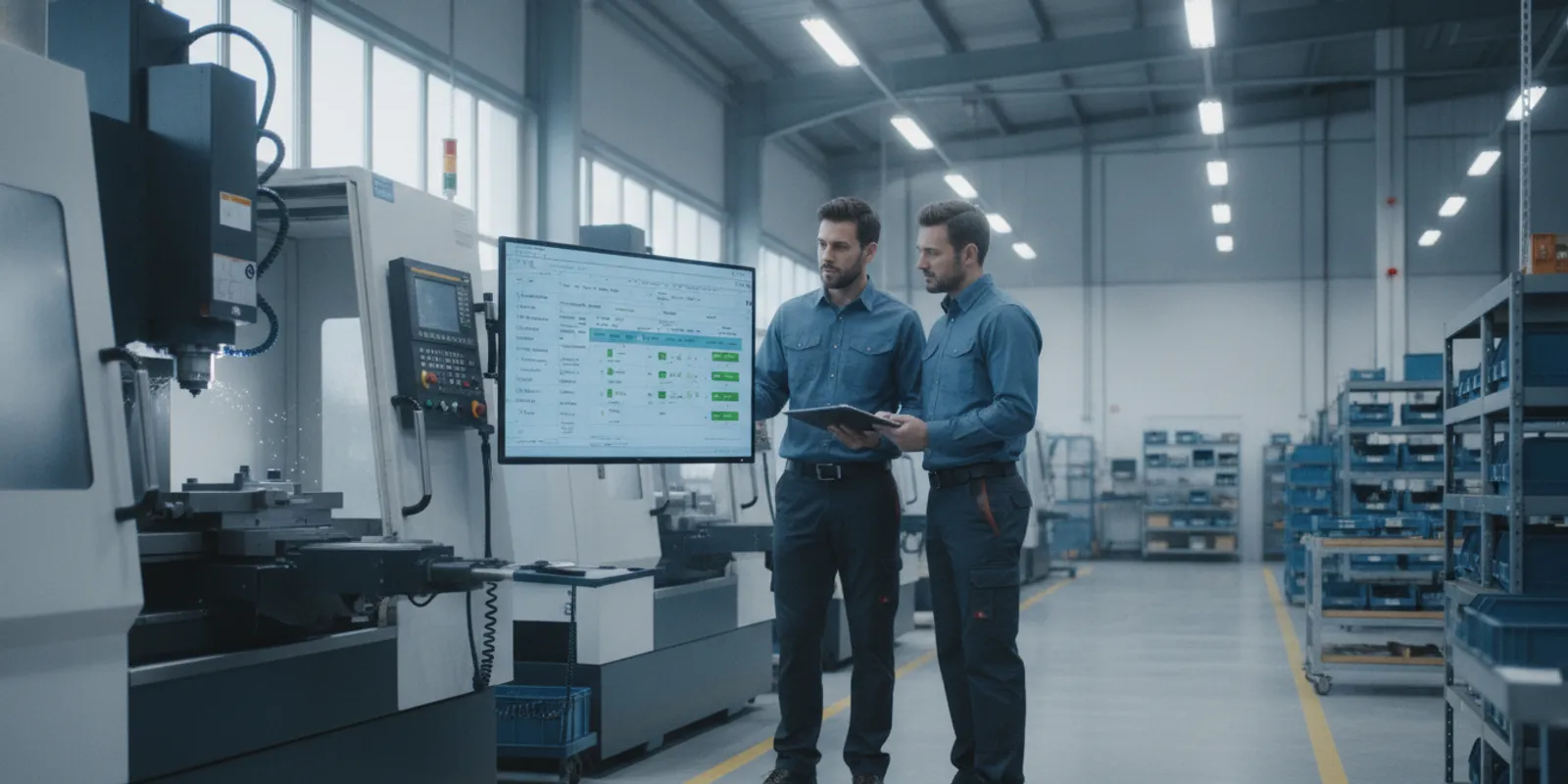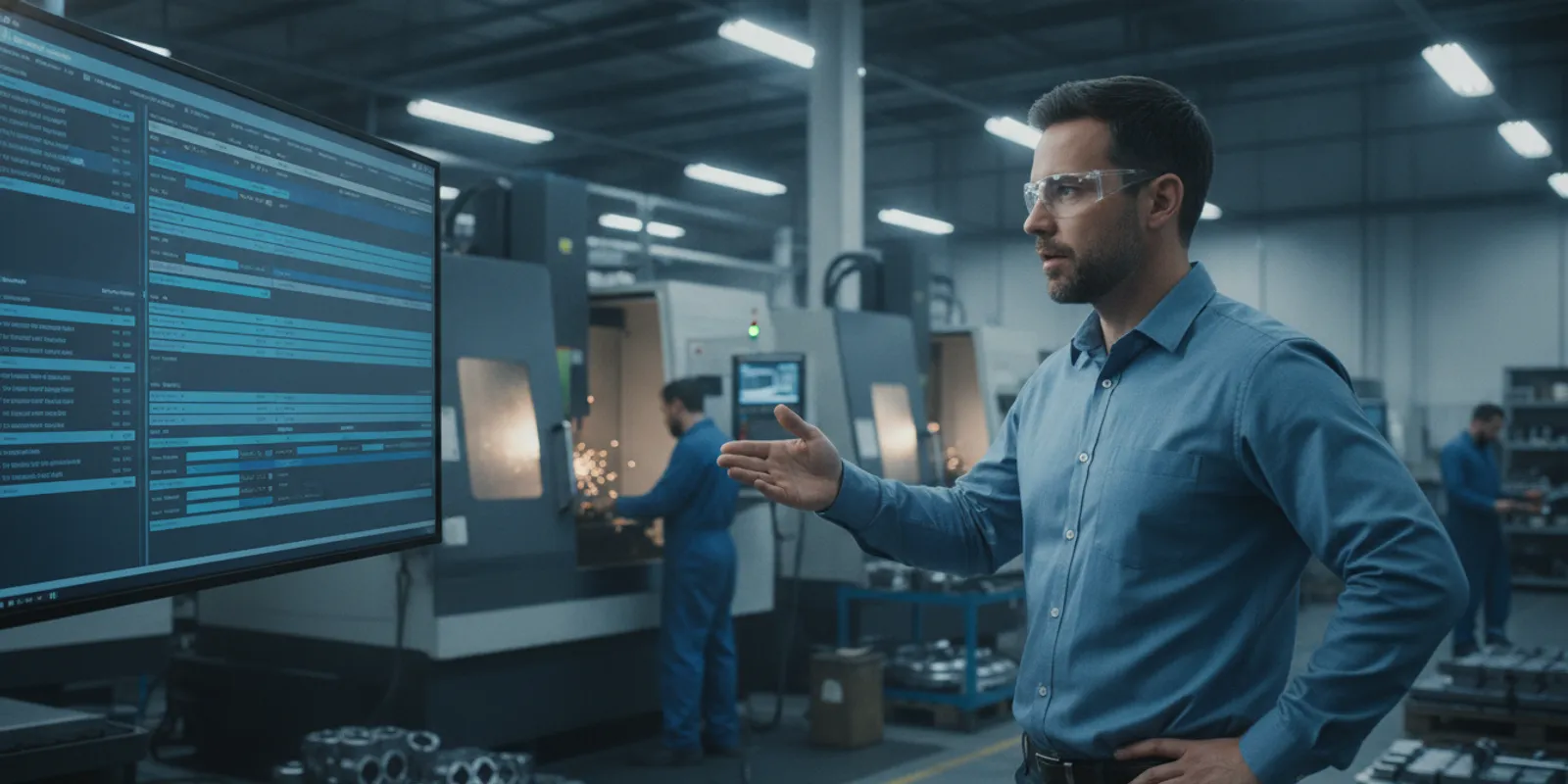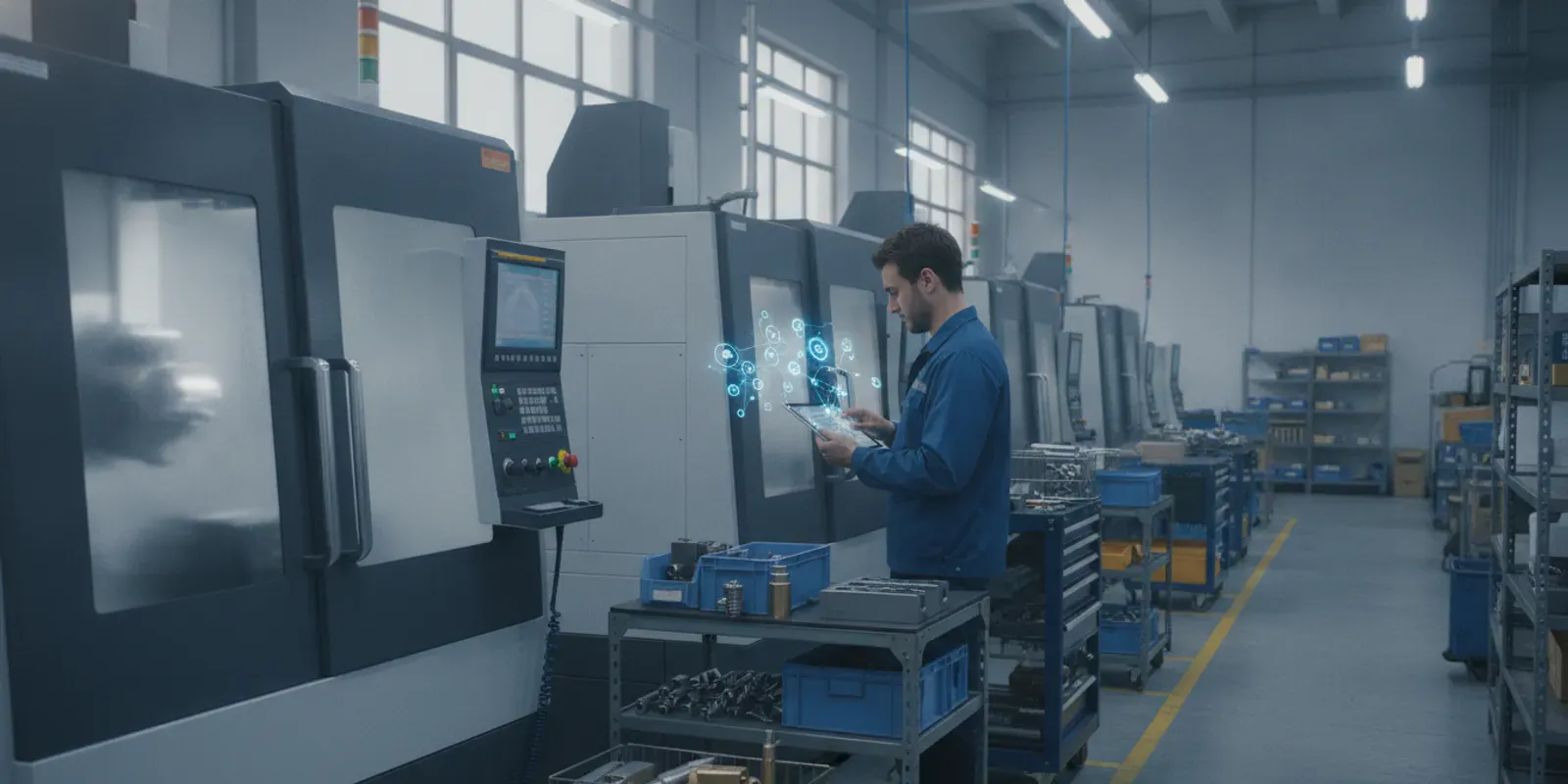
Managing a busy shop floor often feels like conducting an orchestra where every musician is playing from a different sheet. You have outdated spreadsheets, sticky notes on a whiteboard, and constant interruptions about what job comes next. This manual approach is not only chaotic but also incredibly inefficient, leading to bottlenecks, missed deadlines, and frustrated teams. A visual scheduling board cuts through that noise. It acts as a single source of truth, a dynamic command center that gives everyone a clear, real-time view of the entire production workflow. This guide will show you how this tool transforms scheduling from a daily headache into a strategic advantage.
Key Takeaways
- Unify your shop floor with a single view: A visual scheduling board brings your entire production plan into one clear, real-time display. This eliminates guesswork from outdated spreadsheets and ensures everyone, from planners to operators, is on the same page.
- Solve problems before they start: The clear overview from a visual schedule allows you to spot potential bottlenecks, reduce machine downtime, and give operators clear direction. This shifts your team from constantly reacting to problems to proactively managing the workflow.
- Select a solution built for the long run: The best scheduling tool should integrate with your ERP, be intuitive for your team, and offer powerful analytics. Prioritize a system that can scale with your business to ensure it remains a valuable asset for years to come.
What Is a Visual Scheduling Board in Manufacturing?
Think of a visual scheduling board as the command center for your entire shop floor, but without the clutter and confusion of a whiteboard or a messy spreadsheet. It’s a dynamic, digital tool that gives you a clear, real-time picture of your entire production workflow. At a glance, you can see which jobs are assigned to which machines, who is working on them, and when they’re due. It’s designed to answer your most pressing questions instantly: What’s running right now? What’s coming up next? Are we falling behind schedule?
Unlike static methods that are outdated the moment you write on them, a digital board is a living document. It connects directly to your machines and your ERP system to provide an accurate, up-to-the-minute view of operations. This shift from manual tracking to automated visibility is fundamental to modern manufacturing. It allows you to manage your resources more effectively, anticipate problems before they happen, and keep everyone on the same page. With a powerful production scheduling system, you’re not just tracking work; you’re actively directing it with confidence.
How Digital Scheduling Boards Work
A digital scheduling board works by pulling together information from all corners of your operation into one central, easy-to-understand display. It integrates with your ERP to get job details and priorities, then uses shop floor data collection to track progress in real time. As operators complete tasks or machines finish cycles, that information is fed back into the system, and the board updates automatically for everyone to see.
This creates a constant feedback loop. Planners can see the immediate impact of their decisions, while operators get clear, current instructions on what to work on next. Because the system is digital, this information is accessible from anywhere, whether you’re on the shop floor with a tablet or in a planning meeting. It’s about making critical production data visible and actionable for the people who need it most.
From Whiteboards to Real-Time Dashboards: The Digital Shift
For years, manufacturers relied on whiteboards, magnetic tags, and spreadsheets to manage production. While these tools served a purpose, they are static and require constant manual updates. The shift to digital, real-time dashboards is more than just a trend; it’s a necessary evolution driven by the need for greater efficiency and accuracy. The market for visual computing is expanding rapidly as more companies recognize that you can’t manage a modern factory with outdated tools.
This digital transformation is a key part of building a smarter factory, often called Industry 4.0. Rising demand and new technologies are pushing manufacturers to be more agile and responsive. A real-time dashboard doesn’t just replace a whiteboard; it provides deep insights that help you reduce downtime, eliminate bottlenecks, and make better decisions based on what’s actually happening on your shop floor right now.
Types of Digital Visual Scheduling Boards
When you hear “visual scheduling board,” you might picture one specific tool, but it’s really a category that includes several types of displays. Each one offers a different perspective on your production process, and the right one for you depends on what you’re trying to achieve. Some are designed for long-term planning, showing you the big picture weeks or months in advance. Others are focused on the here-and-now, giving your team a clear view of what to work on next.
The most common digital boards you’ll find in manufacturing are Gantt charts, Kanban-style boards, and real-time dashboards. Each has its own strengths. Gantt charts excel at mapping out complex projects with many dependent tasks. Kanban boards are fantastic for managing workflow and preventing teams from getting overwhelmed. Real-time dashboards give you a live, high-level look at shop floor performance. Modern scheduling software often combines the best features of each, giving you a flexible and comprehensive tool to manage your operations from every angle. Let’s look at how each one works.
Gantt Charts for Production Planning
Think of a Gantt chart as a timeline for your production schedule. It’s a horizontal bar chart that visually lays out every job, showing its start and end dates, duration, and dependencies. If one job can’t start until another is finished, a Gantt chart makes that connection crystal clear. This is incredibly useful for complex production planning because it helps you see the entire sequence of operations at a glance.
By mapping everything out, you can spot potential conflicts or delays long before they happen, allowing you to adjust resources and timelines proactively. It’s the perfect tool for understanding how all the moving parts of your production fit together over time, ensuring every activity is aligned with your delivery goals.
Kanban-Style Workflow Boards
While Gantt charts focus on timelines, Kanban-style boards focus on workflow. Imagine a board divided into columns that represent stages of your process, like “Backlog,” “In Progress,” and “Completed.” Each job is a card that moves from one column to the next as work gets done. This simple visual method makes it incredibly easy for everyone on the team to see the status of every job.
The real power of a Kanban board is its ability to highlight bottlenecks. If you see a dozen cards piling up in the “In Progress” column, you know exactly where your workflow is getting stuck. This approach improves communication and helps manage work-in-progress, ensuring a smooth and steady flow of work across the shop floor. It relies on accurate shop floor data collection to keep job statuses up to date.
Real-Time Production Dashboards
A real-time production dashboard is your command center for the shop floor. Instead of showing planned work, it gives you a live, at-a-glance view of what’s happening right now. These dashboards pull data directly from your equipment and systems to display key performance indicators (KPIs) like machine uptime, cycle times, and production counts. It’s all about monitoring performance as it happens.
This immediate feedback allows you and your team to make fast, informed decisions. If a machine goes down or production slows, you’ll see it on the dashboard instantly and can take action. By connecting directly to real-time machine monitoring, these dashboards turn raw data into actionable insights, helping you maintain peak operational efficiency throughout the day.
Key Benefits of a Visual Scheduling Board
Switching from spreadsheets or paper-based systems to a visual scheduling board does more than just make your production plan look organized. It fundamentally changes how your team interacts with data, communicates, and solves problems. By presenting complex schedules in an intuitive, graphical format, you create a single source of truth that everyone can understand at a glance. This clarity drives tangible improvements across the shop floor, from reducing downtime to empowering your team to work more effectively. The real value isn’t just in seeing the schedule; it’s in what that visibility allows you to do.
See Your Entire Production Floor at a Glance
A visual scheduling board gives you a complete, bird’s-eye view of your entire operation on one screen. Instead of hunting through spreadsheets or walking the floor to check on progress, you can instantly see the status of every job, machine, and work center. This clear, visual outline of your daily workflow helps your team understand and manage production more effectively. You can immediately identify which jobs are on track, which are falling behind, and where capacity is available. This high-level visibility is crucial for making quick, strategic decisions that keep your production scheduling agile and responsive.
Eliminate Bottlenecks and Reduce Downtime
One of the biggest challenges in manufacturing is spotting potential problems before they bring work to a halt. A visual board makes it easy to see how jobs flow from one process to the next, highlighting dependencies and potential conflicts. When you can visualize the entire timeline, you can proactively identify where bottlenecks are likely to form. This foresight allows you to adjust priorities, reallocate resources, or reschedule tasks to keep work moving smoothly. By addressing these issues before they cause delays, you can significantly reduce idle time and improve the data from your machine monitoring systems.
Empower Operators with Clear Priorities
When operators have a clear understanding of what’s expected, they can work with more confidence and efficiency. A visual schedule provides exactly that. It familiarizes your team with upcoming tasks, showing them precisely what job to work on next and when materials will be ready. This eliminates the confusion and wasted time that comes from waiting for instructions or searching for the next work order. With clear priorities displayed for everyone to see, operators can prepare for changeovers in advance and focus on their tasks. This sense of ownership and clarity not only improves productivity but also makes shop floor data collection more accurate.
Improve Communication Across Your Team
A visual scheduling board acts as a central communication hub for your entire organization. Because everyone is looking at the same real-time information, it breaks down silos between departments and reduces misunderstandings. Planners, schedulers, operators, and even sales staff can see the current status of any job without needing to send emails or make phone calls. This shared understanding ensures that everyone is aligned on priorities and timelines. When your team can collaborate seamlessly based on accurate, up-to-the-minute data, you create a more cohesive and efficient work environment, which is a core reason why JobPack focuses on visual tools.
Who Benefits from Visual Scheduling on the Shop Floor?
When you introduce a visual scheduling board, you’re not just implementing a new tool for one person or department. You’re creating a central hub of information that benefits everyone, from the operators running the machines to the executives planning for the next quarter. A shared, visual understanding of the production plan gets everyone on the same page, aligning priorities and fostering a more collaborative environment.
Instead of relying on scattered spreadsheets, paper printouts, or word-of-mouth updates, your entire team can look to a single source of truth. This clarity reduces confusion and empowers people in every role to make better, more informed decisions. When the workflow is visible to all, it becomes easier to spot potential issues, celebrate wins, and work together to meet deadlines. The right production scheduling system connects every level of your organization, turning a complex process into a clear, actionable plan that everyone can follow.
Plant Managers and Production Schedulers
For plant managers and schedulers, a visual board transforms the chaos of production planning into a manageable, organized workflow. You can see the entire shop floor at a glance, understanding how all the jobs, machines, and timelines fit together. This high-level view makes it simple to spot potential conflicts or capacity issues before they become serious problems. Instead of digging through data to figure out what’s next, you can easily adjust priorities with a drag-and-drop interface, ensuring the right jobs are always running at the right time. This clarity makes it much easier to communicate the plan and keep production moving smoothly.
Machine Operators and Team Leads
Visual scheduling gives machine operators and team leads the clarity and autonomy they need to excel. With a clear view of the job queue on a screen at their workstation, operators know exactly what’s coming up next without having to track down a supervisor. This reduces downtime spent waiting for instructions and empowers them to take ownership of their work. Team leads can focus on solving problems rather than directing traffic, as everyone understands the priorities. This straightforward approach helps reduce stress on the floor and allows your skilled team to focus on what they do best: producing quality parts efficiently.
Operations Executives and Planners
From a strategic perspective, visual scheduling provides executives and planners with the visibility needed for effective long-range planning. A real-time view of shop floor capacity and performance allows you to make confident commitments to customers and align production with broader business goals. By connecting the shop floor to your ERP system, you get access to powerful data analytics that inform everything from quoting to capital investment decisions. This high-level insight ensures that your operational strategy is based on accurate, up-to-the-minute information, not guesswork. It bridges the gap between the top floor and the shop floor, creating a more cohesive and efficient organization.
Essential Features of a Manufacturing Scheduling Board
When you start looking at different visual scheduling boards, you’ll quickly realize they aren’t all built the same. The right system goes beyond just showing a schedule; it becomes the command center for your entire shop floor. To make sure you’re choosing a tool that will actually streamline your operations and not just add another layer of complexity, there are a few non-negotiable features to look for. These are the capabilities that separate a basic digital whiteboard from a truly transformative production tool.
Real-Time Data Integration and ERP Connectivity
Your scheduling board can’t operate in a silo. For it to be truly effective, it needs to communicate seamlessly with your existing systems, especially your ERP. This integration is what turns a static plan into a dynamic, living schedule. When your board has a direct line to your shop floor data collection tools, it reflects what’s happening at every machine, right now. This real-time access to accurate information is critical for making smart, rapid decisions. You can see if a job is running behind, if a machine is down, or if materials are available without walking the floor or digging through reports. It ensures everyone from the CEO to the machine operator is working from the same, up-to-the-minute information.
Intuitive Drag-and-Drop Interface
The most powerful software in the world is useless if your team finds it too complicated to use. A modern scheduling board should have a clean, intuitive interface that feels natural to work with. A drag-and-drop function is the gold standard here. When a priority job comes in or a machine unexpectedly goes down, your scheduler needs the ability to adjust the plan on the fly. Instead of spending hours re-keying data, they can simply click and drag a job to a new time slot or machine. This flexibility is essential for maintaining an agile production scheduling environment where changes are inevitable. It empowers your team to react quickly and keeps production moving smoothly.
Advanced Analytics and Reporting
A great visual scheduling board does more than just display your workflow; it helps you understand it on a deeper level. Look for a solution with strong data analytics and reporting capabilities. These features turn raw production data into clear, actionable insights. You can track key performance indicators (KPIs) like OEE, identify recurring bottlenecks, and analyze resource utilization over time. This data-driven approach supports continuous improvement by showing you exactly where you can make changes to improve efficiency. Instead of guessing what’s causing delays, you’ll have concrete data to back up your decisions and measure the impact of your improvements.
Scalability for Your Growing Operations
The scheduling solution you choose today should be able to support your business tomorrow. Scalability is a crucial feature that allows the system to grow with you. Whether you’re planning to add a few new machines, introduce a second shift, or even open a new facility, your scheduling board should adapt without missing a beat. A scalable system can handle an increasing volume of jobs, machines, and data without slowing down or requiring a complete overhaul. This ensures your investment is a long-term one, providing a solid foundation for your operations as you continue to expand. You can see how this works in practice by reviewing customer success stories.
How to Choose the Right Visual Scheduling Solution
Finding the right visual scheduling solution can feel overwhelming, but it doesn’t have to be. The key is to focus on what your shop floor truly needs to succeed. The best software isn’t necessarily the one with the most features; it’s the one that directly solves your most pressing challenges, integrates smoothly with your existing systems, and is easy for your entire team to adopt. A flashy interface is useless if your operators can’t use it to see their next job or if it doesn’t sync with your ERP. This decision is about finding a partner in efficiency, a tool that simplifies complexity instead of adding to it.
Think of this process as a simple, three-step evaluation. First, you’ll get crystal clear on your own requirements and pain points. What problems are you trying to solve with better production scheduling? Are you struggling with unforeseen bottlenecks, constant priority changes, or a lack of visibility into machine capacity? Next, you’ll want to see the software in a real-world setting, not just in screenshots. Finally, you’ll look at the results other companies have achieved. By following these steps, you can confidently select a solution that will become an indispensable part of your operations, rather than another piece of shelfware.
Evaluate Software Based on Your Unique Needs
Before you even look at a single software option, take a moment to assess your own operations. What are the specific scheduling headaches you face every day? Are you dealing with missed deadlines, last-minute changes causing chaos, or inefficient task allocation? Make a list of your biggest challenges and your must-have features. Consider the size of your team, the complexity of your jobs, and the level of collaboration you need. A clear understanding of what makes your shop unique will act as your compass, guiding you to a solution that fits your specific manufacturing environment and goals.
See the System in Action with a Live Demo
A website can tell you a lot, but it can’t show you how a system will feel in your hands. This is why a live demo is a critical step in the selection process. This is your opportunity to see exactly how the visual schedule works and to ask questions specific to your workflow. Can it handle your custom routing? How quickly can you adjust the schedule when a priority job comes in? A personalized demo allows you and your team to see the software in action, test its usability, and determine if its interface is truly as intuitive as it claims to be for both managers and operators.
Learn What Success Stories Can Tell You
Don’t just take a vendor’s word for it; look at the results they’ve delivered for other manufacturers. Success stories and case studies are more than just testimonials. They are practical examples of how a visual scheduling tool solved real-world problems for companies that were likely facing challenges similar to yours. These stories can give you valuable insight into the software’s effectiveness, the implementation process, and the potential return on investment. Reading these customer case studies can help you visualize how the tool could improve your own operations, from reducing downtime to empowering your team.
Overcome Common Scheduling Board Challenges
Switching to a new visual scheduling board is a major step forward for any manufacturing operation. But like any significant change, it can come with a few hurdles. The good news is that these challenges are entirely manageable with a bit of planning. The most common issues aren’t about the technology itself, but about how it’s integrated into your team’s daily work and existing systems.
Successfully implementing a new scheduling board comes down to three key areas: getting your team on board, making sure your data flows smoothly, and keeping that data accurate. By focusing on these points, you can ensure your transition is a success and start seeing the benefits of visual scheduling much faster.
Manage Team Adoption and Training
One of the biggest challenges you might face is resistance from your team. It’s natural for people to be hesitant about changing the way they’ve always done things. The key to overcoming this is to involve them in the process from the start. Provide thorough training that goes beyond just clicking buttons; explain how the new system makes their specific jobs easier and more efficient. When team members understand the personal benefits, like clearer priorities and less confusion, they become advocates for the change. Fostering this sense of ownership is crucial for long-term success, as many of our partners have discovered in their own case studies.
Ensure Smooth Data Integration
A visual scheduling board is only as powerful as the information it receives. If your new system doesn’t connect with your existing tools, you risk creating data silos, which can lead to missed deadlines and miscommunication. To avoid these problems, you need a scheduling solution that integrates seamlessly with your ERP and other software. This ensures everyone, from the shop floor to the front office, is working from the same playbook. A system built on strong shop floor data collection creates a single source of truth, eliminating guesswork and keeping your entire operation aligned and running smoothly.
Keep Your Production Data Accurate
Effective scheduling depends entirely on accurate, up-to-the-minute information. Outdated or incorrect data can lead to poor decisions, unrealistic deadlines, and inefficient workflows. The best way to maintain data integrity is to use a system that provides real-time updates directly from the source. By implementing tools for machine monitoring, you can automatically capture production metrics without relying on manual entry. This live data feed gives you a true picture of what’s happening on the floor, allowing you to prioritize tasks effectively and adjust schedules on the fly to handle unexpected changes.
Transform Your Operations with Visual Scheduling
Adopting a visual scheduling board is more than just a process tweak; it’s a fundamental shift in how you manage your shop floor. It moves your team from a reactive state, constantly fighting fires and dealing with surprises, to a proactive one where everyone is aligned and informed. When your entire workflow is laid out clearly for everyone to see, you create a more predictable, efficient, and collaborative environment. This visual clarity is the foundation for taking control of your production and making smarter, faster decisions that impact your bottom line.
Gain Full Control Over Your Workflow
A visual schedule gives your team a clear, shared understanding of daily routines and priorities. When operators can see what’s coming next and how their work fits into the bigger picture, they can manage their time more effectively and prepare for upcoming jobs. This clarity empowers them to take ownership of their tasks, leading to smoother transitions between shifts and fewer delays. By providing a single source of truth for your entire workflow, you can streamline production scheduling and ensure every team member is working toward the same goals, reducing confusion and improving overall productivity.
Make Data-Driven Decisions in Real Time
Guesswork has no place on a modern shop floor. A digital visual scheduling board connects directly to your machines and ERP system, feeding you live information. This allows you to track progress and make informed decisions based on what’s happening right now, not what was reported hours ago. If a machine goes down or a high-priority order comes in, you can see the impact immediately and adjust the schedule with a few clicks. This ability to react swiftly is powered by accurate, real-time data analytics, turning potential crises into manageable adjustments and keeping your operations running smoothly.
Understand the ROI of Visual Scheduling Software
When you’re considering new software for your shop floor, it’s easy to get stuck on the price tag. But thinking about a visual scheduling board purely as a cost misses the bigger picture. The real question isn’t what it costs, but what it returns. The return on investment (ROI) for a great scheduling system goes far beyond the initial purchase, creating value that ripples across your entire operation for years to come.
A visual scheduling board is a strategic tool that directly impacts your bottom line. By giving you a clear, real-time view of your production floor, it helps you catch small problems before they become expensive disasters. You can reduce material waste, cut down on costly overtime, and make better use of every machine and operator. More importantly, it helps you consistently deliver work on time, which builds customer trust and secures repeat business. The true value lies in transforming your scheduling from a reactive, stressful task into a proactive, data-driven process that fuels growth and profitability.
Calculate Long-Term Value Over Upfront Cost
It’s tempting to choose a scheduling solution based on the lowest upfront cost, but that can be a short-sighted move. The best software is an investment in your company’s future, not just a temporary fix. Think about where your business will be in five or ten years. You need a system that can scale with you as you add more machines, take on more complex jobs, and expand your team.
A truly valuable solution is adaptable, growing with your needs instead of holding you back. This long-term perspective is key to understanding its real worth. A system that’s flexible and supported by a dedicated team becomes a reliable partner in your success. This approach saves you from the massive headache and expense of replacing an outgrown system down the road.
See How Efficiency Gains Pay for the System
So, how does a visual scheduling board actually pay for itself? It happens through hundreds of small efficiency gains that add up to significant savings. When your schedulers and operators have clear, instant access to job priorities and machine status, decisions happen faster and more accurately. There’s less time wasted walking the floor for updates and more time spent on productive work. This clarity directly reduces bottlenecks and minimizes machine downtime.
These operational improvements translate into real financial benefits. You’ll see a reduction in time spent on manual scheduling, fewer delays that lead to late delivery penalties, and better labor utilization. Many of our clients find that the savings from just a few prevented delays or a small increase in machine uptime can cover the cost of the system. You can explore real-world case studies to see how quickly these efficiency gains create a positive return.
Related Articles
- Job Shop Production Scheduling Software
- Scheduling Software
- Visually Intuitive – Production Scheduling Software
- Production Scheduling – Smarter Shop Floor Software
- How JobPack® Resolves 5 Common Scheduling Problems
Frequently Asked Questions
My spreadsheet seems to work fine. What’s the real advantage of a visual scheduling board? Think of it this way: your spreadsheet is a static photo, while a visual scheduling board is a live video feed of your shop floor. A spreadsheet is outdated the moment you save it and can’t react to a machine going down or a priority job arriving. A visual board connects directly to your operations, so it reflects what’s actually happening in real time. This allows you to solve problems as they happen, not after they’ve already caused a delay.
How difficult is it to get my team to switch from our old system to a new digital board? Change can be a challenge, but the key is choosing an intuitive system and framing the transition correctly. The goal is to show your team how the new board makes their jobs easier by providing clear, instant priorities and eliminating the guesswork. When operators see that they can spend less time waiting for instructions and more time being productive, they typically become the biggest advocates for the new system.
Can a visual scheduling board keep up with the constant last-minute changes on our shop floor? Yes, that’s exactly what it’s designed for. A flexible digital board allows you to respond to unexpected changes instantly. With a simple drag-and-drop interface, you can reschedule a job in seconds when a machine needs maintenance or a rush order comes in. Because the schedule is updated for everyone at once, the entire team can adapt quickly without confusion or miscommunication.
Is this type of software only for large manufacturing operations? Not at all. Visual scheduling is valuable for shops of any size because the core challenges of managing workflow, reducing downtime, and communicating priorities are universal. The best solutions are scalable, meaning they can support your business whether you have five machines or fifty. The goal is to bring clarity and efficiency to your production process, which is a benefit to any operation looking to grow.
What kind of information do I need to get started with a visual scheduling board? A good system works by connecting to the information you likely already have. It integrates with your ERP to pull in job details, part numbers, and due dates. Then, it uses shop floor data collection, such as real-time machine monitoring, to get live status updates on job progress. The software’s job is to bring all that information together in one clear, visual hub to give you a complete picture of your operations.