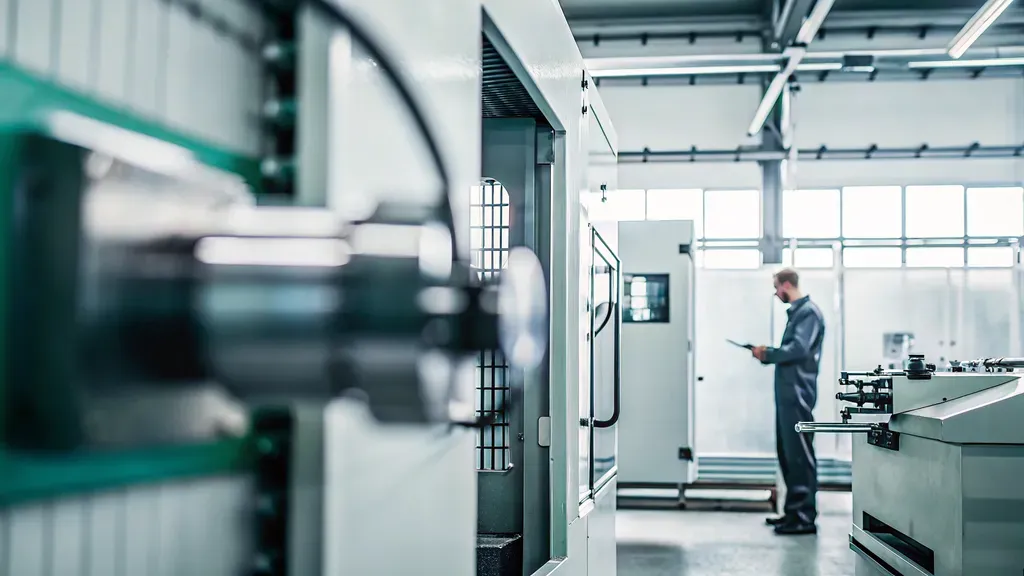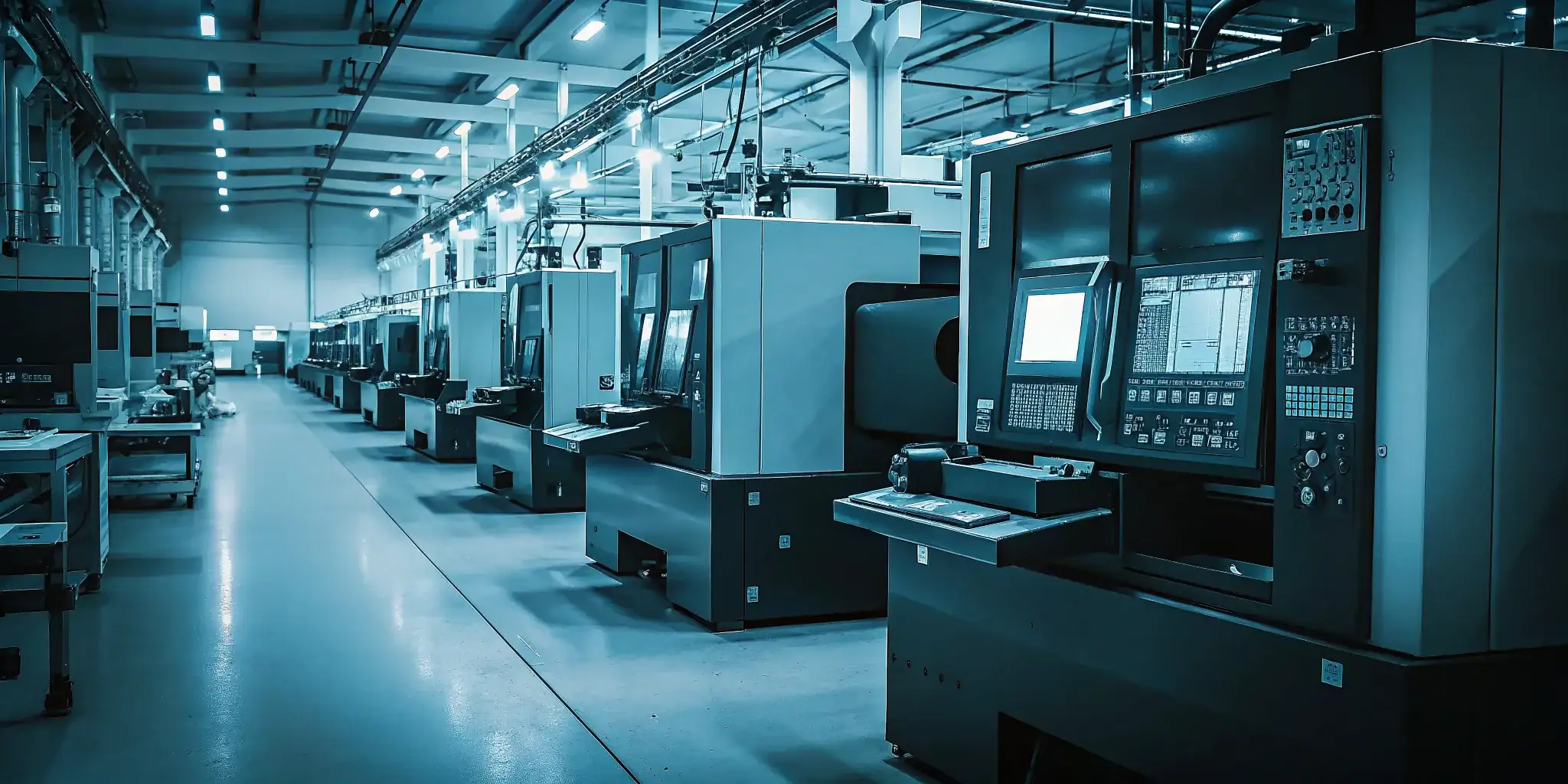
When a high-mix shop relies on disconnected spreadsheets, tribal knowledge, and delayed machine updates, small changes can disrupt the entire schedule. A late material delivery, an unavailable operator, or an unexpected changeover may force planners into constant firefighting instead of controlled execution.
Request a demo of digital manufacturing software
See how MES, APS, and machine monitoring fit your shop floor.
Digital manufacturing software connects shop-floor execution, advanced production scheduling, machine monitoring, and digital work instructions so manufacturers can coordinate work using current operational data. It helps close the gap between spreadsheet chaos and complex ERP workflows without replacing the ERP systems that manage finance and supply chain processes.
The value comes from integration: planners can see constraints, operators can follow consistent instructions, and leaders can measure what is happening across production. Understanding the role of each software layer is the first step toward building a practical digital operation.
What Is Digital Manufacturing Software?
Digital manufacturing software is an integrated set of computer-based systems that uses data to model, simulate, analyze, control, and optimize the product and manufacturing lifecycle. It can include simulation, 3D visualization, analytics, collaboration, production scheduling, machine monitoring, and shop floor execution tools working from connected operational information.
NIST describes digital manufacturing as an approach that defines the product and its manufacturing process together, rather than treating engineering and production as separate activities. That connection extends from initial design through operation, maintenance, and end of life, giving teams a shared basis for decisions instead of isolated files, assumptions, and delayed reports. NIST’s digital manufacturing overview provides the broader lifecycle definition.
Beyond spreadsheets and ERP modules
For a mid-market discrete manufacturer, the practical value is often the missing middle between spreadsheet chaos and enterprise ERP complexity. Spreadsheets can document a plan, but they rarely reflect changing material availability, shared machines, labor capacity, or a late order in real time. An ERP remains essential for financial and business processes, but its scheduling module may not manage shop floor constraints with enough detail.
This middle layer brings specialized capabilities together. An MES supports real-time production tracking and shop floor control. Advanced production scheduling handles finite constraints and what-if scenarios. Machine monitoring captures equipment status and production signals, while analytics turns those signals into actionable visibility. Together, these layers help planners replace paper-based firefighting with proactive decisions.
The digital thread that connects the shop floor
The value increases when these systems share information instead of creating new silos. NIST calls this connected flow a digital thread, a communication network linking functions across the manufacturing and product lifecycle. In practice, shop floor data can inform scheduling, scheduling decisions can reflect actual capacity, and production results can return to office teams and business systems.
That connection matters most in high-mix, low-volume environments where every changeover, bottleneck, and material constraint can alter the plan. Digital manufacturing uses technology to collect information and support real-time decision-making across the lifecycle, improving the ability to respond before a small disruption becomes a missed commitment. NIST identifies this lifecycle efficiency and real-time optimization as central outcomes of digital manufacturing. Learn how an MES system supports manufacturing execution in the shop floor layer.
The Core Categories of Digital Manufacturing Software
Manufacturers rarely need one isolated application. They need connected tools that turn production data into decisions, while keeping business planning and shop floor execution distinct. The categories below address different operational questions, from what should run next to what is happening at the machine right now.
| Category | What it does | Who it serves | Typical payoff |
|---|---|---|---|
| MES | Controls and tracks shop floor execution, including production status, labor, quality, and traceability. | Supervisors, operators, quality teams, and operations managers. | Real-time visibility, fewer paper-based processes, and more consistent execution. |
| APS | Builds constraint-aware finite schedules with Gantt-based drag-and-drop planning and what-if scenarios. | Production planners, schedulers, and supply chain leaders. | Fewer scheduling conflicts and better decisions around materials, labor, resources, and changeovers. |
| Machine Monitoring | Collects live equipment status, part counts, cycle times, alarms, and performance signals. | Plant managers, maintenance teams, operators, and continuous-improvement leaders. | Reduced blind spots, faster response to downtime, and stronger OEE analysis. |
| Digital Work Instructions | Delivers standardized, accessible instructions at the point of work and supports process updates. | Operators, trainers, engineers, and quality teams. | More repeatable work, faster onboarding, and fewer errors caused by outdated paperwork. |
| ERP | Manages business-level processes such as finance, purchasing, inventory, and broader supply chain planning. | Finance, procurement, customer service, executives, and enterprise operations teams. | Unified business records and improved coordination across commercial functions. |
Machine monitoring is the data layer closest to the equipment. It can connect through MTConnect, OPC UA, Modbus, and legacy CNC protocols including Fanuc, Haas, Mazak, and Okuma. The resulting feeds capture running, idle, down, and off status, along with part counts, cycle times, alarms, and spindle, temperature, and vibration data for OEE dashboards.
APS turns that visibility into a workable production plan. Its Gantt-based, drag-and-drop interface lets planners test what-if scenarios and build constraint-aware finite schedules rather than treating every work center as equally available. See how production scheduling software handles competing priorities when materials, labor, and shared resources are limited.
MES and ERP serve different levels of the operation. ERP remains the business system of record, while MES manages shop floor execution and real-time production tracking. Connecting the two gives planners and managers a more complete view without forcing an ERP scheduling module to handle every factory-floor constraint. Explore the role of an MES system for manufacturing in that connection.
How Digital Manufacturing Software Bridges the Gap Between the Shop Floor and Your ERP
ERP platforms are built to manage business-level processes such as finance, purchasing, inventory, and supply chain planning. They are not designed to capture every machine state or operator event as work happens. MES connects that business context to shop-floor execution, giving planners a more current view of what production can actually deliver.
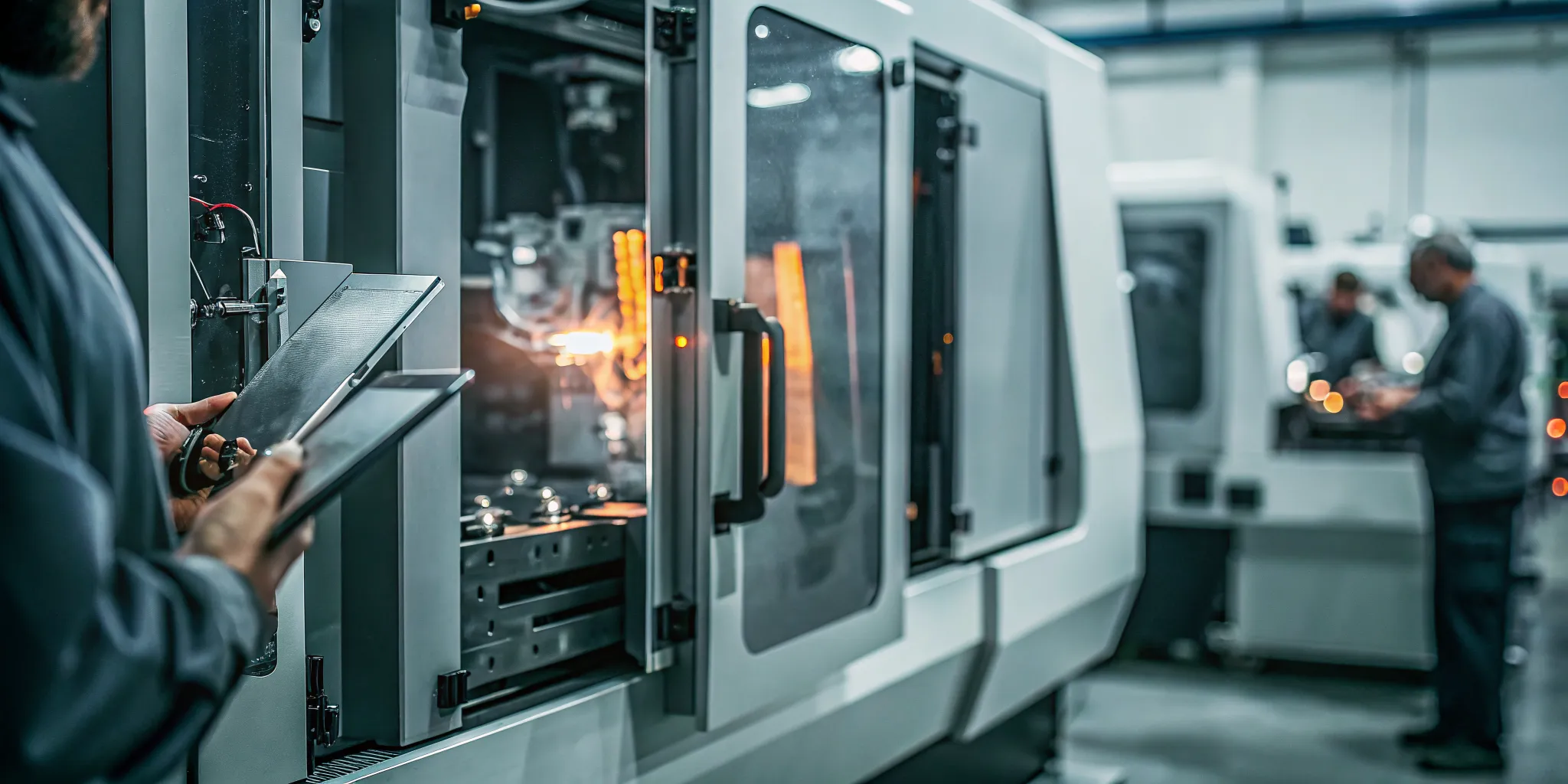
MES execution data meets ERP planning
An MES records the operational details an ERP typically receives only after a transaction is completed. That can include whether a machine is running, idle, down, or offline, along with part counts, cycle times, alarms, and labor or quality events. This execution data makes production status visible instead of relying on handwritten updates or end-of-shift estimates.
The distinction matters when a schedule depends on shared equipment, material availability, labor capacity, or a difficult changeover. ERP data can establish the order, due date, and inventory position. MES data adds the operating reality: which resource is available, how long a job is taking, and whether a constraint has changed since the schedule was created.
That information can then support advanced production scheduling decisions. JobPack combines shop-floor data collection, machine monitoring, and ERP-integrated analytics so teams can move from spreadsheet firefighting toward a more responsive operating process. See the full range of digital manufacturing software solutions for the systems that support this connection.
A two-way flow instead of nightly batch exports
A practical integration should not be limited to sending a nightly file from the ERP to the factory. The ERP can provide released orders, routings, due dates, and material information. The MES can return progress, completions, exceptions, and actual production conditions, creating a two-way flow of planning and execution data.
With that flow, a planner can see that a job is behind because of downtime or a longer-than-expected cycle, then evaluate the effect on downstream orders. An updated schedule can account for the new constraint, while the shop floor receives clearer priorities. Decisions are based on current conditions rather than assumptions preserved in an outdated export.
This approach does not require manufacturers to retrofit every production line before gaining value. Machine monitoring can connect with equipment through interfaces such as MTConnect, OPC UA, Modbus, and legacy CNC protocols. The result is a gradual path to an MES system for manufacturing that preserves existing business systems while improving visibility where work is performed.
From Paper Trail to Real-Time Visibility: A Discrete Manufacturing Story
Consider a high-mix, low-volume medical device parts manufacturer producing short runs across shared CNC equipment. Its planners had outgrown spreadsheets, but the problem was not simply outdated software. Production information lived in paper travelers, whiteboards, operator conversations, and batch data entry, making every schedule change a reaction instead of a controlled decision.
-
Expose the manual handoffs. At the start, a planner reviewed open orders, material availability, labor assignments, and machine calendars in separate places. Operators carried paper travelers between work centers, while supervisors relied on whiteboard updates and phone calls. A machine could be idle, down, or waiting for material without that status reaching the schedule promptly.
-
Replace paper-based firefighting with shop floor data. The manufacturer introduced an MES workflow that captured production activity closer to the source. Machine monitoring recorded whether equipment was running, idle, down, or off, along with part counts, cycle times, and alarms. That information created a shared operating picture instead of forcing planners to reconstruct yesterday’s events from handwritten notes.
-
Build a finite schedule around actual constraints. The planner moved from a spreadsheet sequence to a constraint-aware schedule that accounted for changeovers, material availability, shared resources, and labor capacity. A short medical-device job was no longer placed wherever an empty time slot appeared. The schedule reflected what the factory could actually produce with the resources available.
-
Test disruption responses before moving work. When a machine went down or a rush order arrived, the team used what-if scenario planning to compare alternatives before disrupting the floor. Gantt-based, drag-and-drop planning made the consequences visible. Planners could evaluate another machine, a different sequence, or a later completion date without guessing which commitment would be damaged.
-
Turn activity into measurable improvement. Real-time data fed OEE dashboards that exposed recurring downtime, cycle-time variation, and losses around changeovers. The team could connect a missed schedule to an observable cause rather than treating every late order as a planning failure. For regulated production, the same digital thread supported the traceability and lot-tracking discipline required in medical-device environments.
The result was not a promise that disruptions would disappear. It was a more dependable way to see them, model their impact, and act earlier. For manufacturers moving beyond spreadsheets, production scheduling software becomes most valuable when it connects planning decisions with what the machines and people are doing now.
See production scheduling software in action
Constraint-aware planning turns real-time visibility into a workable schedule.
The Business Case for Digital Manufacturing Software
The return on digital manufacturing software comes from removing friction that compounds across every order. Better production visibility can reduce machine downtime, lower inventory carrying costs, and shorten time to market. NIST identifies all three as potential rewards when manufacturers overcome the data and process barriers that limit digital adoption.
For a high-mix shop, those gains are operational rather than theoretical. Real-time machine status can expose idle equipment, alarms, and bottlenecks before they become missed commitments. Constraint-aware scheduling can account for material availability, shared resources, and labor capacity, helping planners make decisions from current conditions instead of yesterday’s spreadsheet.
The business case also includes the cost of how work gets managed today. When operators and planners rely on paper travelers, phone calls, and disconnected spreadsheets, supervisors spend the day firefighting. An MES can replace paper-based firefighting with proactive management by making execution data visible, reducing scheduling conflicts, and giving teams a shared operating picture.
That visibility supports measurable improvements in throughput and delivery without requiring a complete replacement of the company’s ERP. Digital manufacturing software bridges shop floor execution and business systems, allowing real-time production data to inform scheduling and management decisions. For regulated manufacturers, the same digital record can support traceability, lot tracking, and FDA or ITAR compliance requirements.
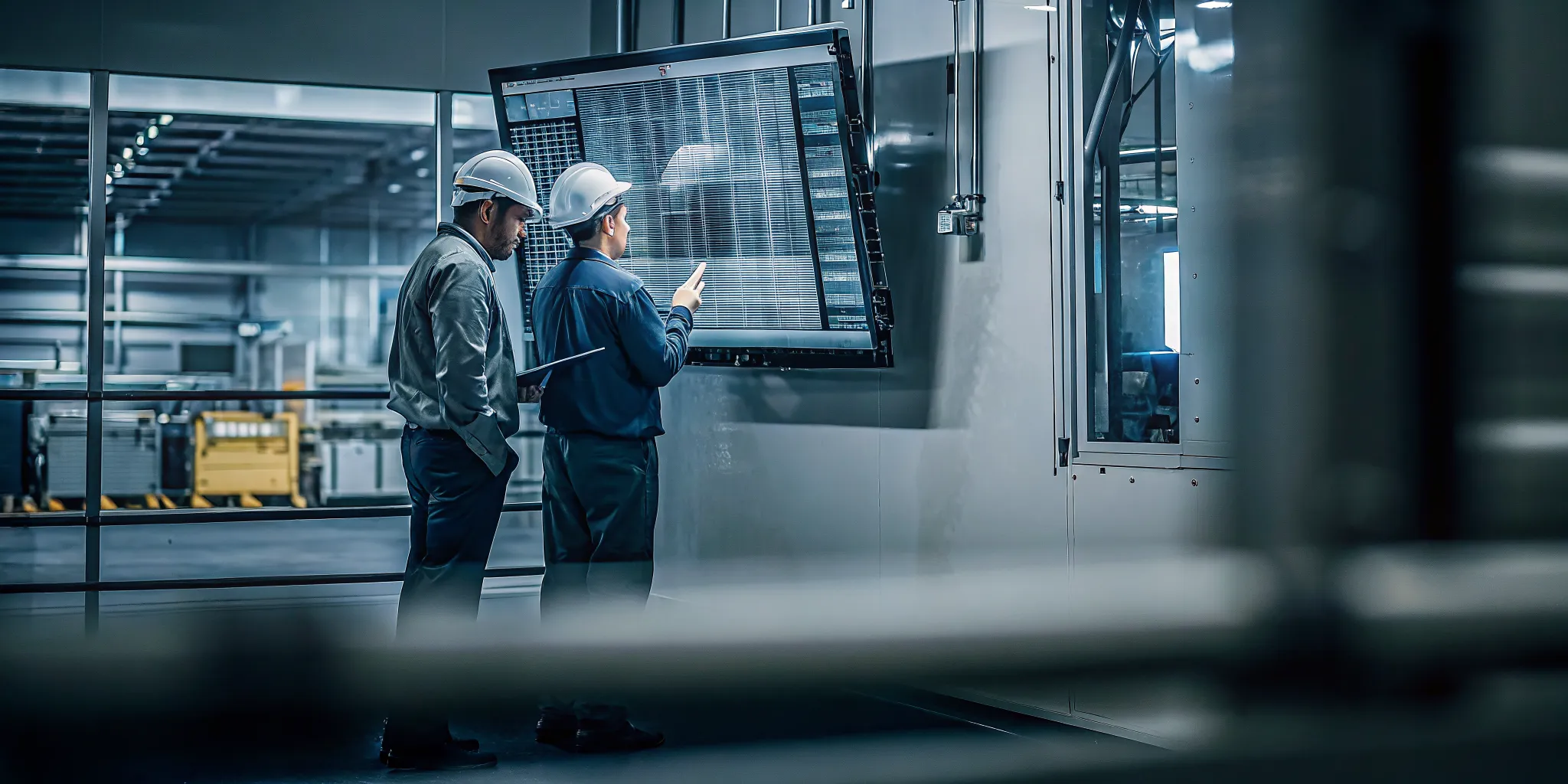
What to measure after go-live
Set a baseline before implementation, then review the same measures at regular intervals after launch. The goal is not to collect every available data point. It is to connect software activity to financial and customer outcomes that leadership already understands.
- OEE: Track equipment availability, performance, and quality using machine status, cycle time, alarm, and part-count data.
- On-time delivery: Compare promised dates with actual completion and shipment dates.
- Work in process: Watch WIP levels and aging to identify excess inventory and stalled orders.
- Changeover time: Measure setup duration and the production capacity lost between jobs.
These measures help separate a promising demo from a durable operating improvement. They also give owners a practical way to evaluate whether faster decisions, fewer disruptions, and better flow are producing the expected return.
Why mid-market manufacturers can move fast
Mid-market manufacturers do not necessarily need a multi-year transformation program. Platforms designed for smaller discrete manufacturers can be implemented in as little as six weeks, with visual interfaces that reduce dependence on dedicated IT teams. That shorter path makes it possible to start with one plant, process, or production constraint and expand after the results are visible.
The right starting point is a specific business problem, such as unreliable changeover estimates, poor visibility into machine utilization, or excess WIP. For guidance on selecting a practical starting point, see our digital transformation for small manufacturers guide. A focused rollout creates evidence for the next investment while keeping disruption manageable.
Frequently Asked Questions
What are the main types of software used in manufacturing?
Common categories include ERP for finance and supply chain, MES for shop-floor execution, APS for constraint-aware production scheduling. Machine monitoring for equipment and performance data, and digital work instructions for standardized operator guidance. CAD and CAM may support product and process preparation, but they serve a different role from execution software.
What is the difference between MES and ERP?
ERP manages business-level processes such as finance, purchasing, inventory, and supply chain planning. MES manages execution on the shop floor, including production tracking, labor, quality, and real-time operational data. The systems work together rather than compete: ERP provides business context, while MES returns production results and status.
How does machine monitoring improve shop floor efficiency?
Machine monitoring connects to equipment and captures conditions such as running, idle, down, or off status, along with part counts, cycle times, alarms, and other operating signals. That visibility helps teams identify downtime, improve OEE analysis, and make scheduling decisions using current conditions instead of delayed manual updates.
How should a manufacturer choose the best MES software?
Start with the shop-floor problems the system must solve, such as production tracking, quality records, labor capture, machine-data collection, or coordination with finite scheduling. Then test integration with your ERP, equipment, and existing workflows. A strong fit should support your production model, especially when high-mix work, shared resources, and frequent changeovers make generic workflows impractical.
Ready to Connect Your Shop Floor?
Digital manufacturing software is most valuable when it reflects your actual constraints, from changeovers and shared equipment to labor availability and production priorities. JobPack can help you assess which MES, APS, and machine monitoring capabilities fit your operation.